
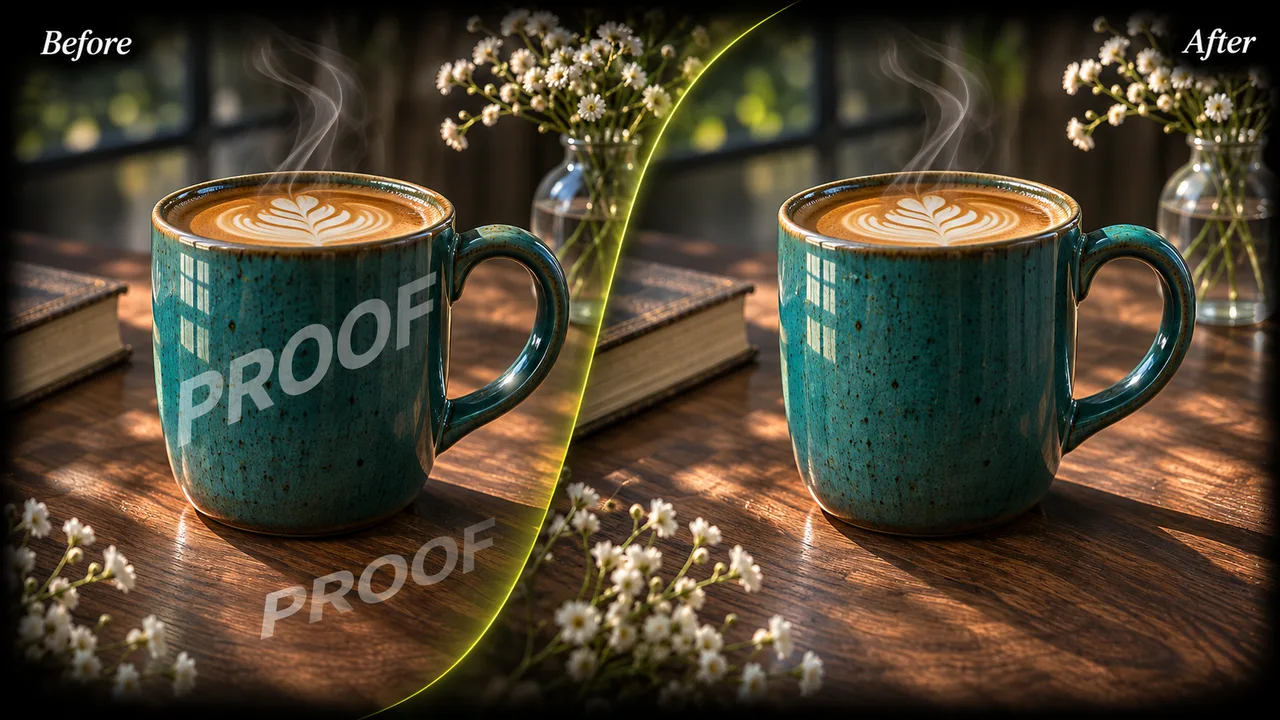
AI Smart Watermark Remover
AI Smart Watermark Remover
Enter the exact text, brush over a graphic, or describe another type of watermark. Use an image you have permission to edit.
- Bring the landscape back into view
- Show the product’s finish
- Uncover the original illustration

See what changes
Drag the divider in each example to compare the original and the result.


What you can do
Illustrative comparisons
Bring the landscape back into view
Remove the diagonal SAMPLE watermark from the sunrise shot to reveal the snowy peak beneath it. Use your own landscape photo in a portfolio.
Remove Watermark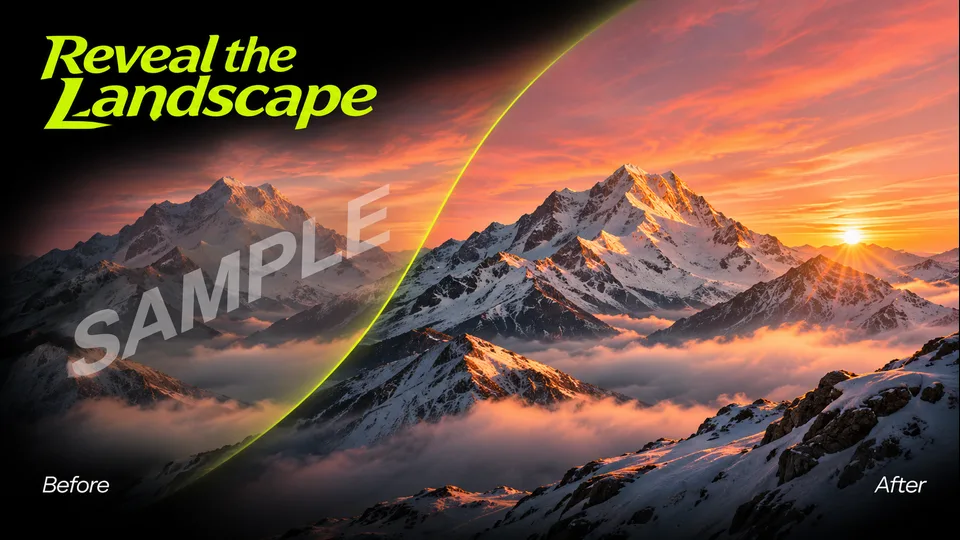
Show the product’s finish
Clear the SAMPLE watermark from the teal vase photo so its glazed curves stand out. Prepare an authorized product photo for a listing.
Remove Watermark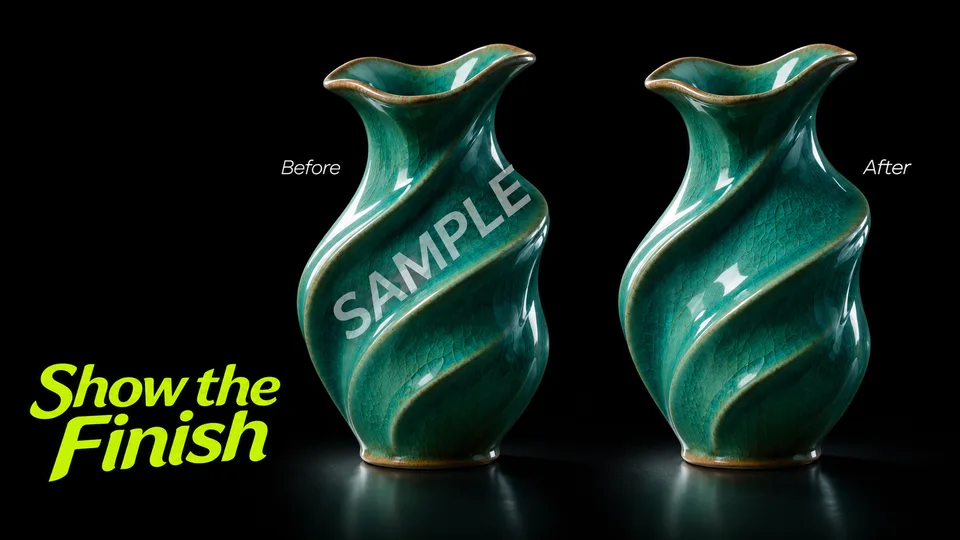
Uncover the original illustration
Remove the SAMPLE watermark from the poppy artwork to reveal the watercolor and fine linework underneath. Reuse your own illustration in a printed layout.
Remove Watermark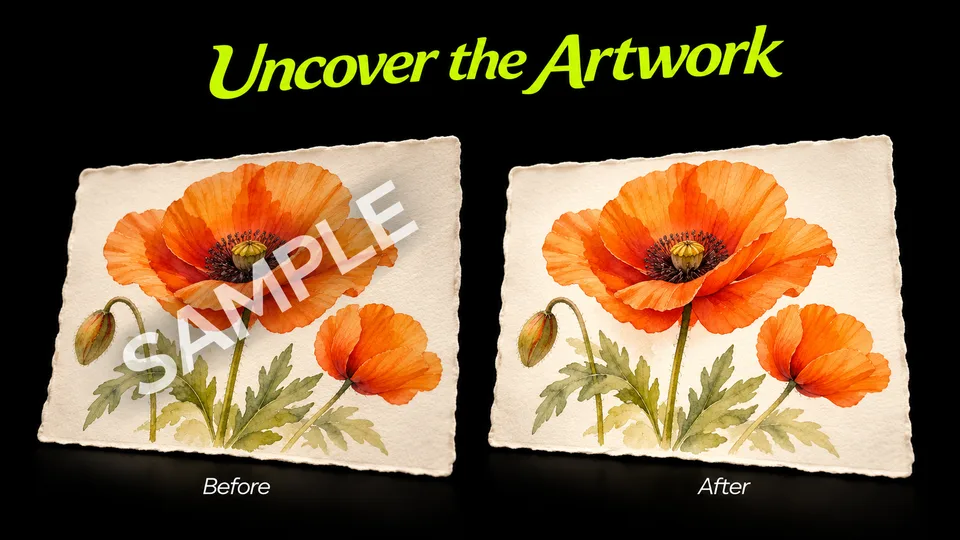
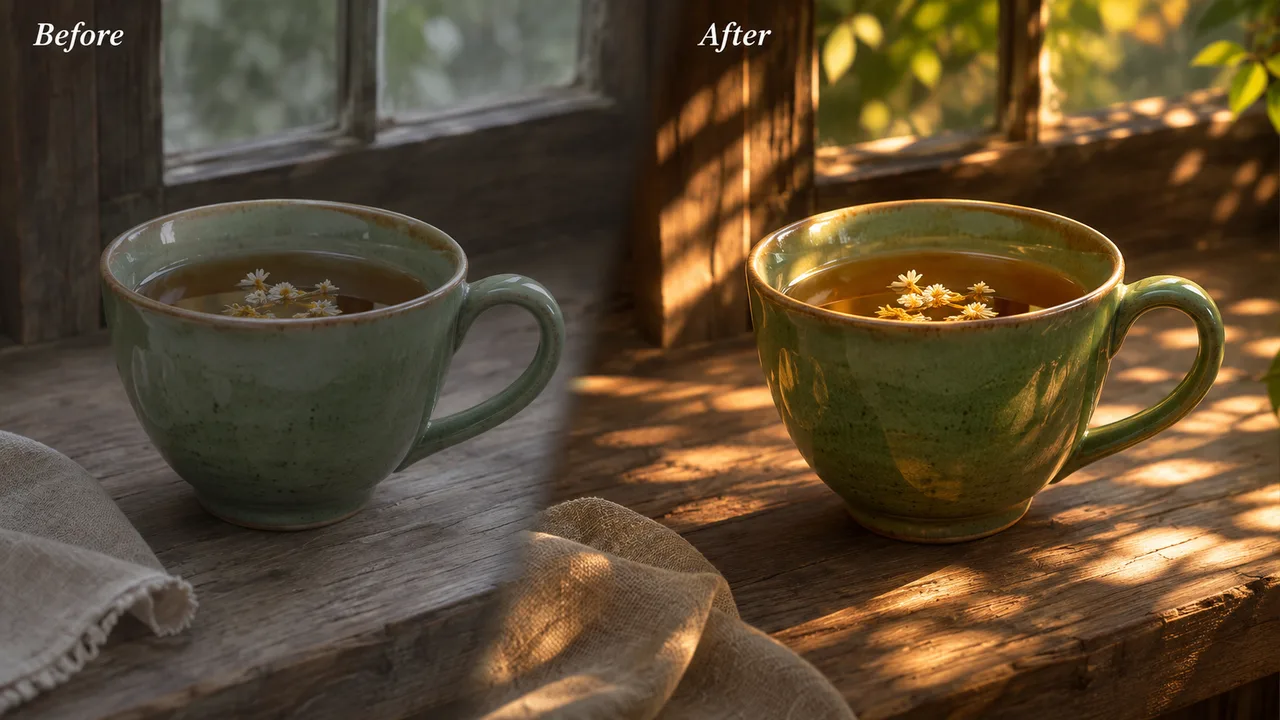
Clean up your own contact sheet
Remove a repeated proof overlay from a photo you own to reveal the ceramic cup and tabletop beneath it.
Remove Watermark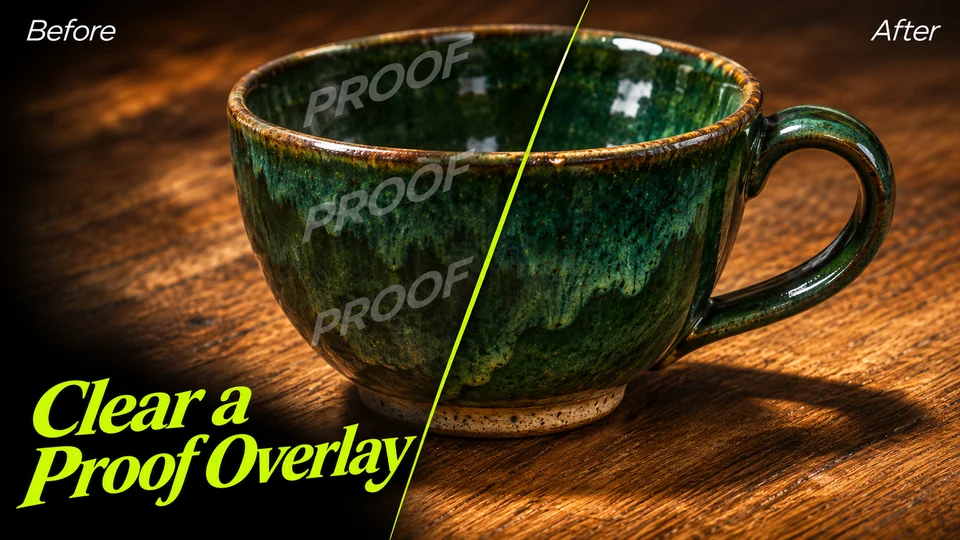
How to use this tool
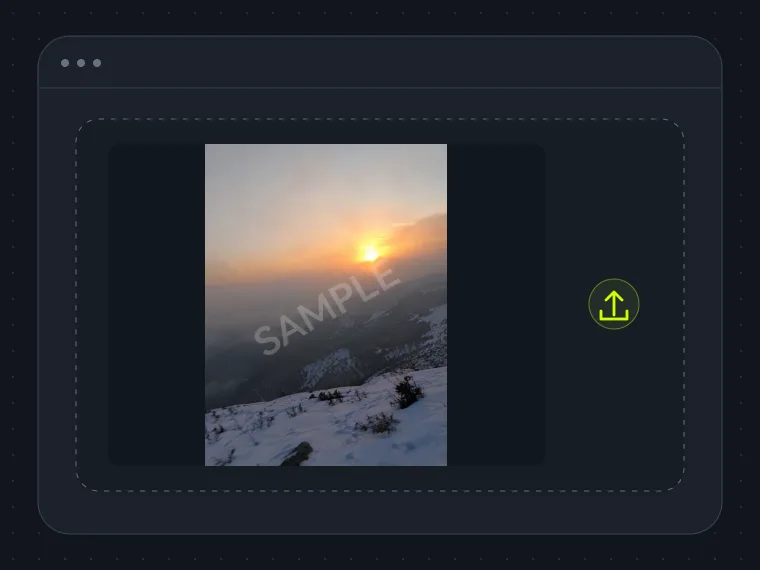
Start with an image
Choose a clear source image. Use a sample in the editor if one is available.
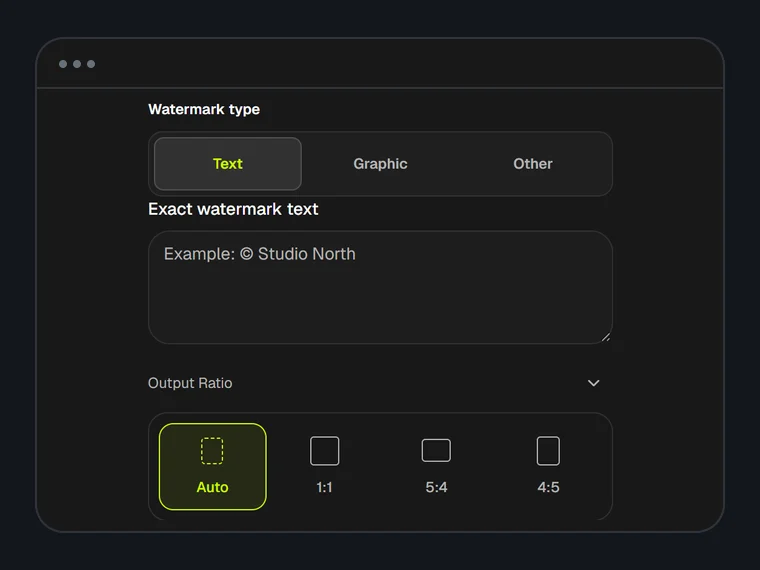
Review the settings
Select the watermark type. For text, enter the exact wording.
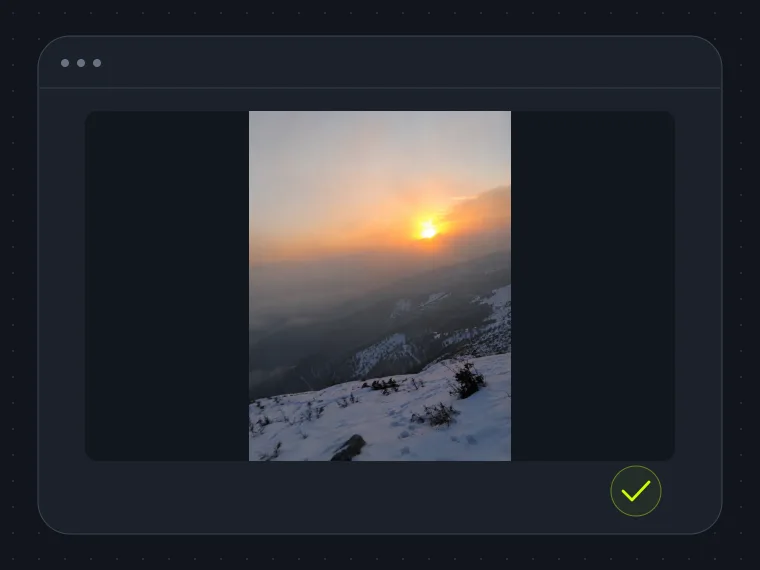
Generate and inspect
Review the result, refine your input if needed, then download your image.
Manual cleanup of your own images vs. HHGen
Manual cleanup of your own images
- Identify where the mark overlaps the image
- Sample nearby pixels and repair each area
- Keep editable layers for local revisions
- Tune each repair to the opacity of the mark
 HHGen Watermark Remover
- Upload an image you own or have permission to edit
- Let the model reconstruct the area under the mark
- Compare fine textures and translucent marks with the original
- Start with a single image you are allowed to edit
Privacy for uploads and generated images
See whether your images appear publicly and how to manage or delete them.
No automatic gallery listing
Uploads and generated images don’t automatically appear in the public gallery. Keep image URLs and share links private, as someone with a working link may be able to view the image.
Delete your uploads at any time
Uploads are stored in your assets. Sign in and open Assets → My uploads to delete them at any time.
Manage your generated images
Sign in to delete results from your assets. You can restore them from Recently Deleted while the files remain available.
FAQ
FAQ
Related AI tools
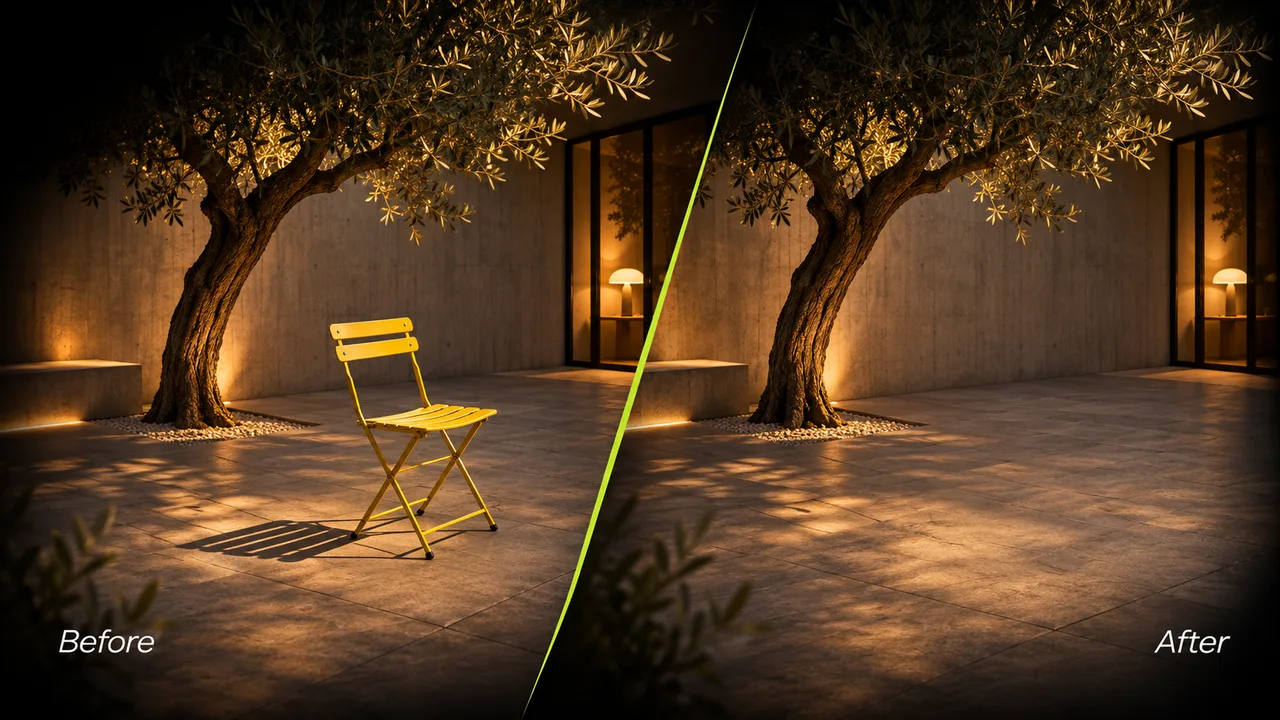
Object Eraser
Remove unwanted objects, people, text or imperfections from a photo. The model fills the selected area based on its surroundings, so results can vary.
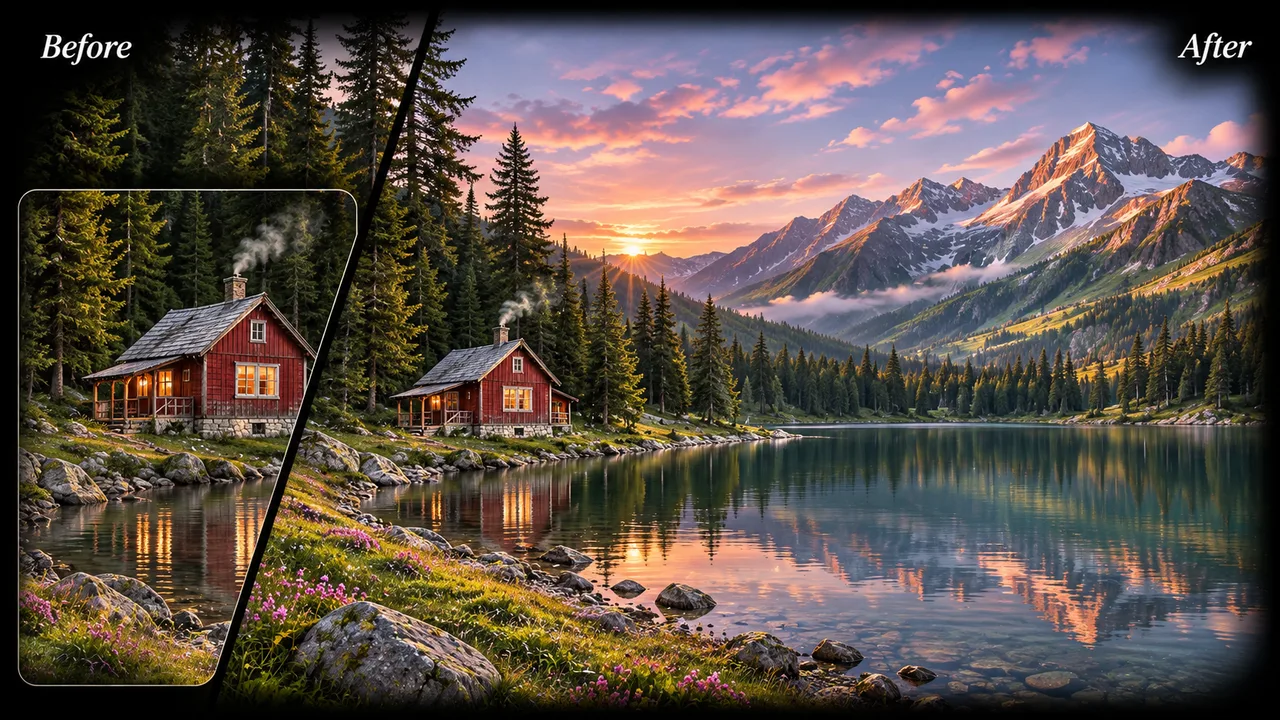
AI Outpainting
Extend the edges of an image with AI-generated content designed to blend with the original.
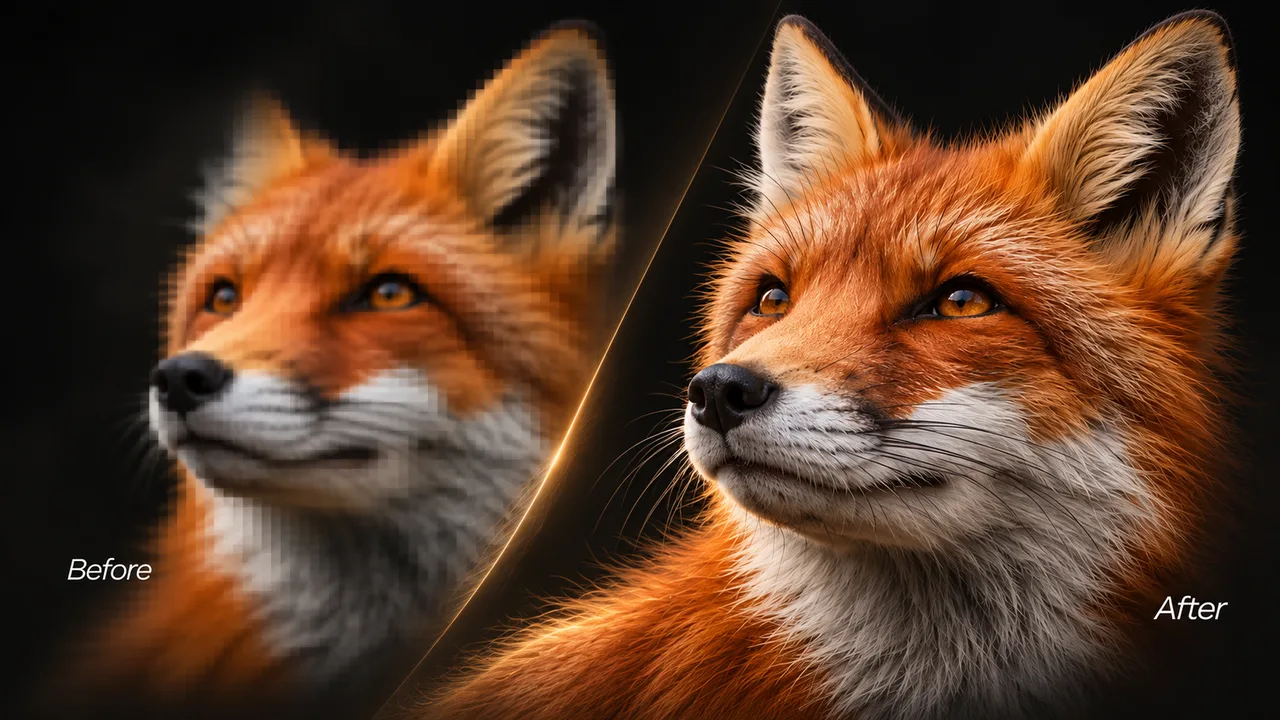
AI Image Upscaler
Use a supported model and its available output resolution to create a clearer-looking version of your image. Results depend on the model and selected options.
AI Photo Editor
Upload a photo and describe what to edit and what to keep. Download the result at its generated resolution.
AI Smart Watermark Remover
Enter the exact text, brush over a graphic, or describe another type of watermark. Use an image you have permission to edit.