
Build a character series
Keep the subject and composition direction while trying different settings or formats. Compare identity and product details.
Try this model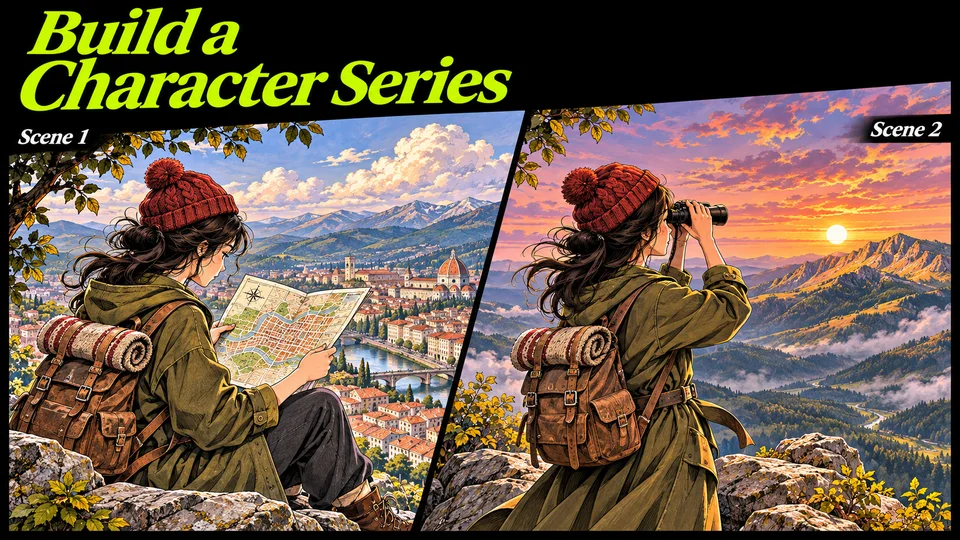
Automatic aspect ratio
The model or reference image determines the frame.
Your image will appear here
1K · Ready to generateCreate with Nano Banana 2.1 on HHGen for reference-image edits, color variations and coordinated visuals. Start from a prompt or use a reference in an available mode.
Nano Banana 2.1 is Google's efficiency-focused Gemini image model for generating images from text and editing them with reference images. Its model card highlights improvements to text within images and character and style consistency across a series of edits. Choose 1K, 2K or 4K output, use up to 10 reference images (up to 30 MB each), enter descriptions of up to 20,000 characters, and select from 15 aspect ratios. Export as JPG or PNG.
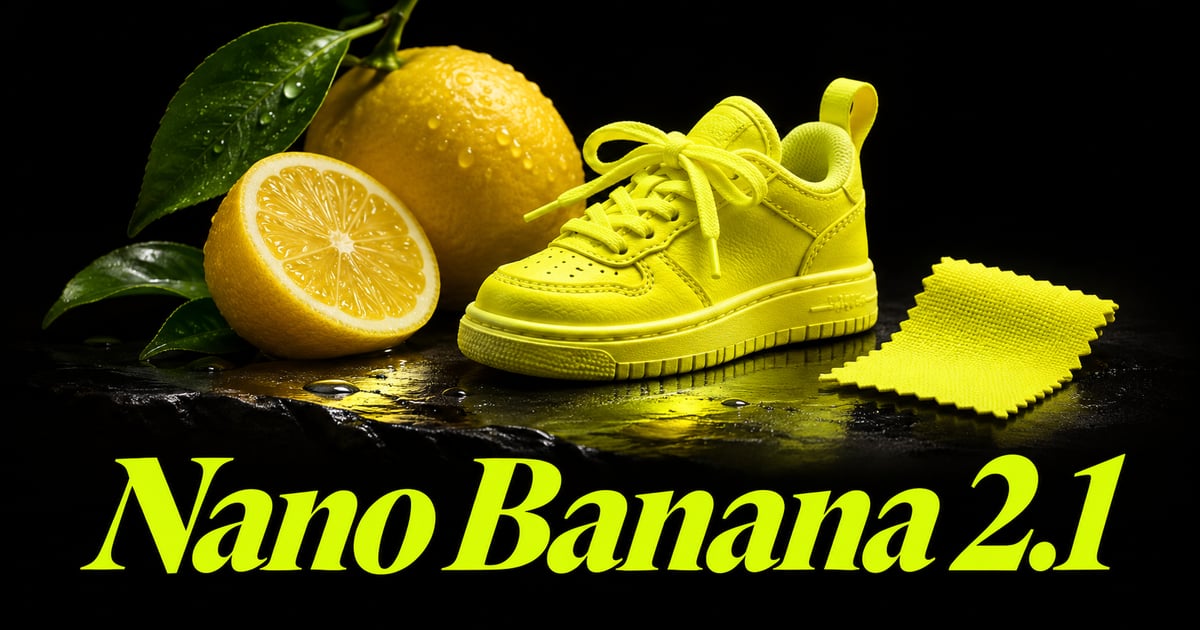

These are the options configured on HHGen. Check the generator for valid combinations and availability.
Illustrated workflow
Keep the subject and composition direction while trying different settings or formats. Compare identity and product details.
Try this modelIdentify which image supplies the subject, setting or style so the references do not compete.
When changing a background, lighting or a local color, name the objects and details that must stay.
Keep the subject and composition direction while trying different settings or formats. Compare identity and product details.
Open this page’s generator and check that Nano Banana 2.1 is selected.
Choose a supported input mode. If it uses a reference, add a clear source and decide what to keep.
Write the result you want, review the settings and credit estimate, then generate.
Illustrated workflows
Turn common failures into specific prompt instructions.
Quote the exact short text and specify placement, whitespace and type hierarchy. Check lettering before adding decoration.
Try this model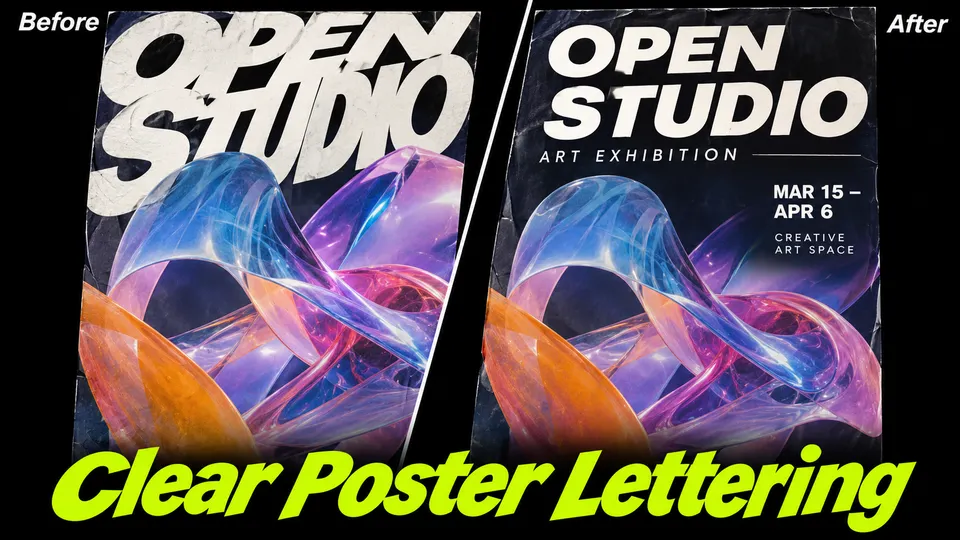
Use image editing with the same references. Name the face, outfit and markings to preserve; change only scene or pose per iteration.
Try this modelSupply a clear product reference and describe cap, label and materials separately. Raise resolution after composition works, then inspect structure.
Try this model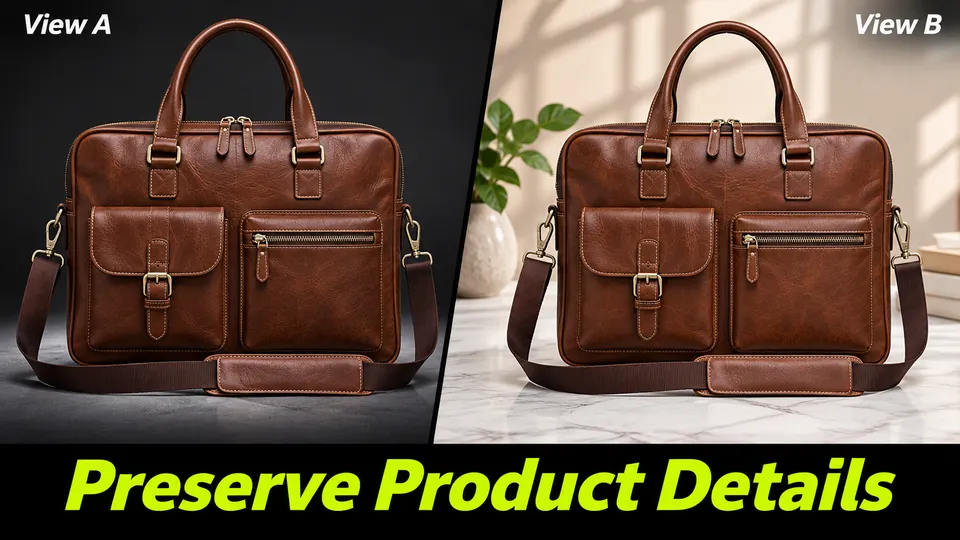
Test layout and short text at a lower resolution first. Raise output settings once the direction works and check credits before generating.
Try this model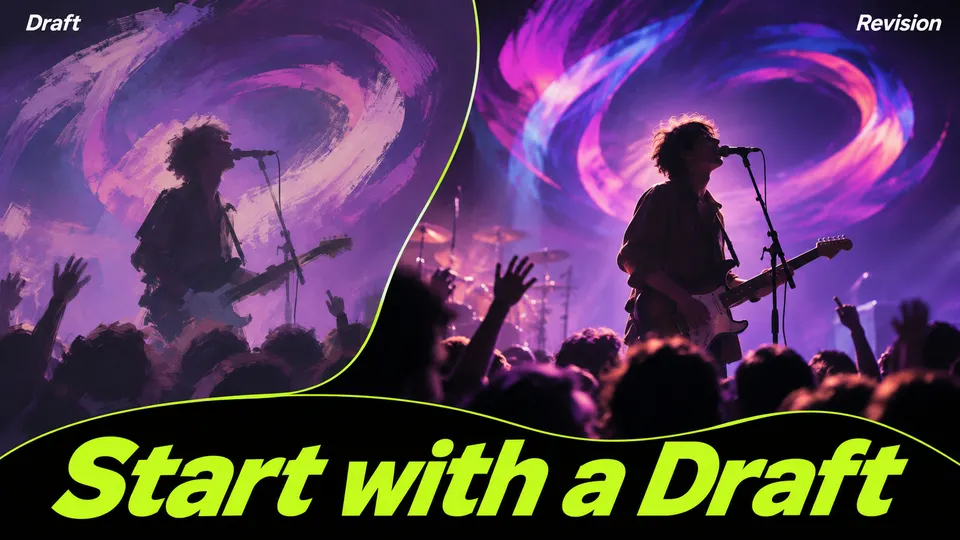
Choose by positioning, text rendering, consistency, reasoning and speed for your creative task.
CurrentNano Banana 2.1| Series versions available on this site | Nano Banana 2 | CurrentNano Banana 2.1 | Nano Banana 2 Lite | Nano Banana Pro |
|---|---|---|---|---|
| Positioning and core strengths | Previous general-purpose balance of speed and quality | Everyday generalist balancing quality and efficiency | Fast drafts and economical exploration | High fidelity and precise control for complex design |
| Image resolutions | 1K / 2K / 4K | 1K / 2K / 4K | Model default | 1K / 2K / 4K |
| Text rendering and accuracy | Everyday text and simple layouts | Improved text; check case and punctuation | Basic text; check spelling and omissions | Focus on precise text, multilingual and complex layouts |
| Subject and character consistency | Everyday subject preservation and reference edits | Focus on multi-turn and multi-character continuity | Single-image work; use care with sequential character edits | Focus on complex scenes, angles and style control |
| Reasoning and complex diagrams | Basic visual reasoning | Knowledge-informed flowcharts and infographics | Simple visual expression | Focus on dense information and structured diagrams |
| Generation speed / latency | Standard generation speed | Fast generation with iterative editing | Low-latency focus for rapid iteration | Detailed processing; allow more generation time |
| Recommended uses | Existing workflows and everyday illustrations | Everyday visuals, local edits and character series | Concept batches, social images and UI drafts | Brand packaging, complex posters, mockups and final assets |
Capabilities and use cases summarize the selection brief. Highlights indicate focus, not benchmark scores. Resolutions follow this site’s settings; review text, identities and charts in the results.
Make each revision purposeful instead of repeating the same experiment.
Separate headline and body instructions and use clear quotation marks. Simplify layouts when spelling fails; proofread final copy.
Use clear, compatible reference images. Specify what stays and what changes; inspect faces, accessories, logos and edges.
Use the generator for ratio and resolution, not --ar or “8K” text. Photography, 3D and watercolor are prompt descriptions; this interface has no Seed, CFG or brush editing.
Understand the model, input boundaries and actual controls.
Nano Banana 2.1 supports text-led creation and reference edits. The specification panel describes this site’s integration, not every possible model tool.
Use photos and product assets you are authorized to process and avoid unnecessary sensitive information. Check portrait, trademark and publication rights.
Formats, file limits and reference counts follow the generator. Check settings and credits before submission; consult privacy and service terms for data handling and boundaries.
Model choice, text, editing, output and usage rights.

