
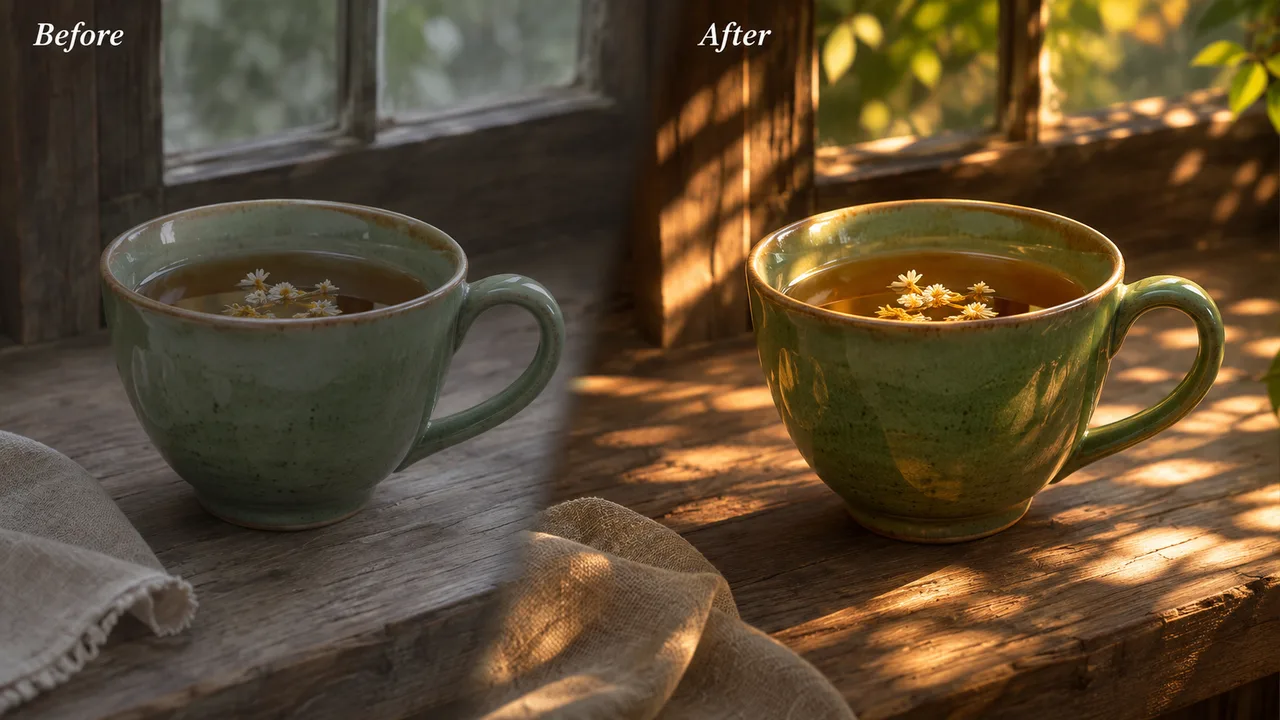
AI Photo Editor for Quick Edits and Background Cleanup
AI Photo Editor for Quick Edits and Background Cleanup
Upload a photo and describe what to edit and what to keep. Download the result at its generated resolution.

How to use this tool

Start with an image
Choose a clear source image. Use a sample in the editor if one is available.

Review the settings
Adjust the available options and check the credit cost shown before generating.

Generate and inspect
Review the result, refine your input if needed, then download your image.
Privacy for uploads and generated images
See whether your images appear publicly and how to manage or delete them.
No automatic gallery listing
Uploads and generated images don’t automatically appear in the public gallery. Keep image URLs and share links private, as someone with a working link may be able to view the image.
Delete your uploads at any time
Uploads are stored in your assets. Sign in and open Assets → My uploads to delete them at any time.
Manage your generated images
Sign in to delete results from your assets. You can restore them from Recently Deleted while the files remain available.
FAQ
Frequently asked questions
Related AI tools
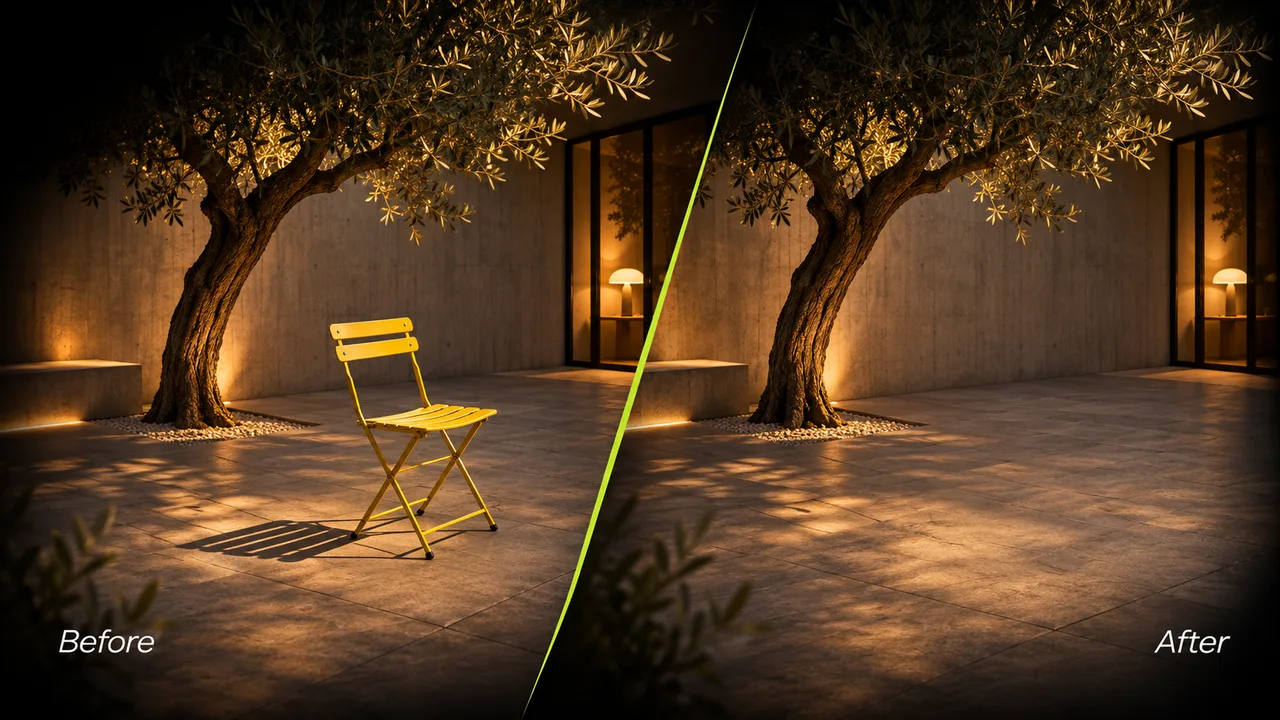
Object Eraser
Remove unwanted objects, people, text or imperfections from a photo. The model fills the selected area based on its surroundings, so results can vary.
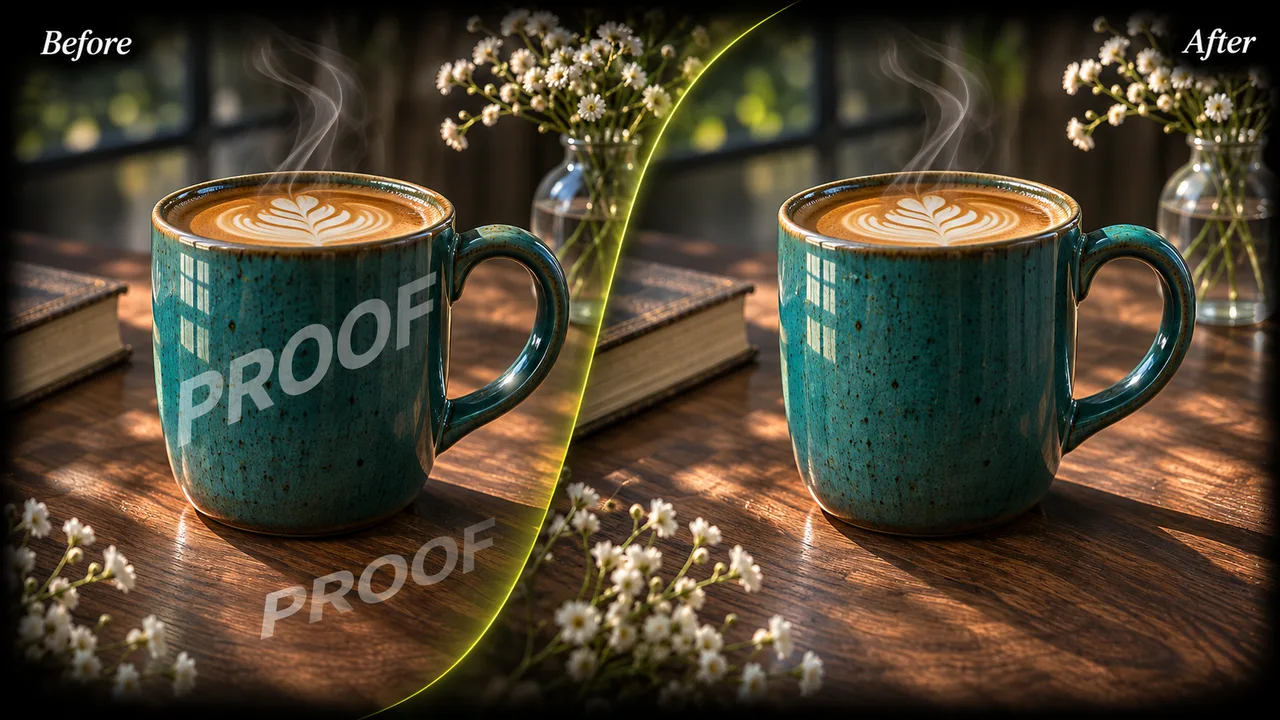
Watermark Remover
Use AI to remove watermarks, logos or other unwanted elements from an image. Only edit images you have permission to modify.
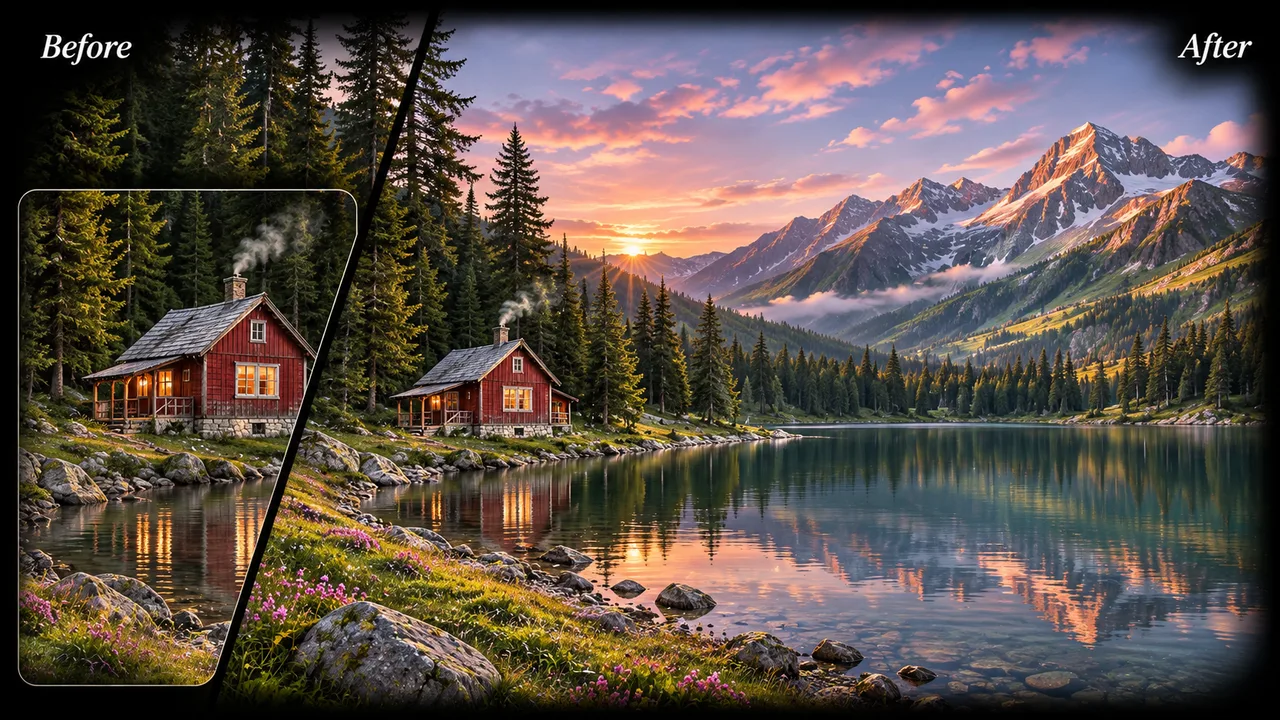
AI Outpainting
Extend the edges of an image with AI-generated content designed to blend with the original.
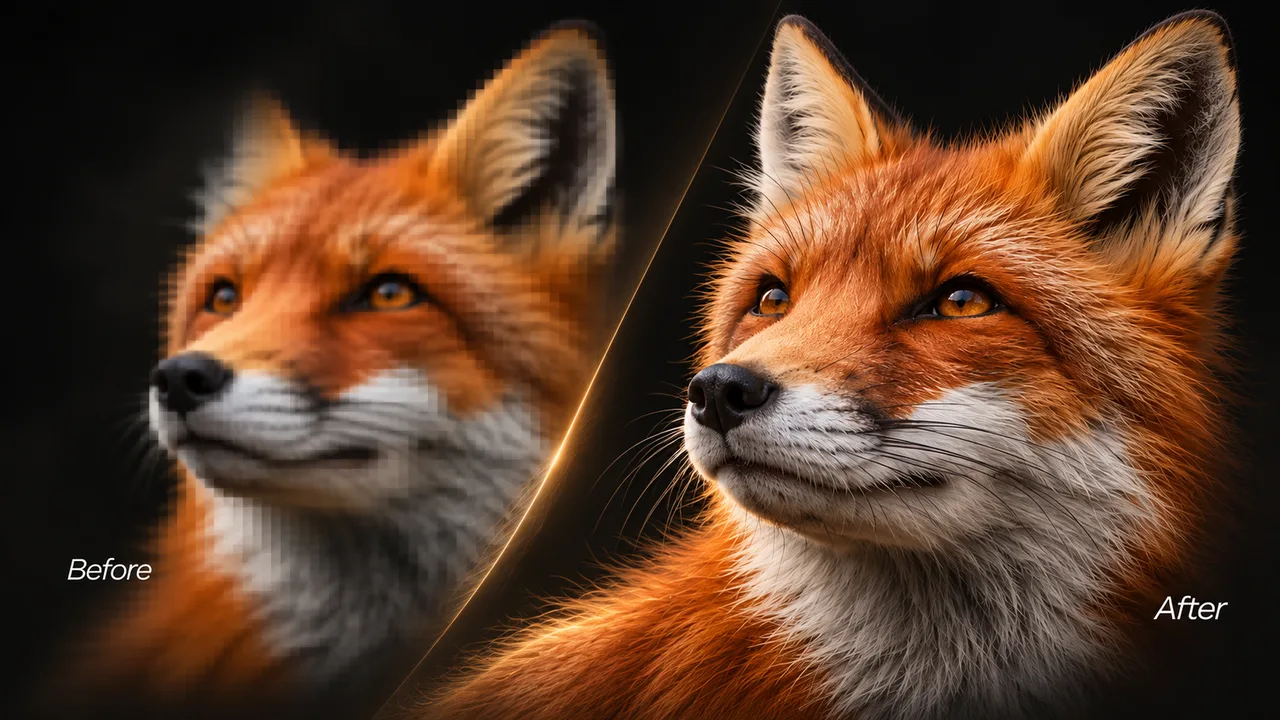
AI Image Upscaler
Use a supported model and its available output resolution to create a clearer-looking version of your image. Results depend on the model and selected options.
AI Photo Editor for Quick Edits and Background Cleanup
Upload a photo and describe what to edit and what to keep. Download the result at its generated resolution.