
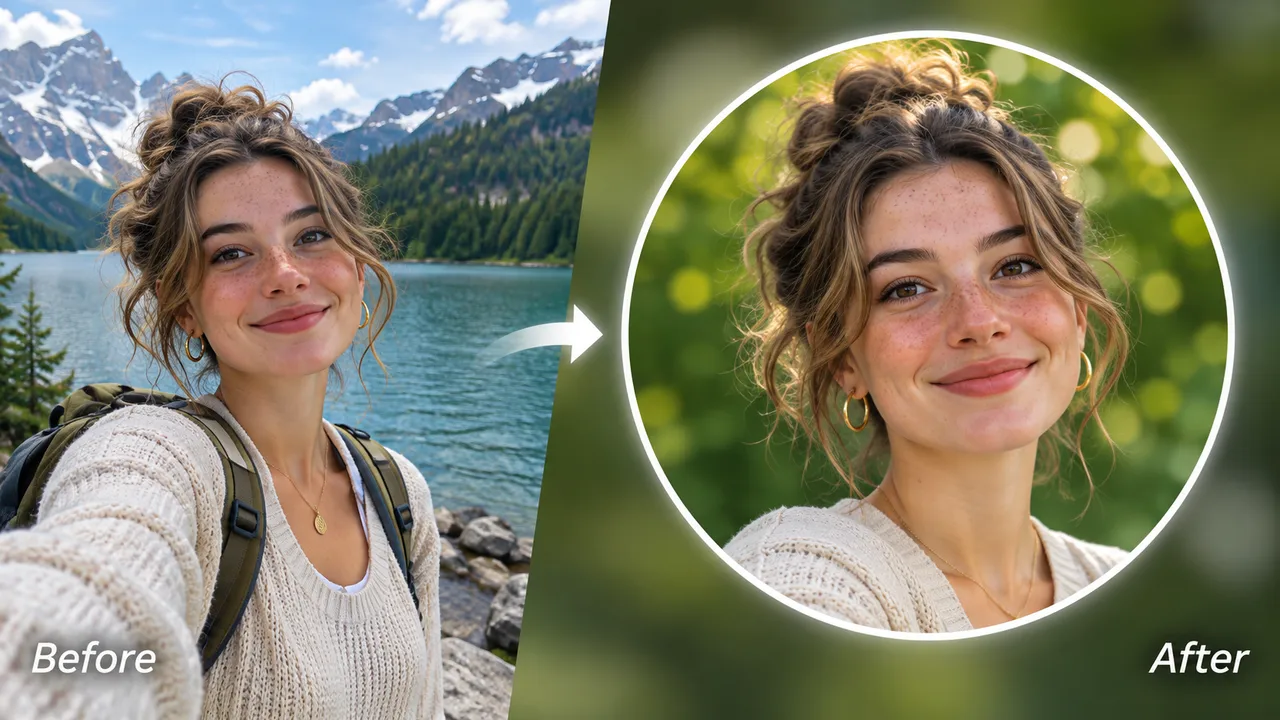
Profile Picture Maker
Profile Picture Maker
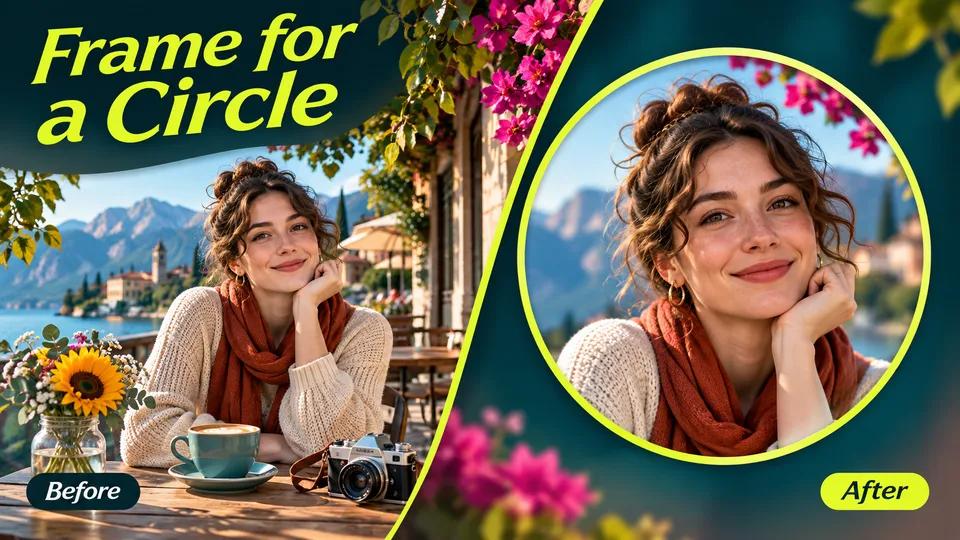
Turn a clear portrait into a square avatar with a clean background. Keep the face centered so it stays visible in a circular crop.
- Polish a profile portrait
- Frame for a circle
- Choose a look for your profile

See what changes
Drag the divider in each example to compare the original and the result.


What you can do
Illustrative comparisons
Polish a profile portrait
Specify the light and background while preserving recognizable facial features.
Generate image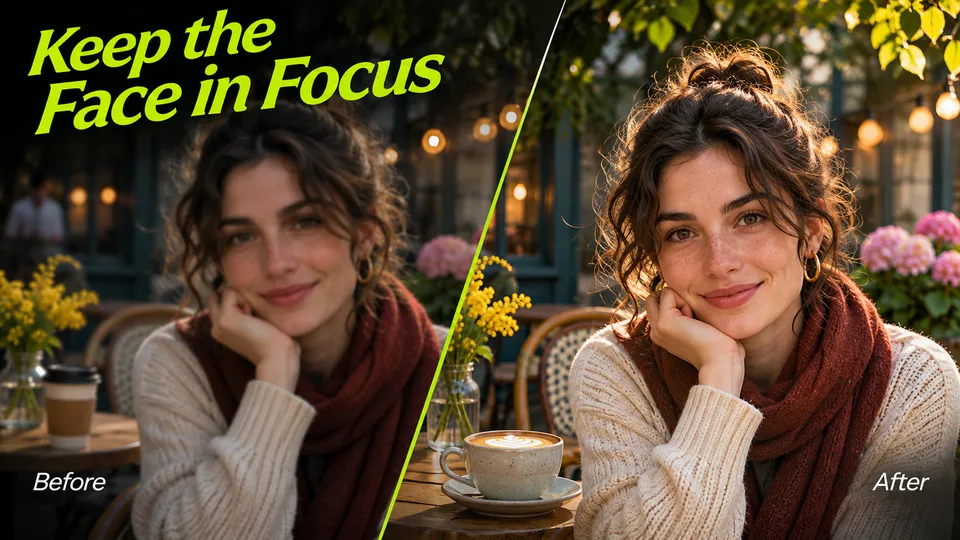
Choose a look for your profile
Try a studio headshot, a colorful creator avatar, or an illustration.
Generate image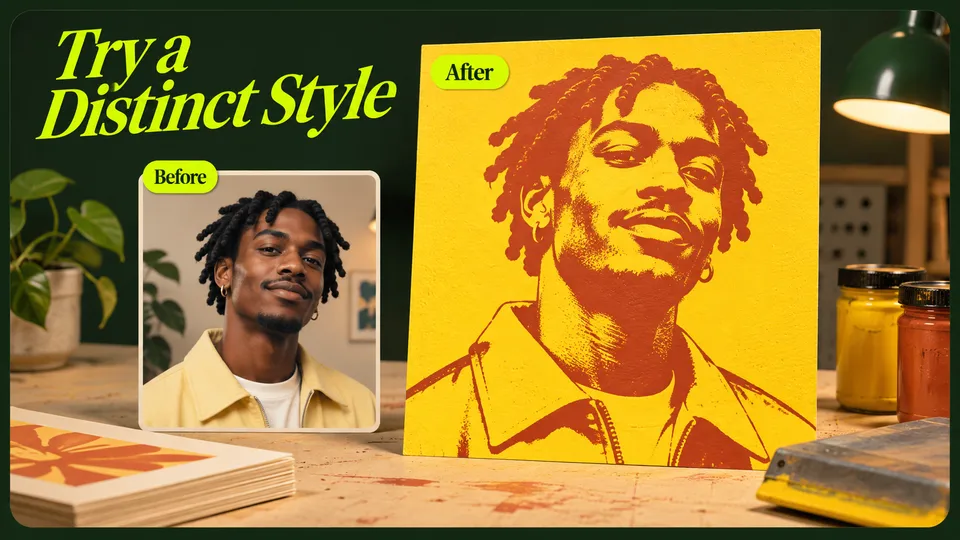
How to use this tool
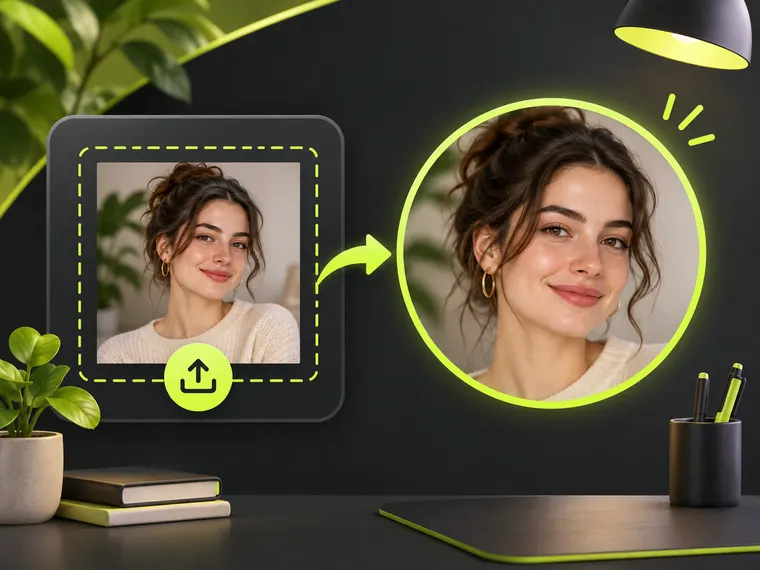
Add a reference image
Upload a sharp portrait with the head and shoulders visible.
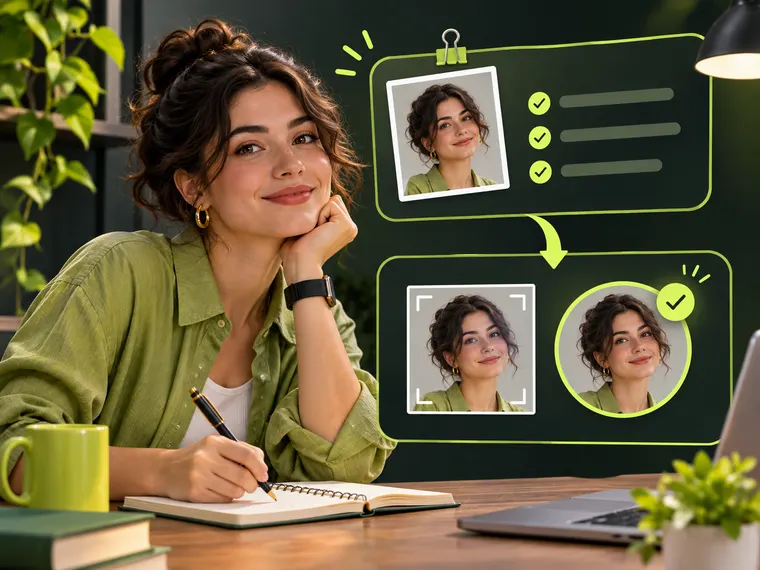
Review the prompt and settings
Choose a square ratio and describe the lighting, background and facial details to keep.
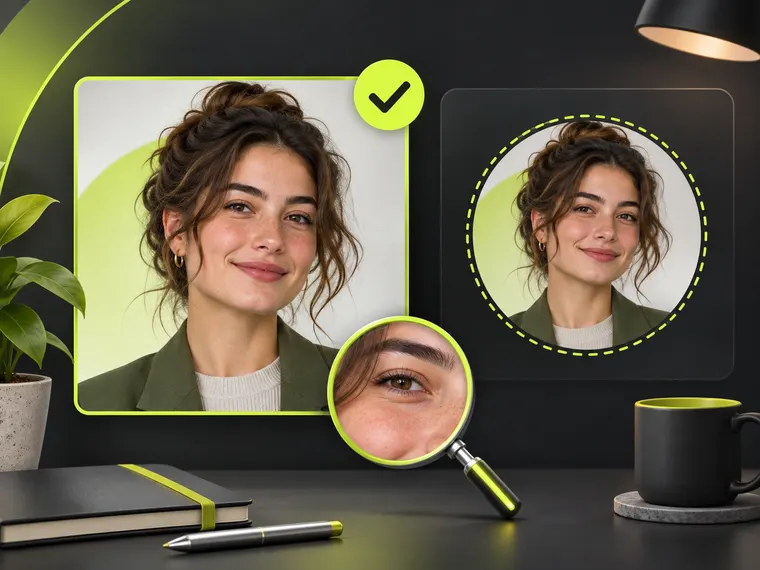
Preview and save
Preview it at icon size and check that a circle crop leaves enough space around the face.
Manual workflow vs. HHGen
Manual workflow
- Prepare the source material or write a brief
- Build and refine the result in an editor
- Check the final version and export it
 HHGen · Profile Picture Maker
- Add a reference image
- Review the prompt and settings
- Preview and save
Privacy for uploads and generated images
See whether your images appear publicly and how to manage or delete them.
No automatic gallery listing
Uploads and generated images don’t automatically appear in the public gallery. Keep image URLs and share links private, as someone with a working link may be able to view the image.
Delete your uploads at any time
Uploads are stored in your assets. Sign in and open Assets → My uploads to delete them at any time.
Manage your generated images
Sign in to delete results from your assets. You can restore them from Recently Deleted while the files remain available.
FAQ
Frequently asked questions
Related AI tools
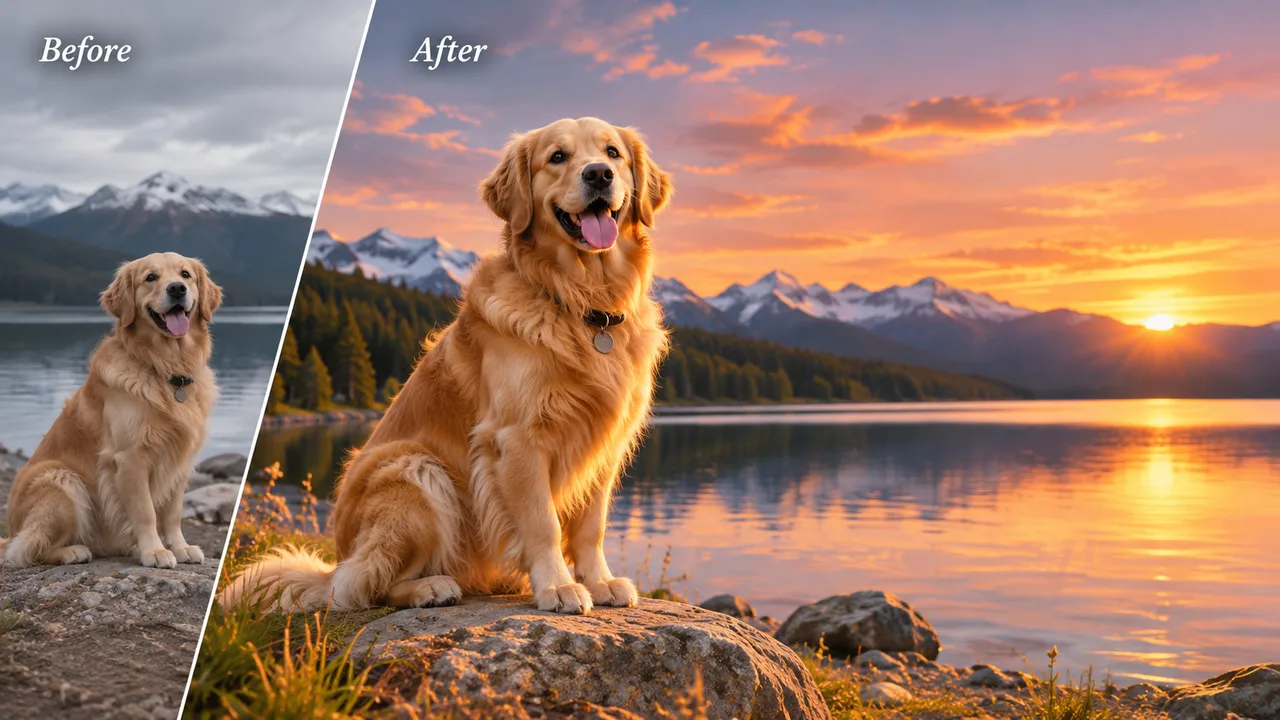
Banner Maker
Upload a reference image, describe the banner and any wording, then choose a wide output ratio.
Thumbnail Maker
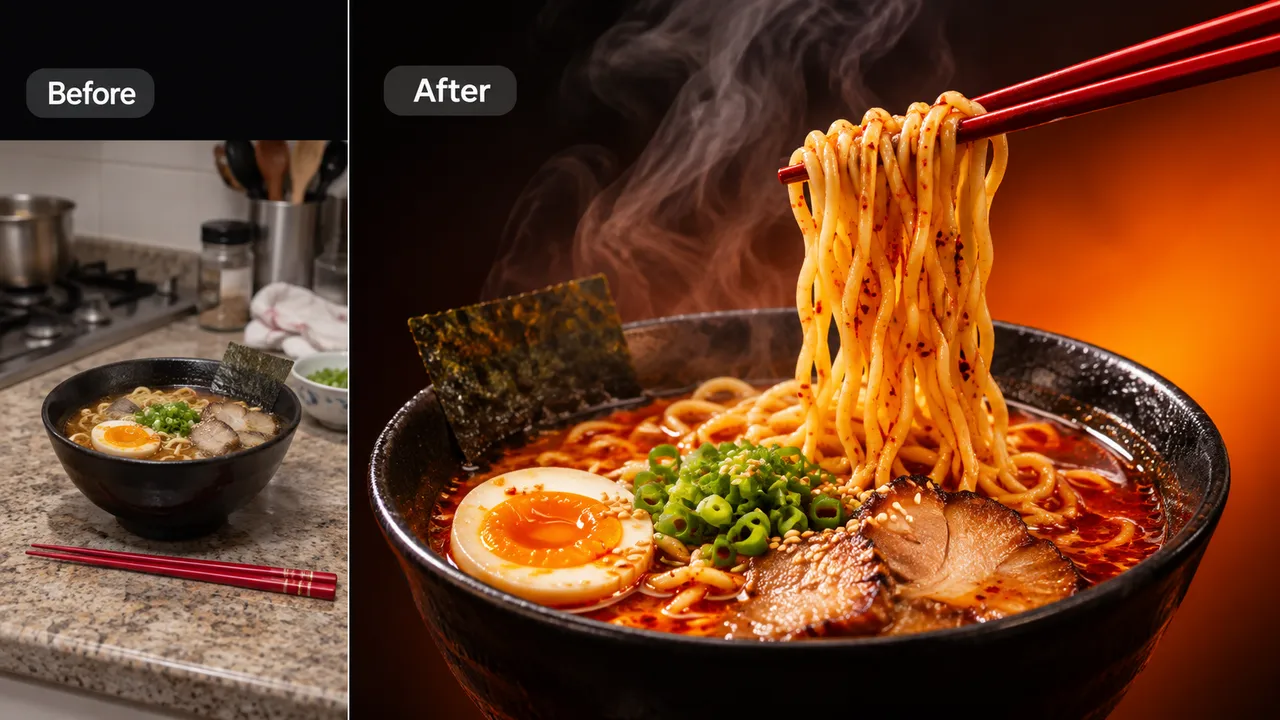
Upload a reference photo, include your headline in the prompt, and select a 16:9 output when available.
AI Photo Editor
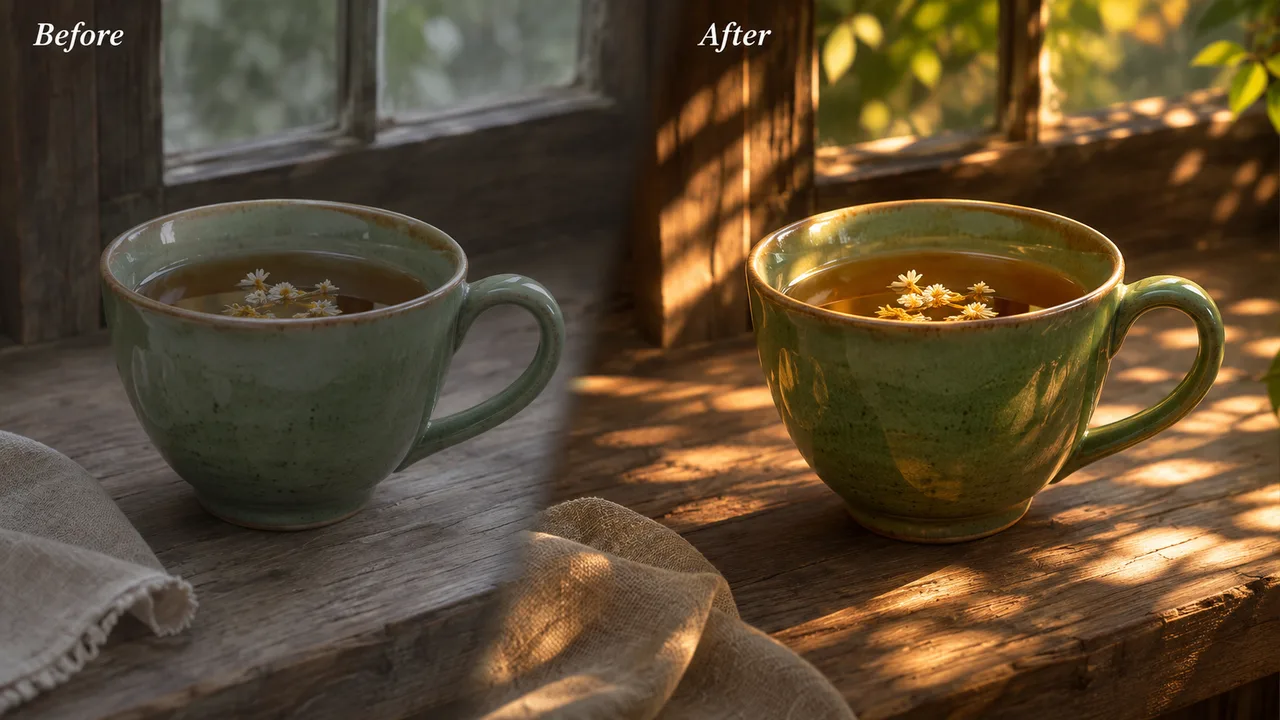
Upload a photo and describe what to edit and what to keep. Download the result at its generated resolution.
Profile Picture Maker
Turn a clear portrait into a square avatar with a clean background. Keep the face centered so it stays visible in a circular crop.