

AI Gender Swap
AI Gender Swap
Choose a feminine or masculine appearance and compare the face and expression with the original.
- Try a new look for a profile portrait
- Explore a masculine style from one portrait
- Test a character concept in warm light

See what changes
Drag the divider in each example to compare the original and the result.


What you can do
Illustrative comparisons
Try a new look for a profile portrait
Compare a more feminine presentation with the original black leather jacket and warm gray studio setting.
Swap Gender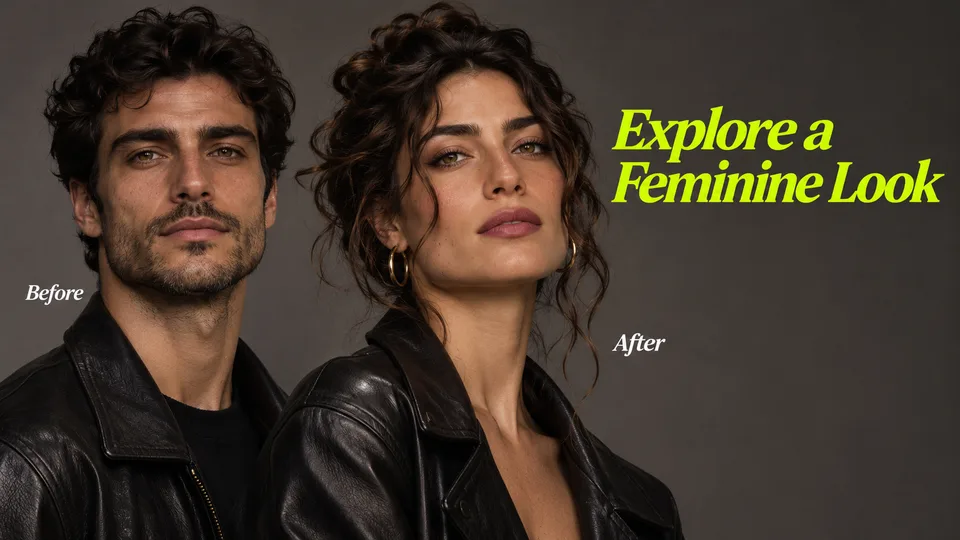
Explore a masculine style from one portrait
Use a denim portrait as the starting point for a more masculine presentation and compare the look side by side.
Swap Gender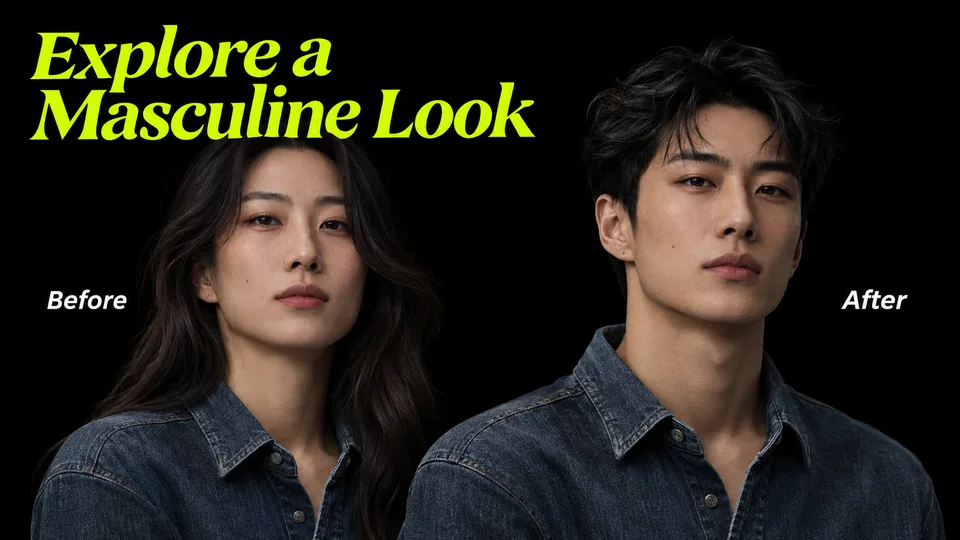
Test a character concept in warm light
See how a more feminine look reads with the same olive knit and terracotta backdrop.
Swap Gender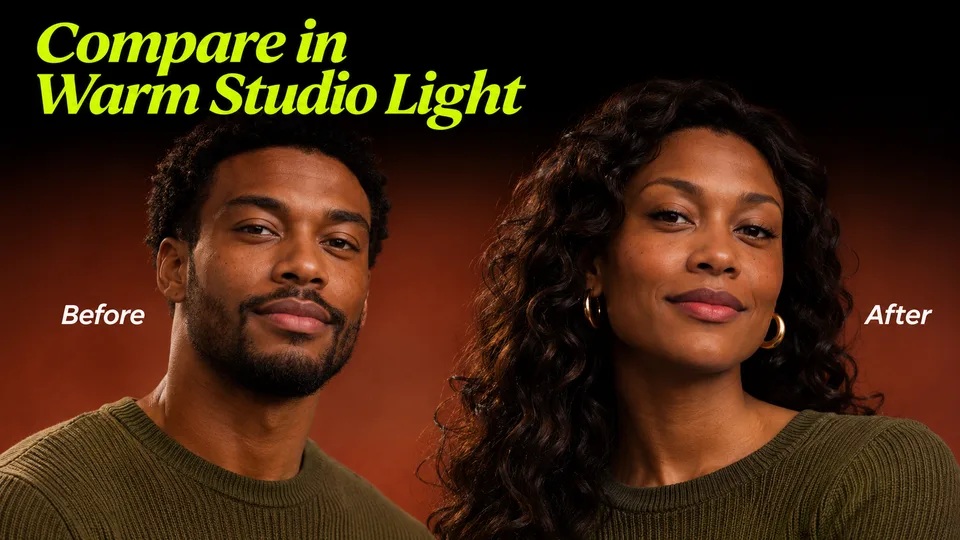
Try a new look in a candid photo
Explore a different gender presentation in a café photo while keeping its angle and lighting.
Swap Gender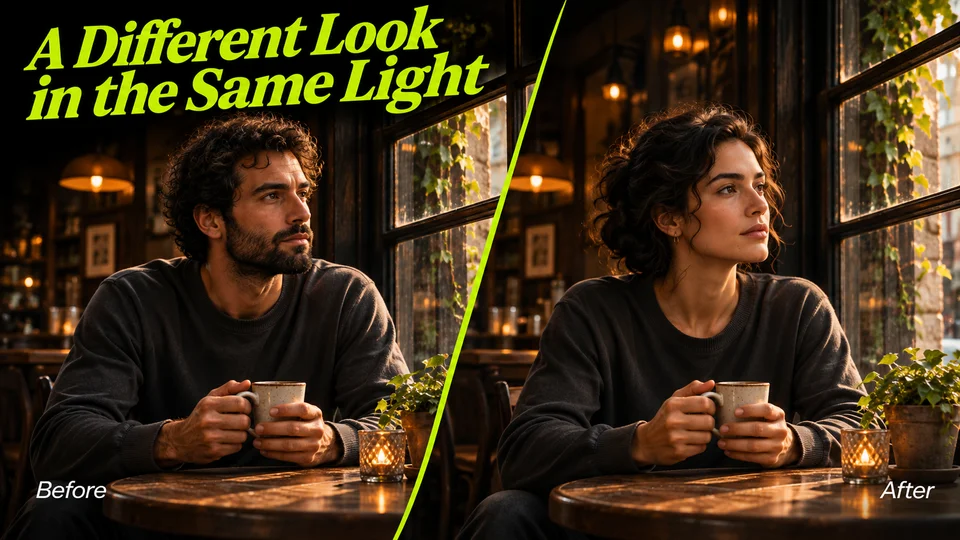
How to use this tool
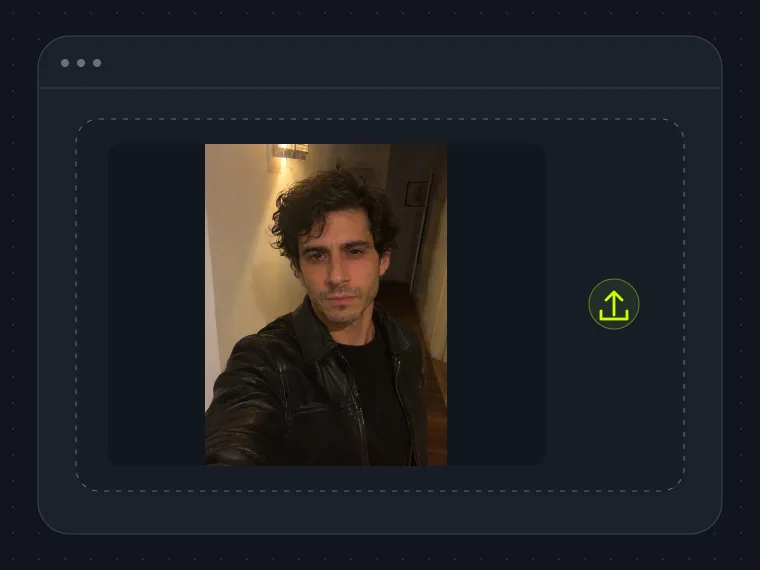
Start with an image
Choose a clear source image. Use a sample in the editor if one is available.
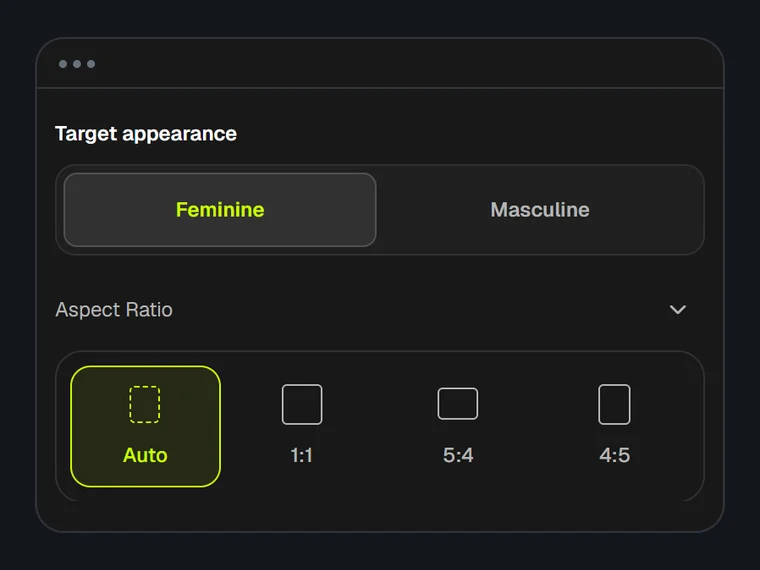
Review the settings
Choose a feminine or masculine appearance and set the aspect ratio.
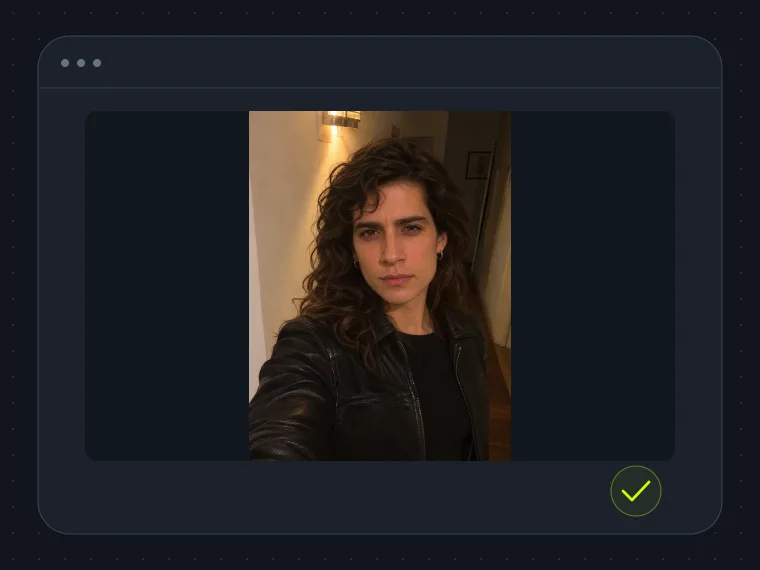
Generate and inspect
Review the result, refine your input if needed, then download your image.
Manual portrait compositing vs. HHGen
Manual portrait compositing
- Gather reference material and the original photo
- Align facial features and match shadows and skin tones
- Control which details change
- Use masks to limit the retouching area
 HHGen Gender Swap
- Start with a photo of one person
- Choose the presentation you want to explore
- Compare the facial features and expression with the original
- Check the hairline, glasses and accessories for changes
Privacy for uploads and generated images
See whether your images appear publicly and how to manage or delete them.
No automatic gallery listing
Uploads and generated images don’t automatically appear in the public gallery. Keep image URLs and share links private, as someone with a working link may be able to view the image.
Delete your uploads at any time
Uploads are stored in your assets. Sign in and open Assets → My uploads to delete them at any time.
Manage your generated images
Sign in to delete results from your assets. You can restore them from Recently Deleted while the files remain available.
FAQ
FAQ
Related AI tools
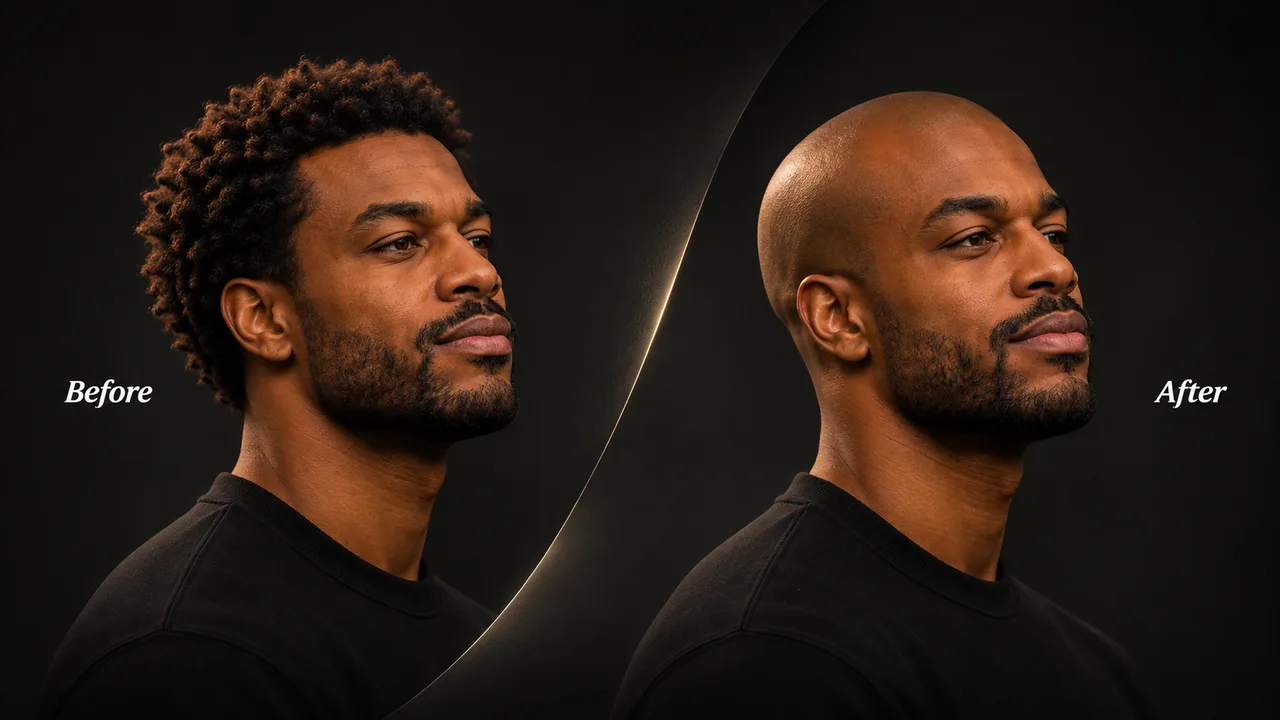
Bald Filter
See what you'd look like bald with AI. Photorealistic hair removal that maps your head shape and skin tone.
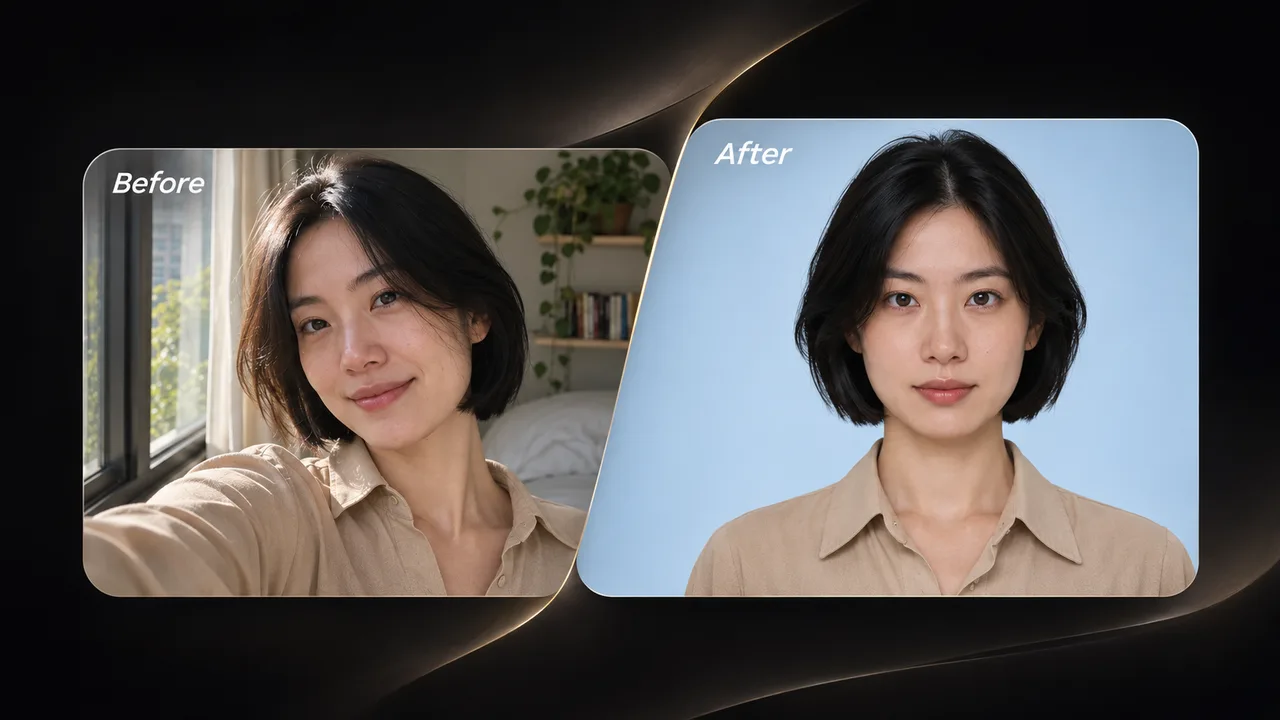
AI ID Photo
Create an ID-style photo with an adjusted background and light skin retouching. Check the image against the requirements of the organisation requesting it.
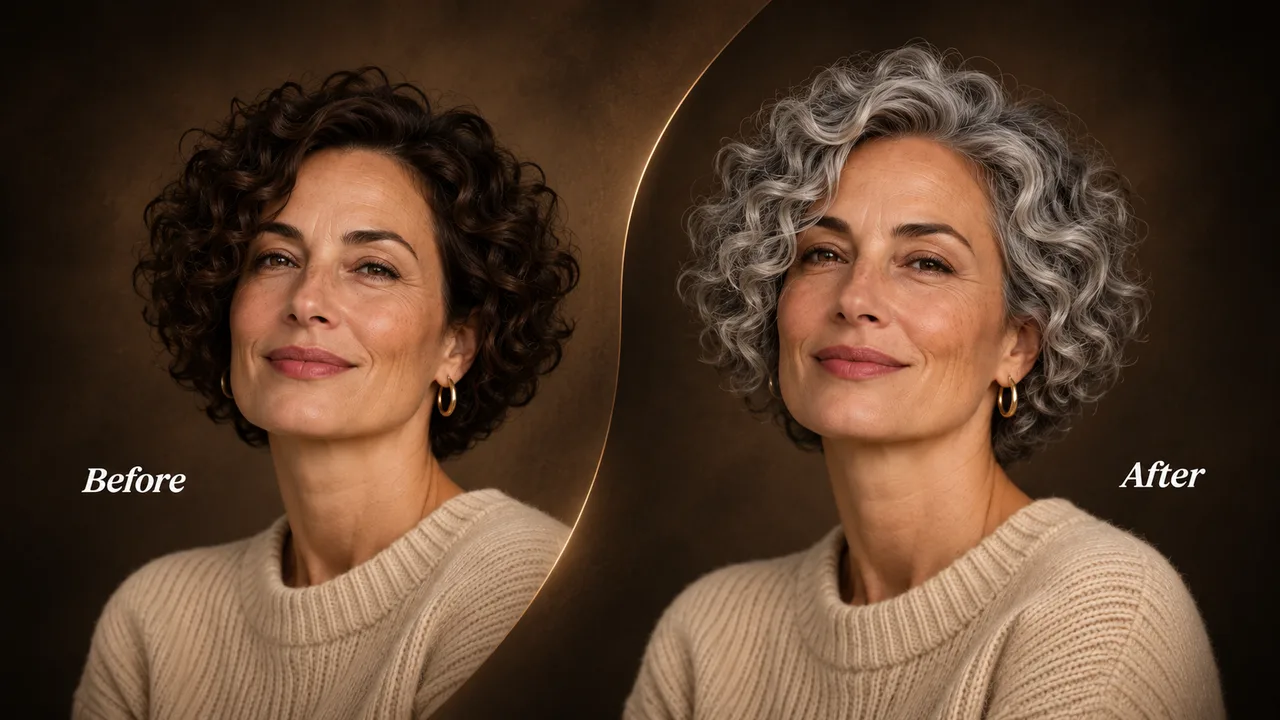
Grey Hair Filter
See yourself with grey, silver, or white hair. Try different shades with photorealistic AI hair color change.
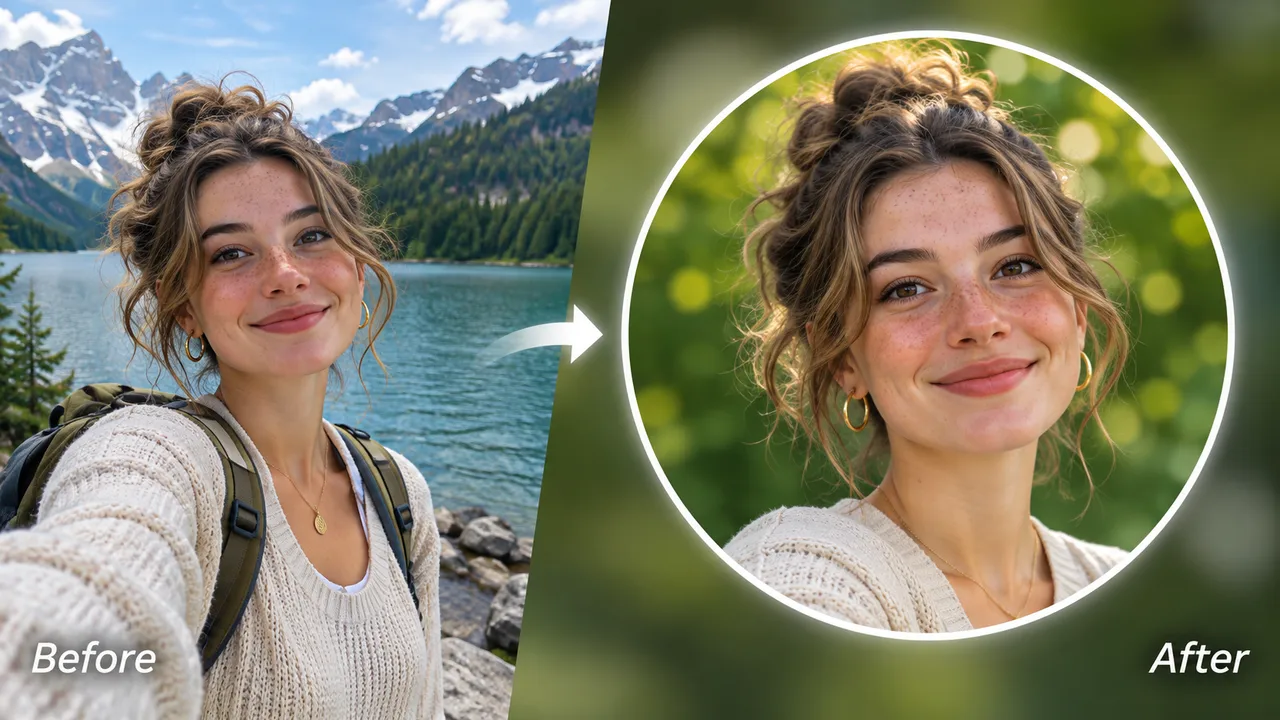
Profile Picture Maker
Upload a portrait, describe the look you want, and choose a square output for a profile picture.
AI Gender Swap
Choose a feminine or masculine appearance and compare the face and expression with the original.