
AI Image to Line Art
AI Image to Line Art
Turn a clear photo or illustration into a line drawing. Request clean outlines, fine detail or closed areas for colouring. Check for broken contours and missing details before colouring or printing.
- Start an illustration from a product photo
- Study the structure of a plant
- Make a detailed outline for coloring

See what changes
Drag the divider in each example to compare the original and the result.


What you can do
Illustrative comparisons
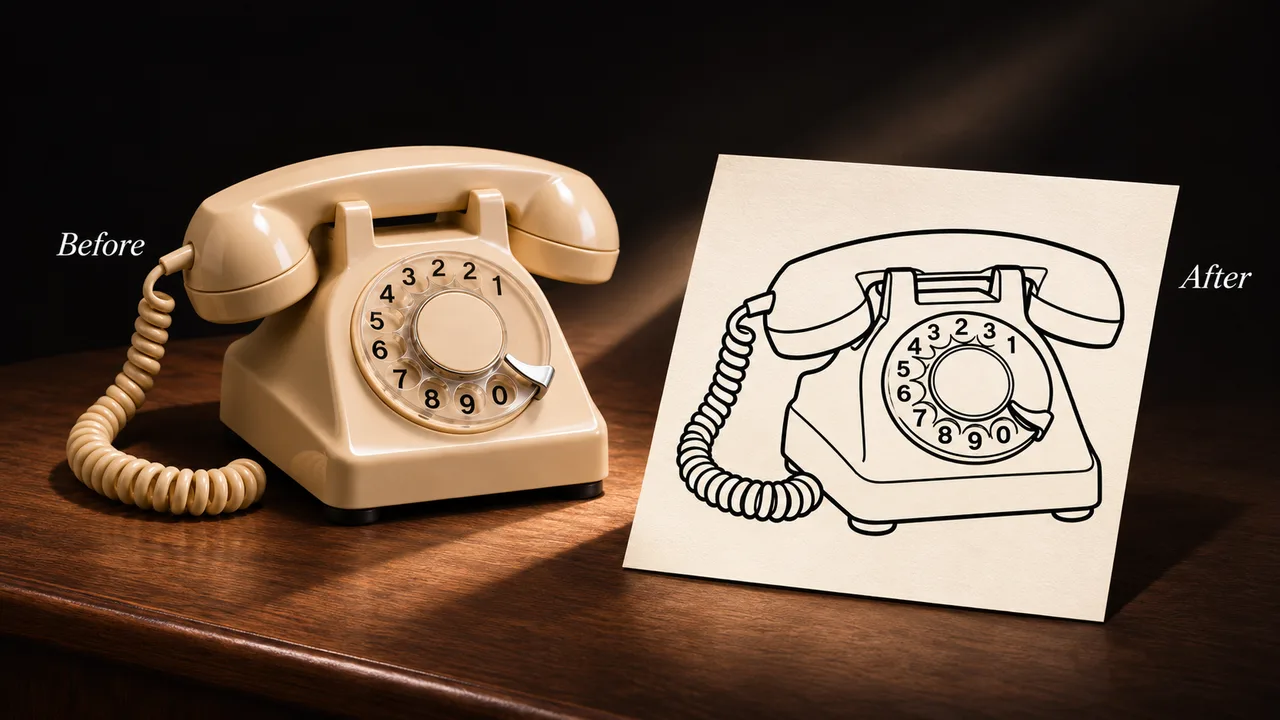
Start an illustration from a product photo
The rotary phone becomes a contour drawing with a recognizable dial and coiled cord.
Create Line Art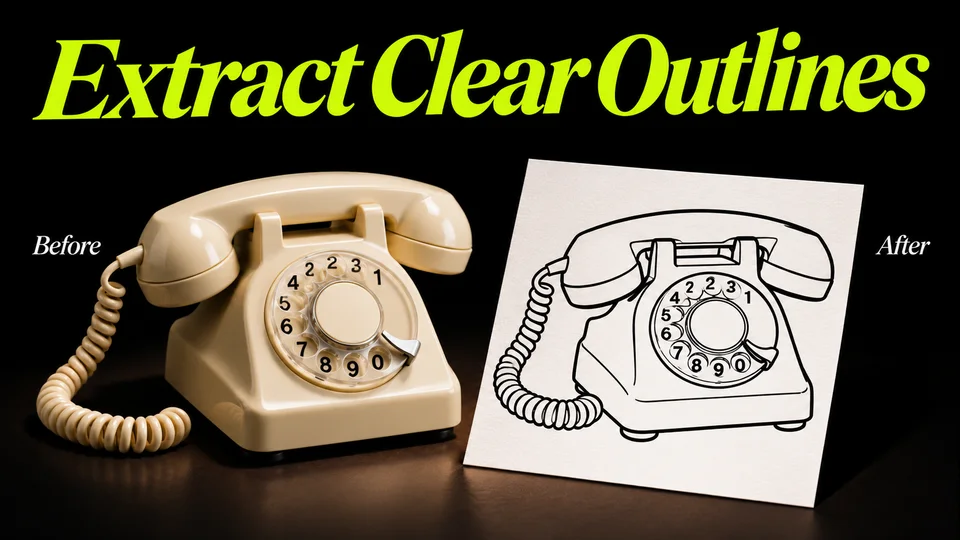
Study the structure of a plant
The monstera’s split leaves, stems and pot read clearly as black outlines.
Create Line Art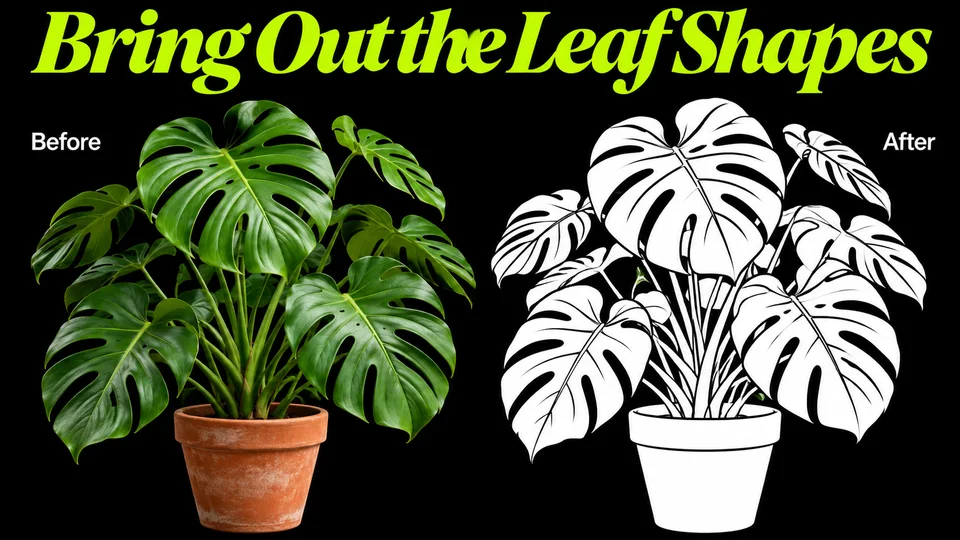
Make a detailed outline for coloring
The bicycle’s frame, basket and spokes give you separate shapes to color.
Create Line Art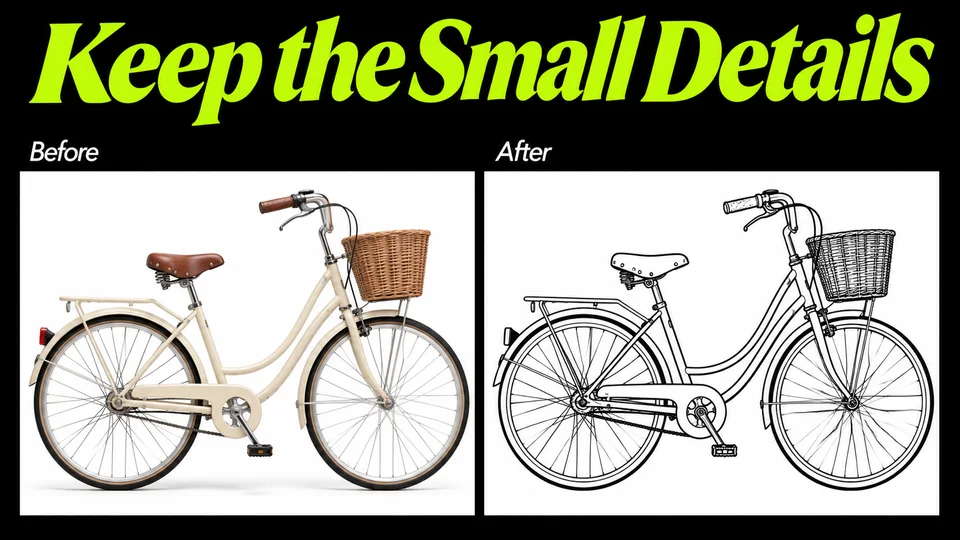
Trace the shape of a room
Turn a reading nook photo into line art that shows the shapes of the window, furniture and shelves.
Create Line Art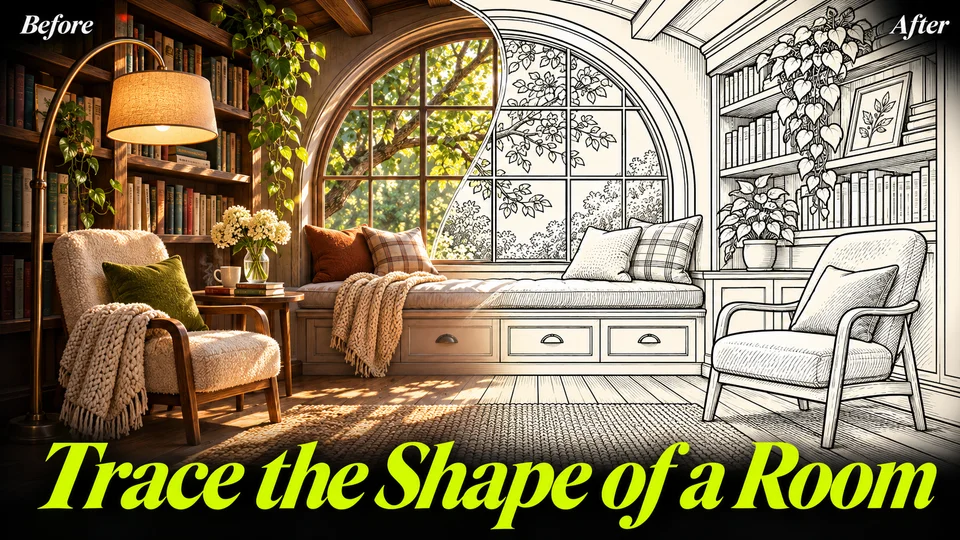
How to use this tool
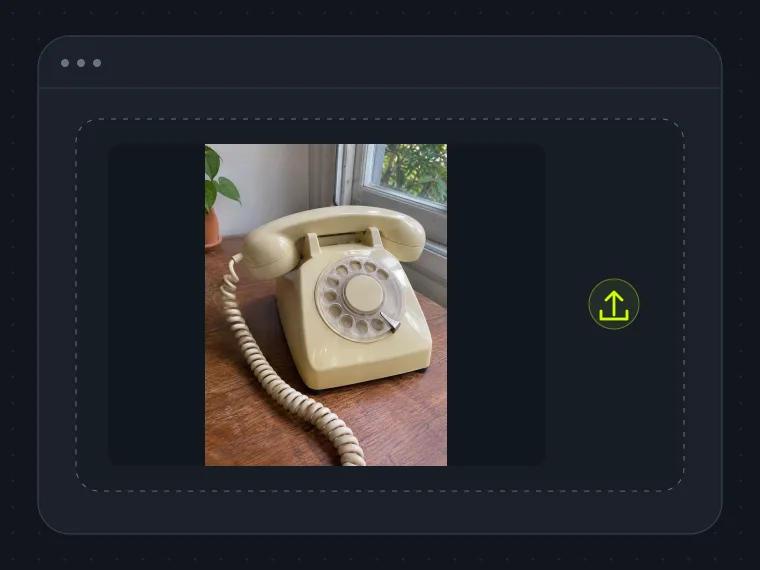
Start with an image
Choose a clear source image. Use a sample in the editor if one is available.
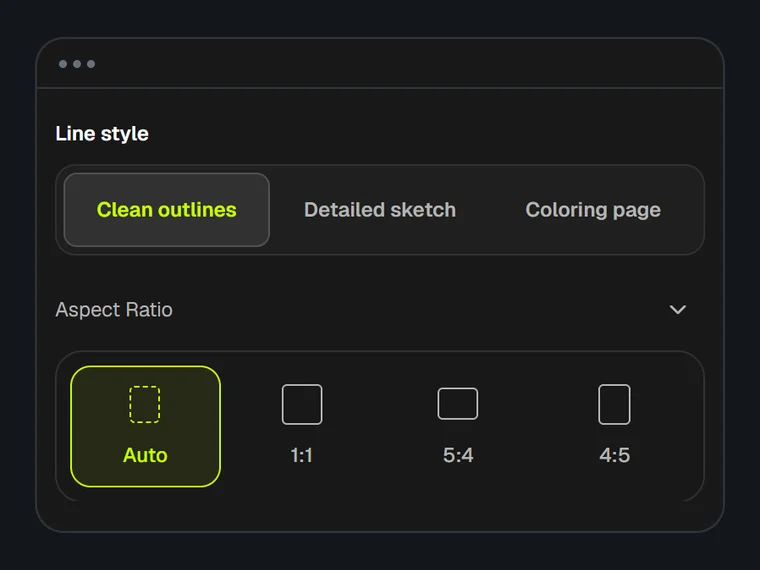
Review the settings
Choose a line style, such as clean outlines or detailed sketch.
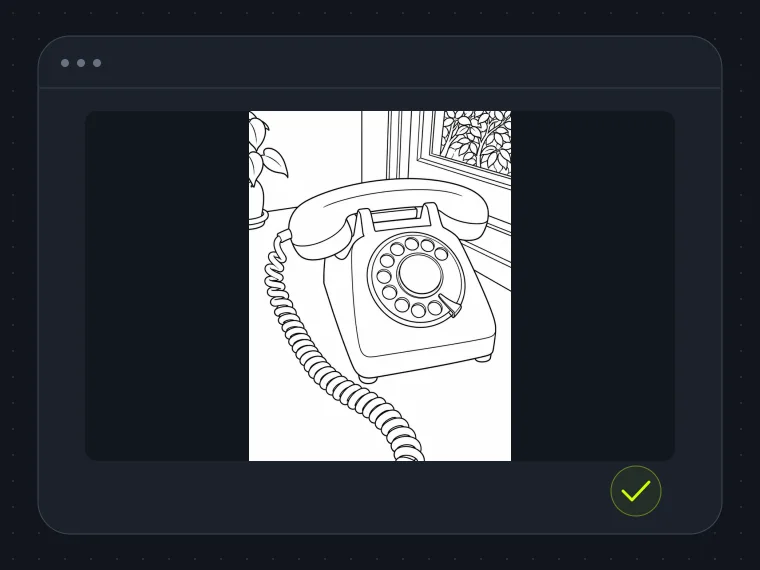
Generate and inspect
Review the result, refine your input if needed, then download your image.
Manual tracing vs. HHGen
Manual tracing
- Draw each contour by hand
- Choose which textures to keep
- Control every stroke for a final drawing
- Redraw an individual line when needed
 HHGen Image to Lineart
- Generate an outline from a photo
- Choose a line style and weight
- Review fine lines and subject edges
- Check for broken contours before tracing or coloring
Privacy for uploads and generated images
See whether your images appear publicly and how to manage or delete them.
No automatic gallery listing
Uploads and generated images don’t automatically appear in the public gallery. Keep image URLs and share links private, as someone with a working link may be able to view the image.
Delete your uploads at any time
Uploads are stored in your assets. Sign in and open Assets → My uploads to delete them at any time.
Manage your generated images
Sign in to delete results from your assets. You can restore them from Recently Deleted while the files remain available.
FAQ
FAQ
Related AI tools
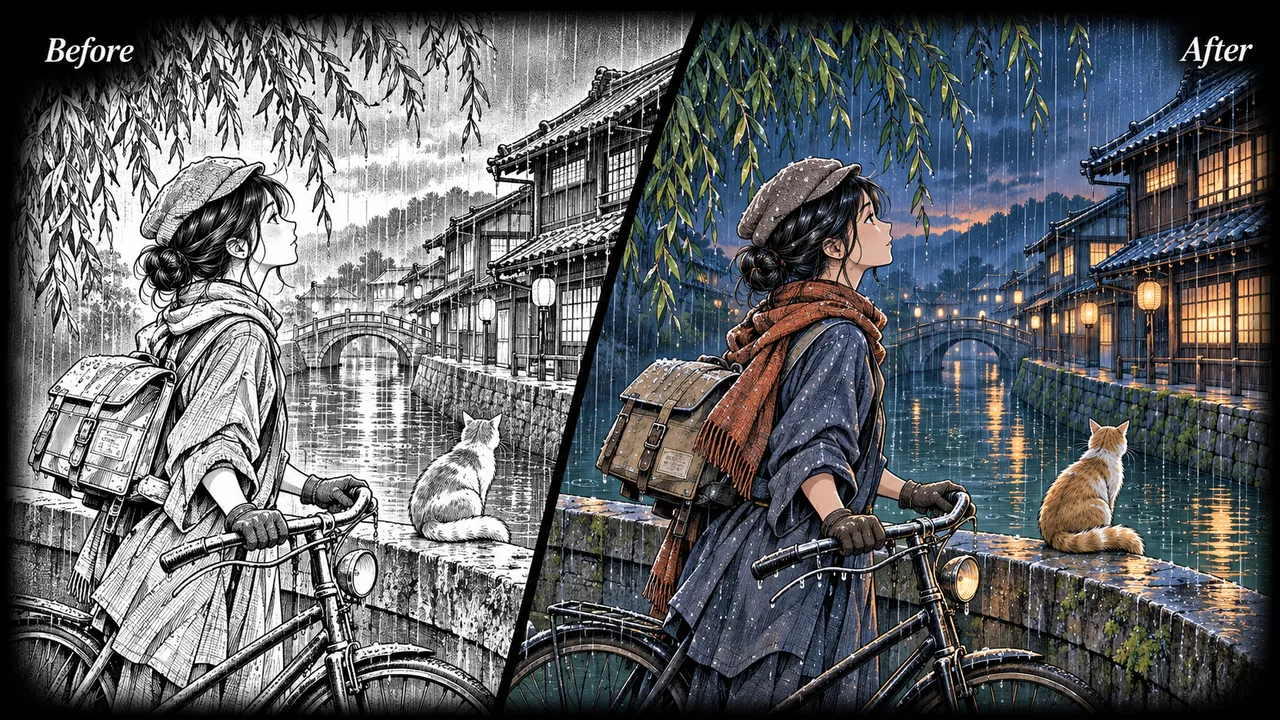
Manga Colorizer
Add colour to black-and-white manga, comics and line art while aiming to preserve the original lines.
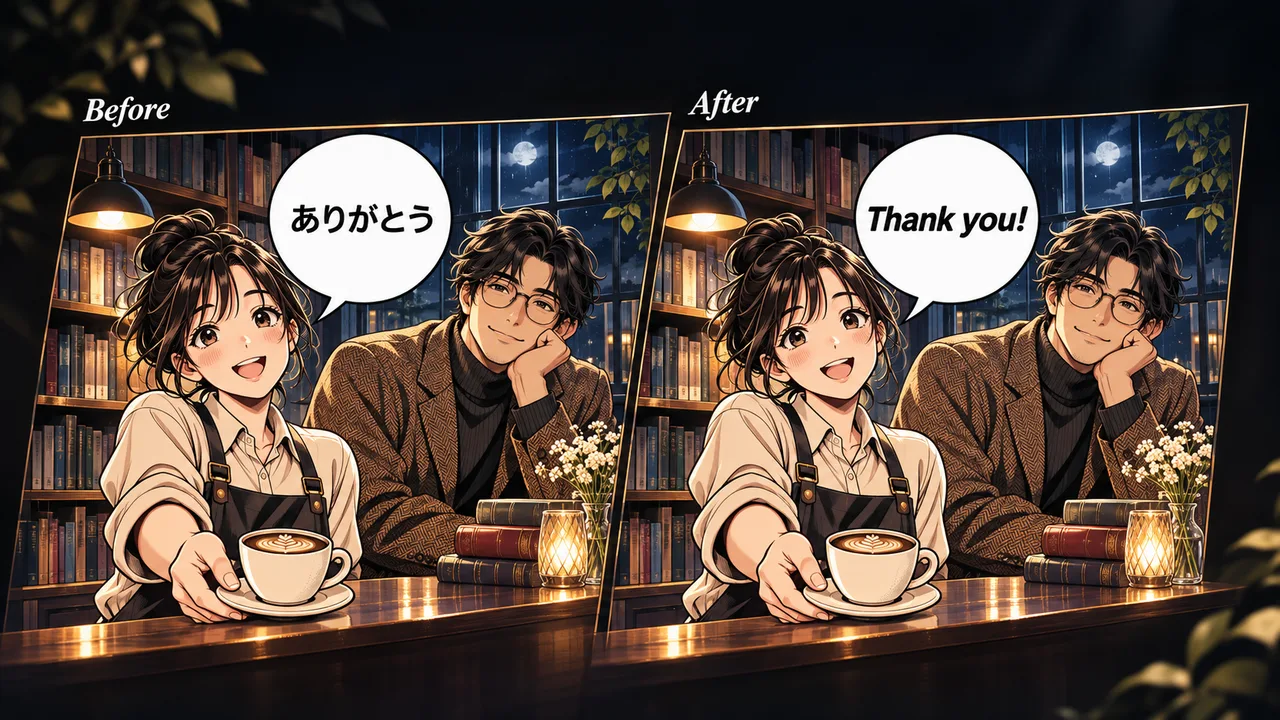
Manga Translator
Translate manga by detecting speech bubbles, translating their text and re-rendering it in a similar style.
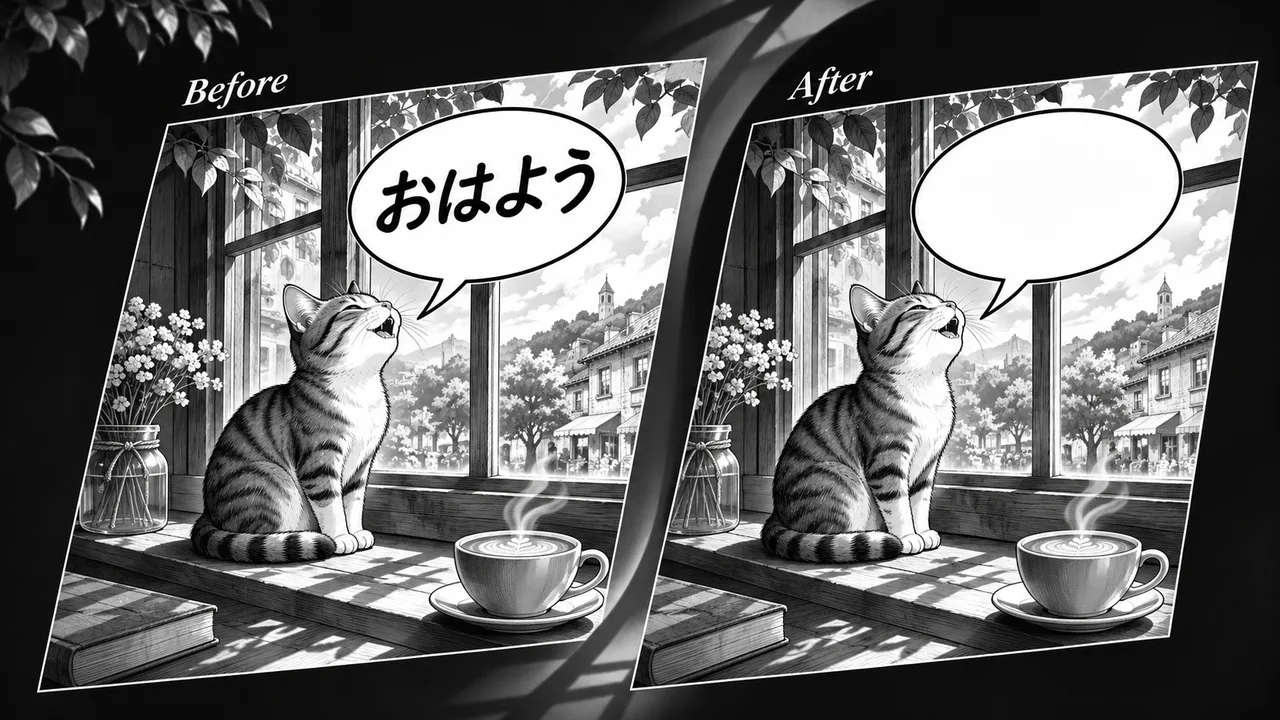
Manga Cleaner
Remove dialogue, narration and sound effects from manga pages, then use AI to fill in the artwork underneath. Useful for preparing pages for translation.
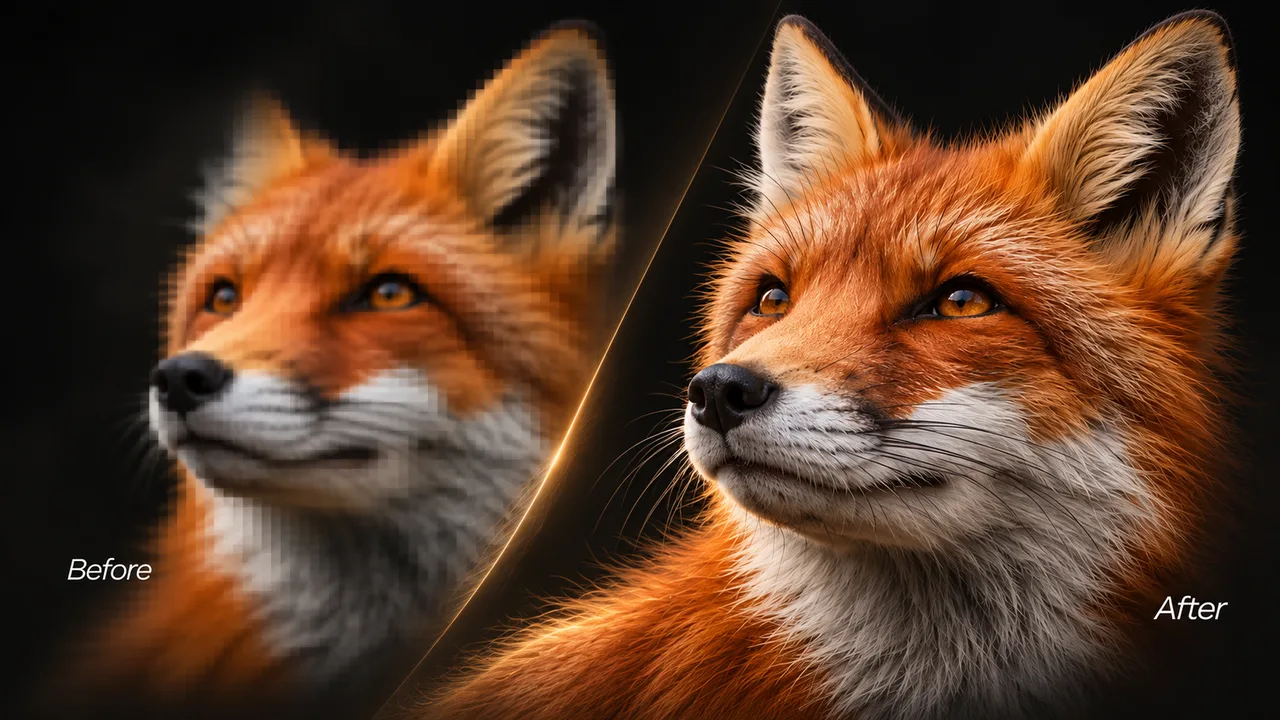
AI Image Upscaler
Use a supported model and its available output resolution to create a clearer-looking version of your image. Results depend on the model and selected options.
AI Image to Line Art
Turn a clear photo or illustration into a line drawing. Request clean outlines, fine detail or closed areas for colouring. Check for broken contours and missing details before colouring or printing.