
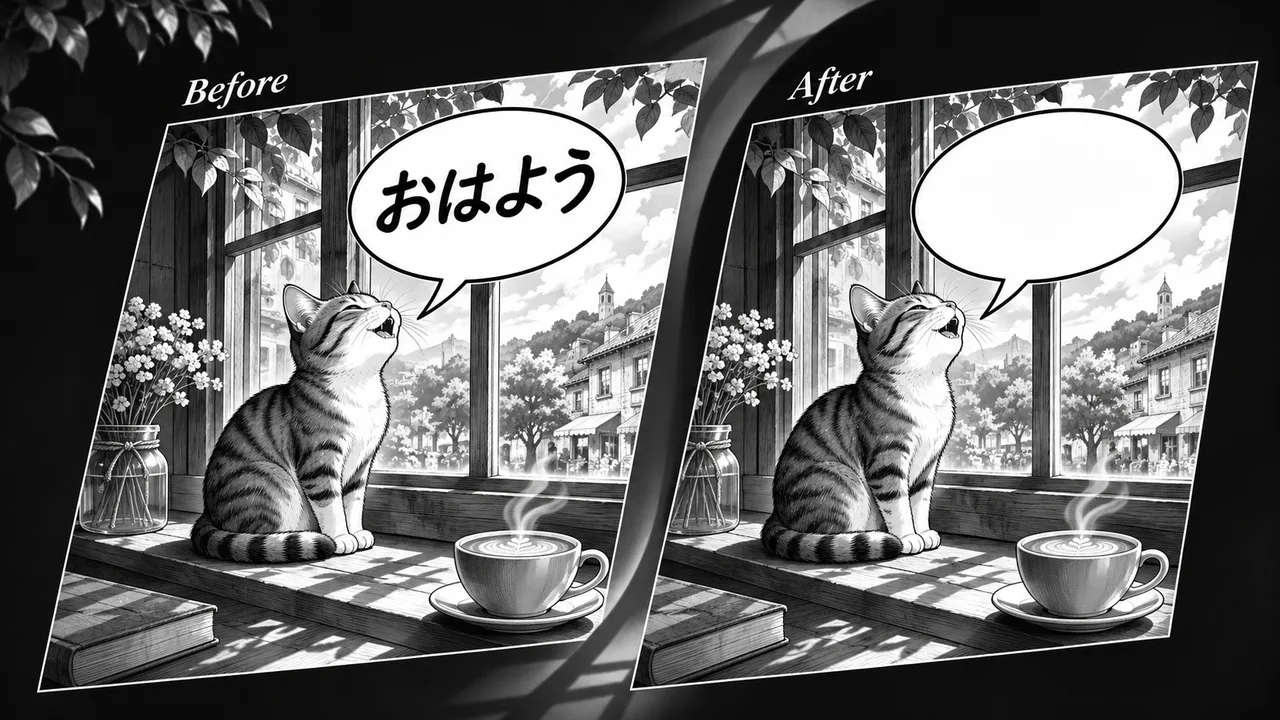
AI Manga Cleaner
AI Manga Cleaner
Prepare a manga page for translation or new lettering. Clear dialogue on its own, or include narration and hand-drawn sound effects. Compare the result with the original around bubble outlines and reconstructed artwork.
- Clear dialogue for new lettering
- Recover linework beneath sound effects
- Make room for a new caption

Compare manga pages before and after cleaning
Drag the sliders to inspect the speech bubble, sound effect lettering and narration box.


What you can do
Illustrative comparisons
Clear dialogue for new lettering
The station scene loses “WAIT!” while the speech bubble stays in place for the replacement line.
Clean Page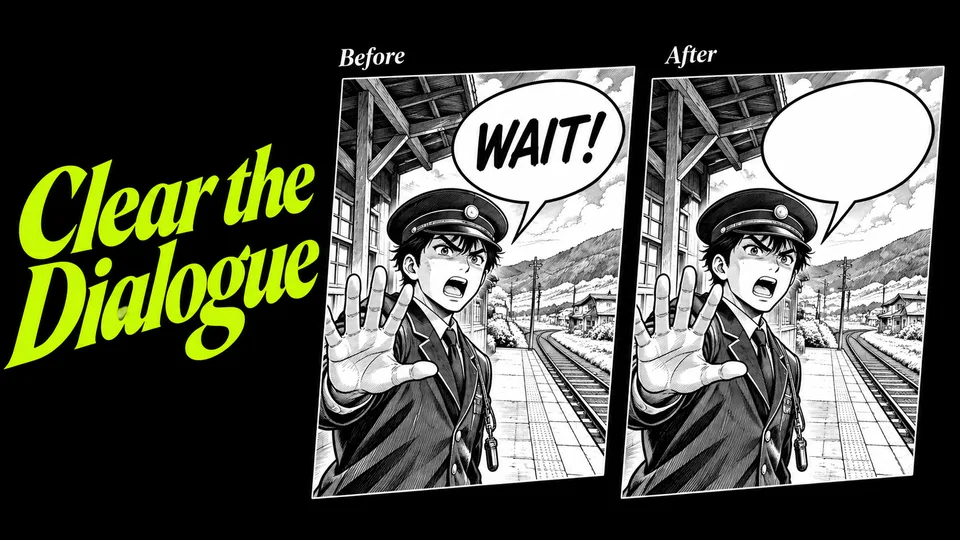
Recover linework beneath sound effects
Removing “WHOOSH” reveals the steel bridge beams around the cyclist.
Clean Page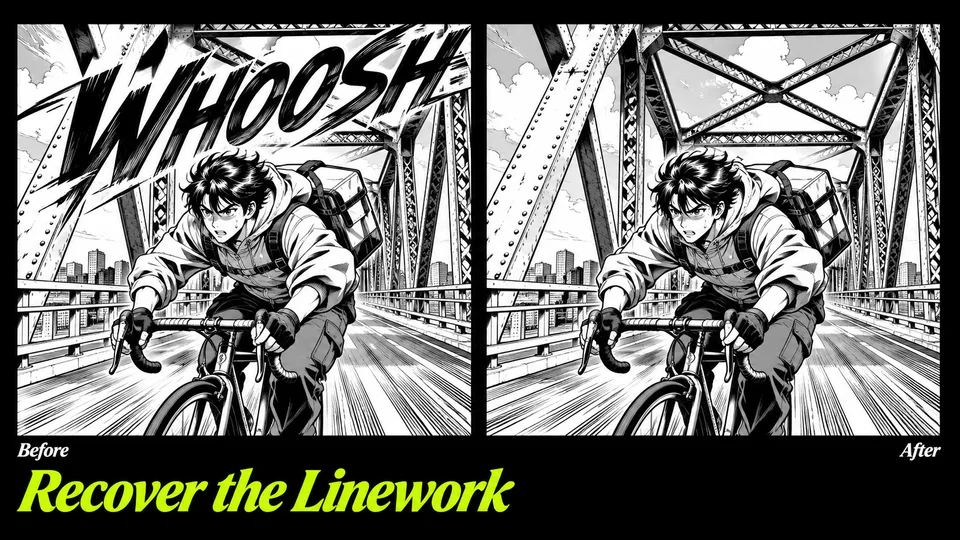
Make room for a new caption
The “LATE AGAIN” box disappears, and the tram tracks and paving continue through the cleared area.
Clean Page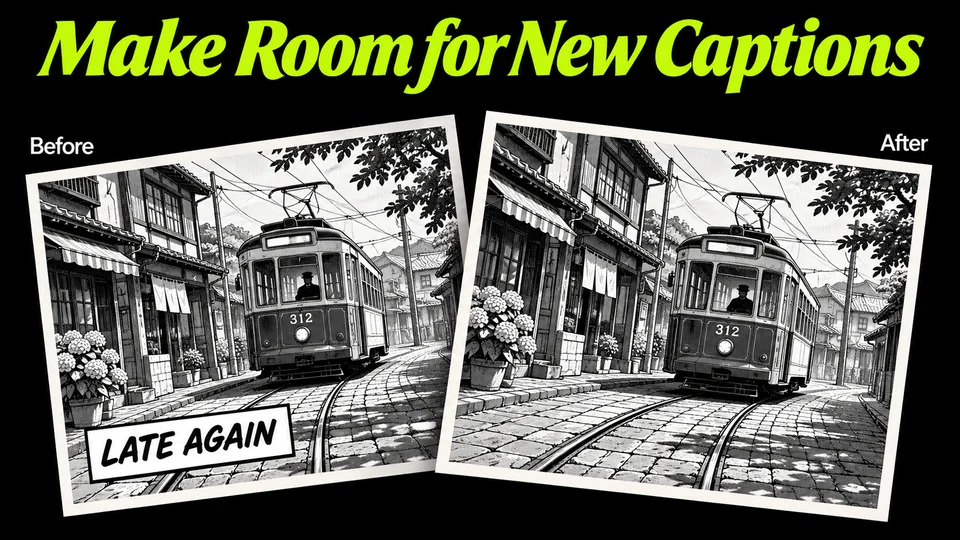
Clear text from background signs
Erase the lettering on the shop sign while keeping the signboard and the street drawing in place.
Clean Page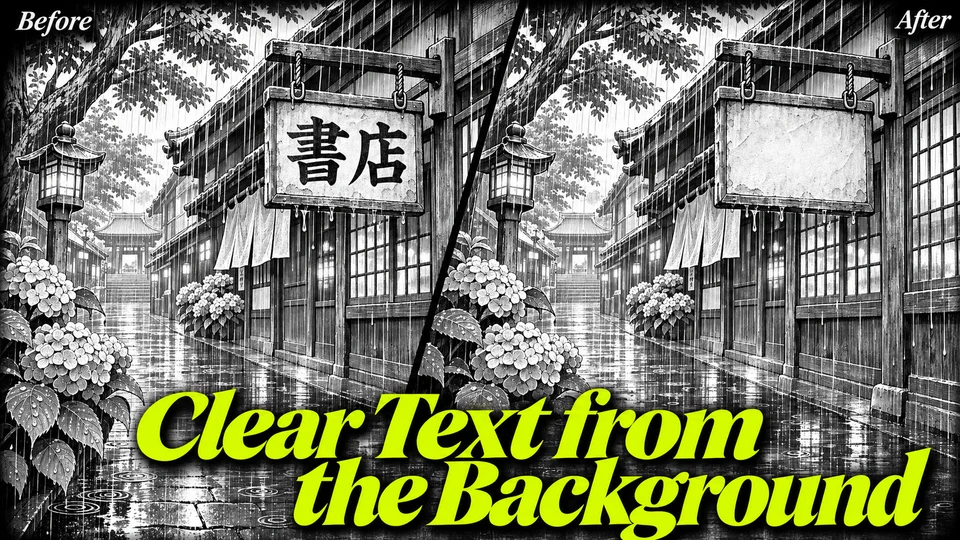
Clean manga lettering in three steps
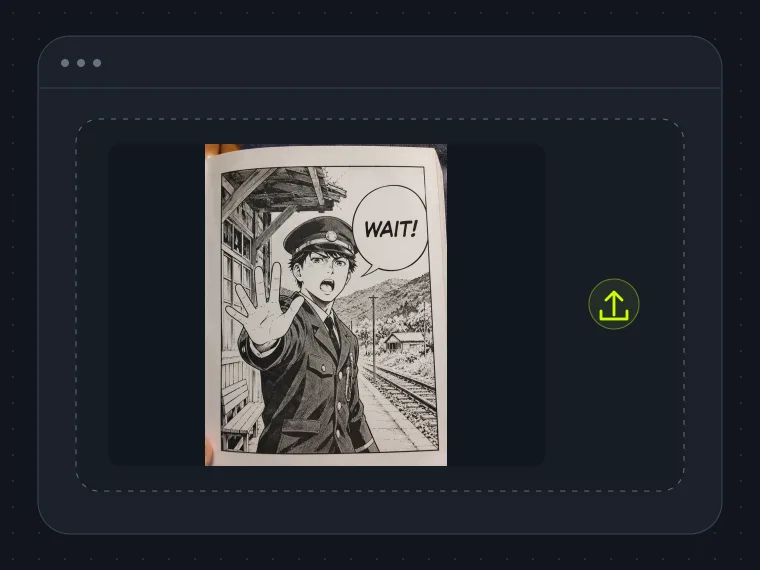
Upload a manga page
Use a page where the lettering and ink lines are easy to see.
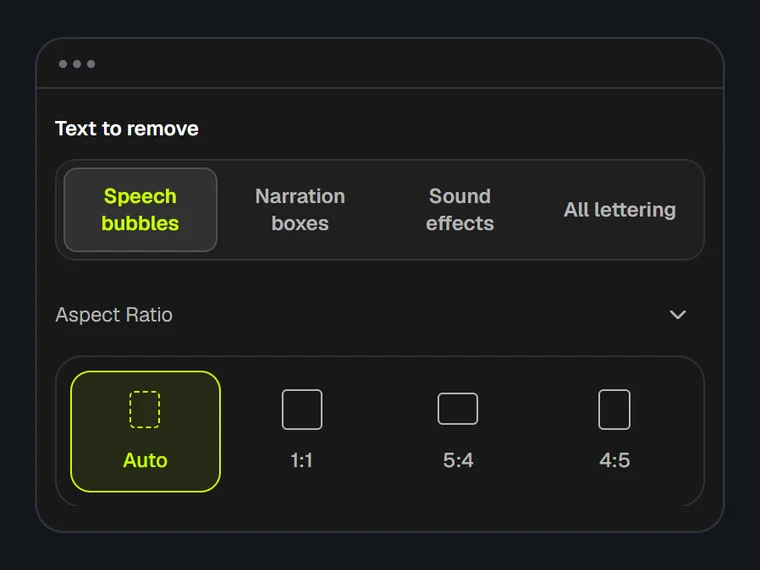
Choose what to erase
Choose whether to remove speech bubbles, narration, sound effects, or all lettering.
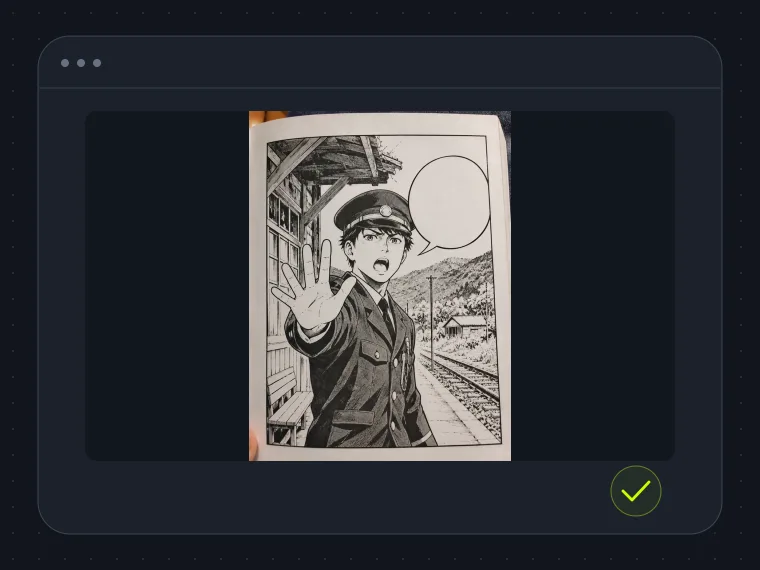
Inspect the cleaned areas
Zoom in on bubble outlines, speed lines and screentones before downloading.
Manual manga cleanup vs. HHGen
Manual manga cleanup
- Select bubbles, captions or sound effects separately
- Restore lines and screentones beneath the text
- Use layers to adjust each repaired area
- Keep selected signs or sound effects by hand
 HHGen Manga Cleaner
- Choose which kinds of lettering to remove
- Let the model try to restore the artwork underneath
- Zoom in to check bubble edges, speed lines and screentones
- Try the speech bubble preset when only replacing dialogue
Privacy for uploads and generated images
See whether your images appear publicly and how to manage or delete them.
No automatic gallery listing
Uploads and generated images don’t automatically appear in the public gallery. Keep image URLs and share links private, as someone with a working link may be able to view the image.
Delete your uploads at any time
Uploads are stored in your assets. Sign in and open Assets → My uploads to delete them at any time.
Manage your generated images
Sign in to delete results from your assets. You can restore them from Recently Deleted while the files remain available.
FAQ
FAQ
Related AI tools
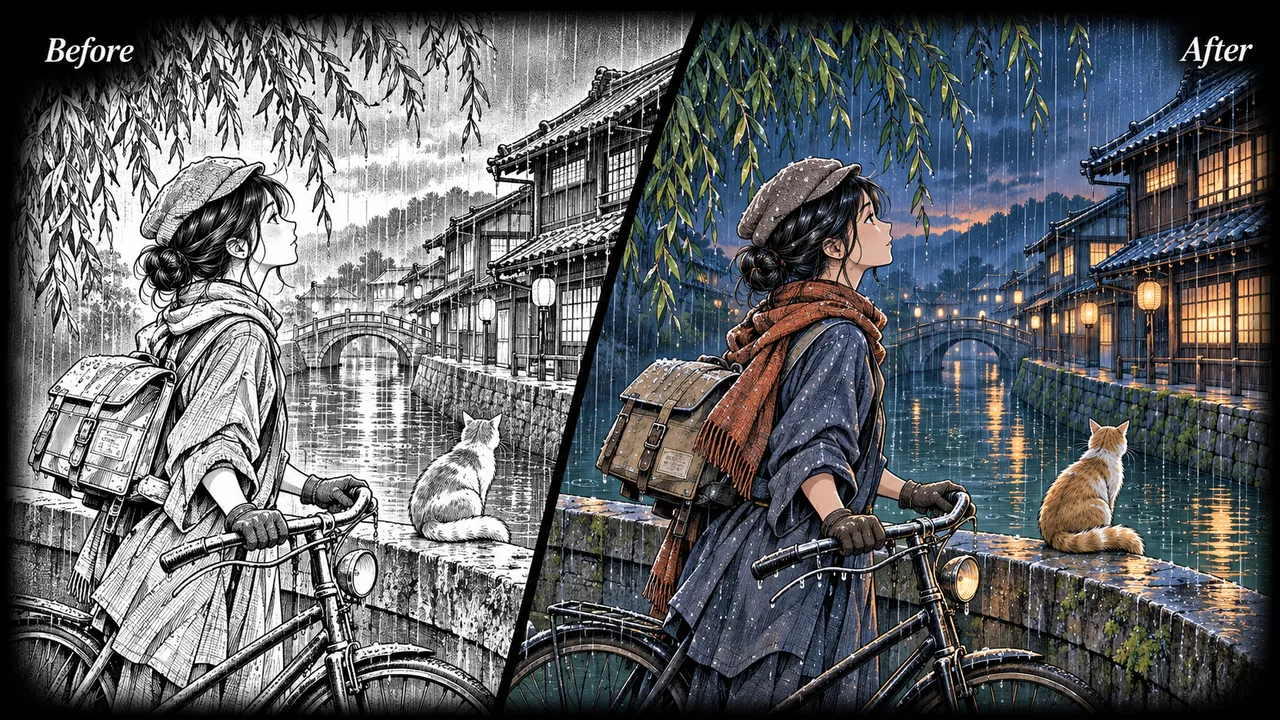
Manga Colorizer
Add colour to black-and-white manga, comics and line art while aiming to preserve the original lines.
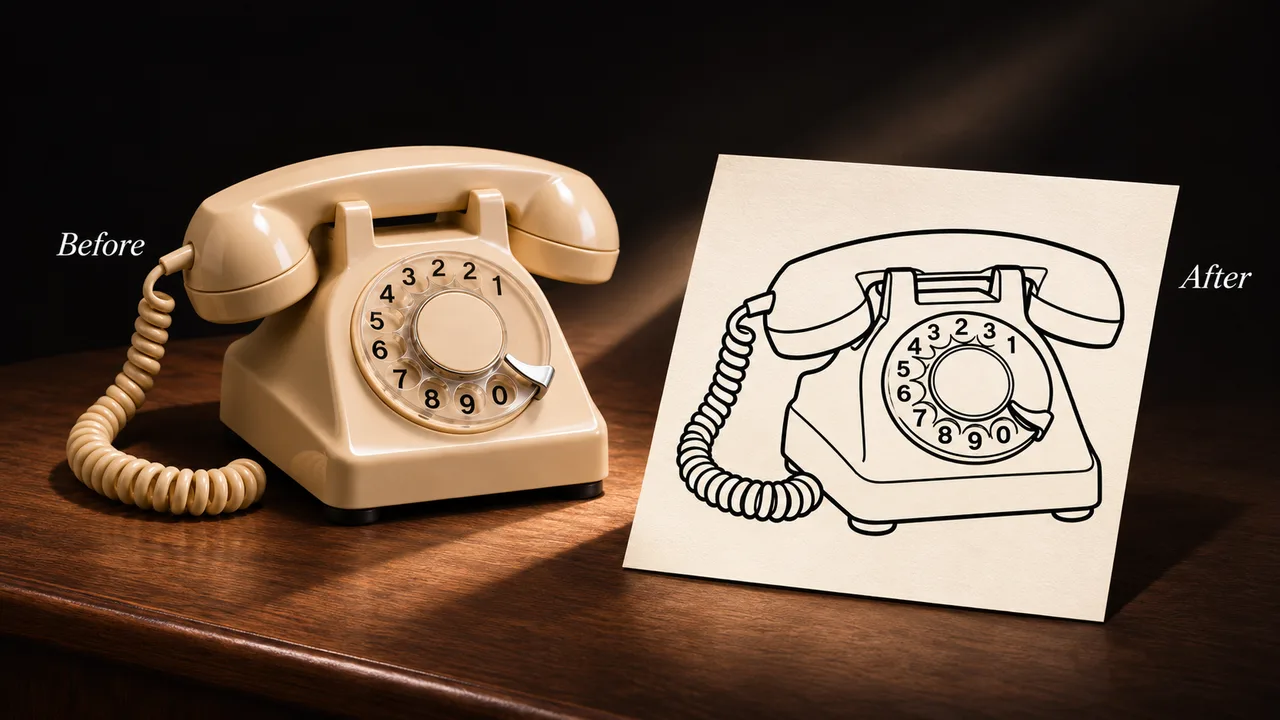
Image to Lineart
Create clean line art from a photo, with adjustable line weight and style.
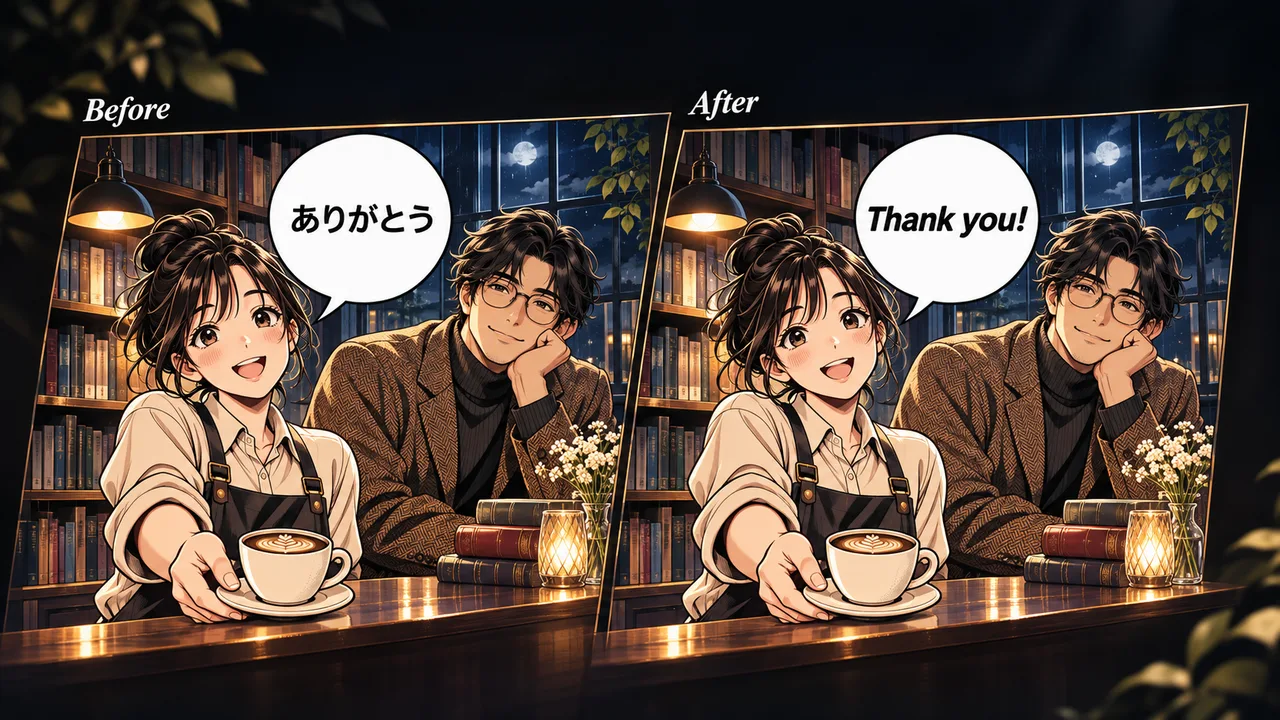
Manga Translator
Translate manga by detecting speech bubbles, translating their text and re-rendering it in a similar style.
AI Manga Cleaner
Prepare a manga page for translation or new lettering. Clear dialogue on its own, or include narration and hand-drawn sound effects. Compare the result with the original around bubble outlines and reconstructed artwork.