
AI Manga Translator
AI Manga Translator
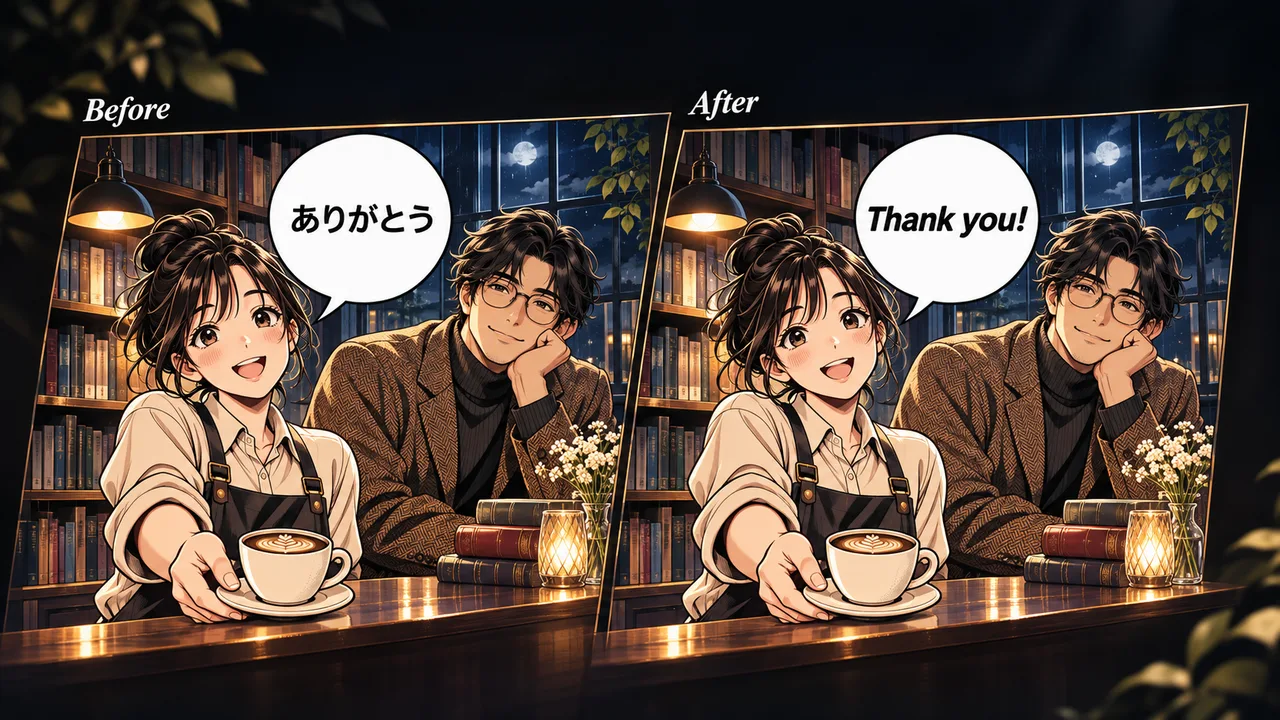
Upload a legible manga page and choose the target language to place translated text back in the bubbles. Check reading order, meaning and line breaks for vertical dialogue, sound effects and longer lines.
- Localize a conversational greeting
- Fit a short question into the scene
- Carry the tone of a casual farewell

See how translated dialogue fits the bubbles
Drag the sliders to compare the Japanese dialogue with the English lettering in each example.


What you can do
Illustrative comparisons
Localize a conversational greeting
The café greeting changes from Japanese to “Hello!” inside the same bubble beside the barista.
Translate Manga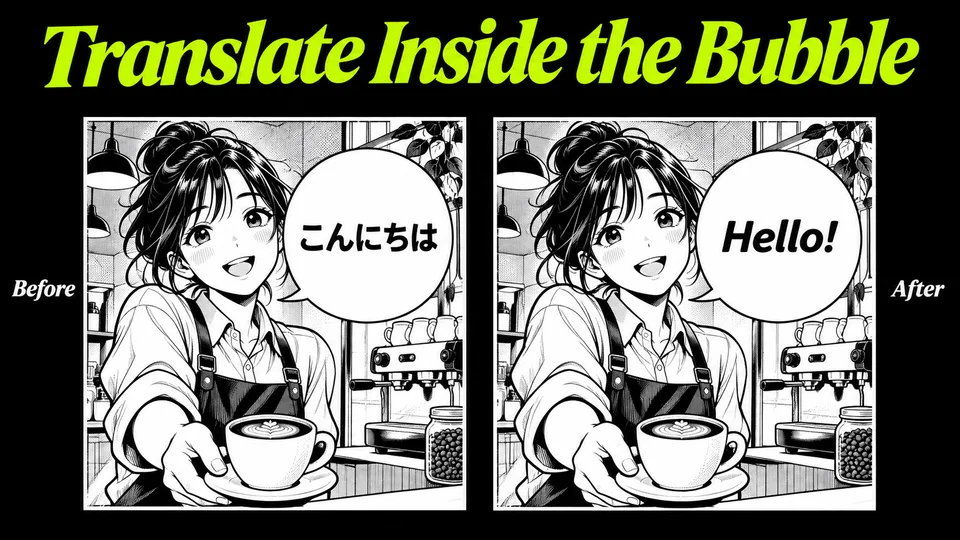
Fit a short question into the scene
At the station, the brief “Where?” fits inside the original bubble, leaving the traveler and platform in view.
Translate Manga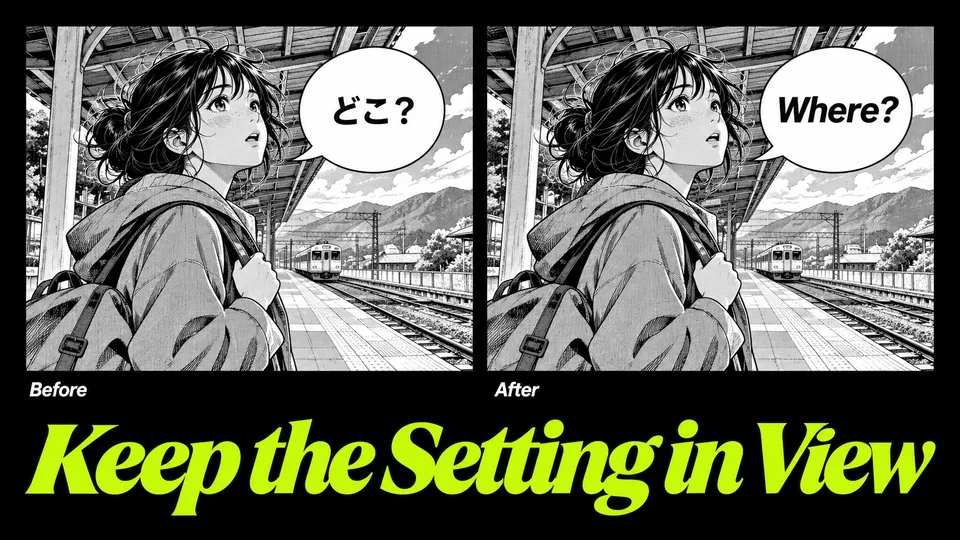
Carry the tone of a casual farewell
The friendly “See you!” matches the wave at the garden gate and fits inside the original bubble.
Translate Manga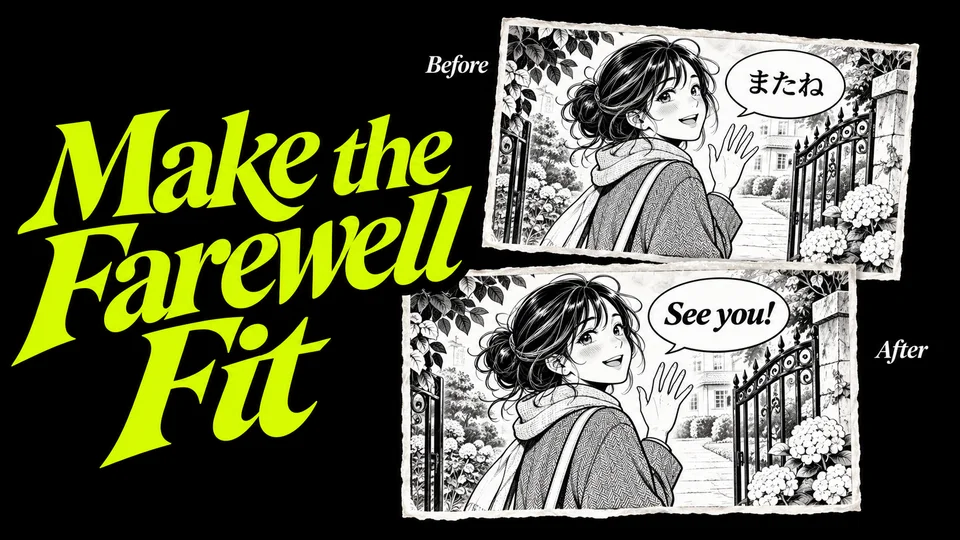
Translate a sign in the scene
The shop sign changes from Japanese to English while the illustration around it stays in place.
Translate Manga
Translate manga dialogue in three steps
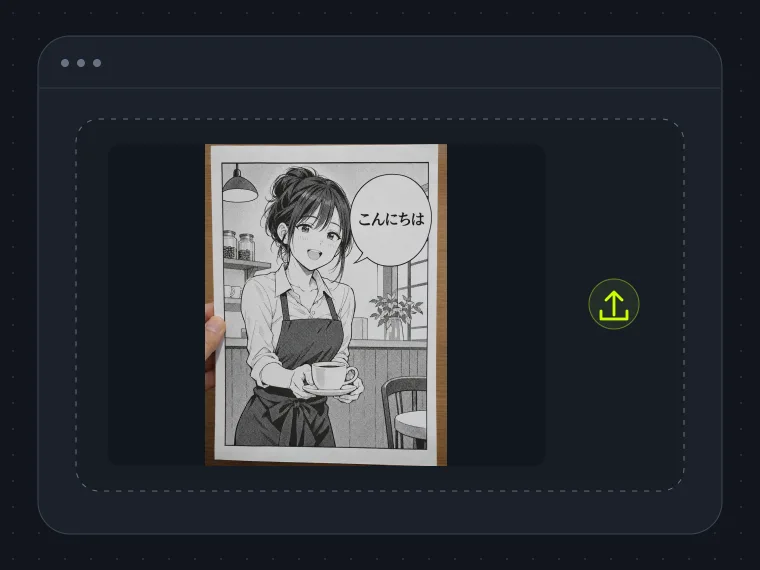
Upload a page with dialogue
Choose an image with speech bubbles you can read at full size.
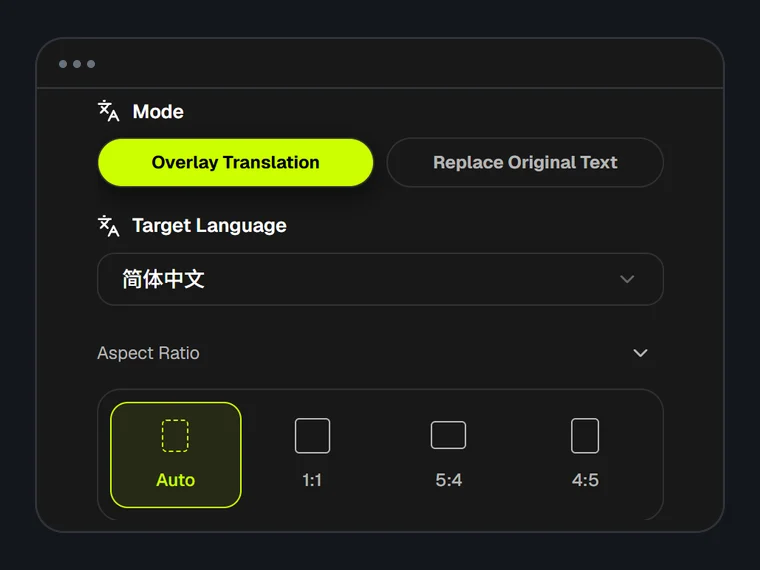
Pick the target language
Choose the translation mode and target language.
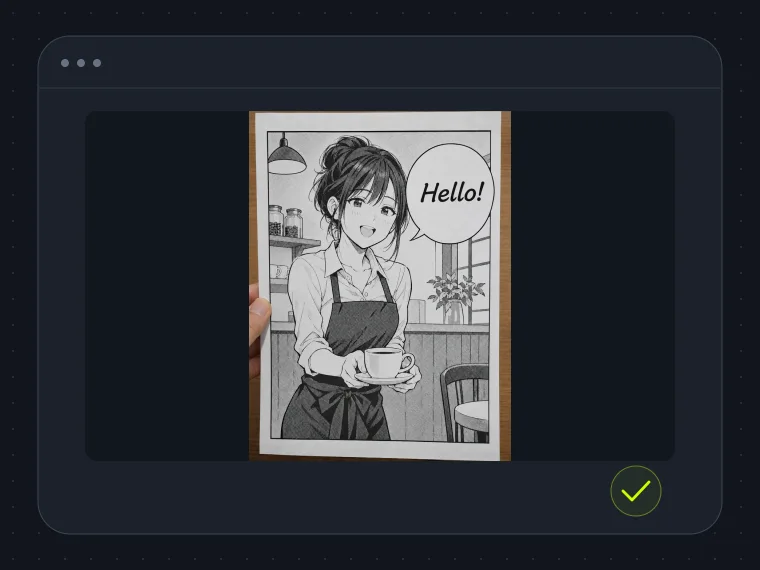
Check the translation and fit
Read the dialogue in context and check for missing text or crowded bubbles before downloading.
Manual translation and lettering vs. HHGen
Manual translation and lettering
- Identify dialogue and other lettering panel by panel
- Translate using the scene’s context
- Clean and typeset the text, then check reading order
- Maintain a glossary for characters and recurring terms
 HHGen Manga Translator
- Upload a page and pick a target language
- Let the model detect and replace lettering with a translation
- Review names, reading order and how the text fits
- Check names and terms across pages before reading them together
Privacy for uploads and generated images
See whether your images appear publicly and how to manage or delete them.
No automatic gallery listing
Uploads and generated images don’t automatically appear in the public gallery. Keep image URLs and share links private, as someone with a working link may be able to view the image.
Delete your uploads at any time
Uploads are stored in your assets. Sign in and open Assets → My uploads to delete them at any time.
Manage your generated images
Sign in to delete results from your assets. You can restore them from Recently Deleted while the files remain available.
FAQ
FAQ
Related AI tools
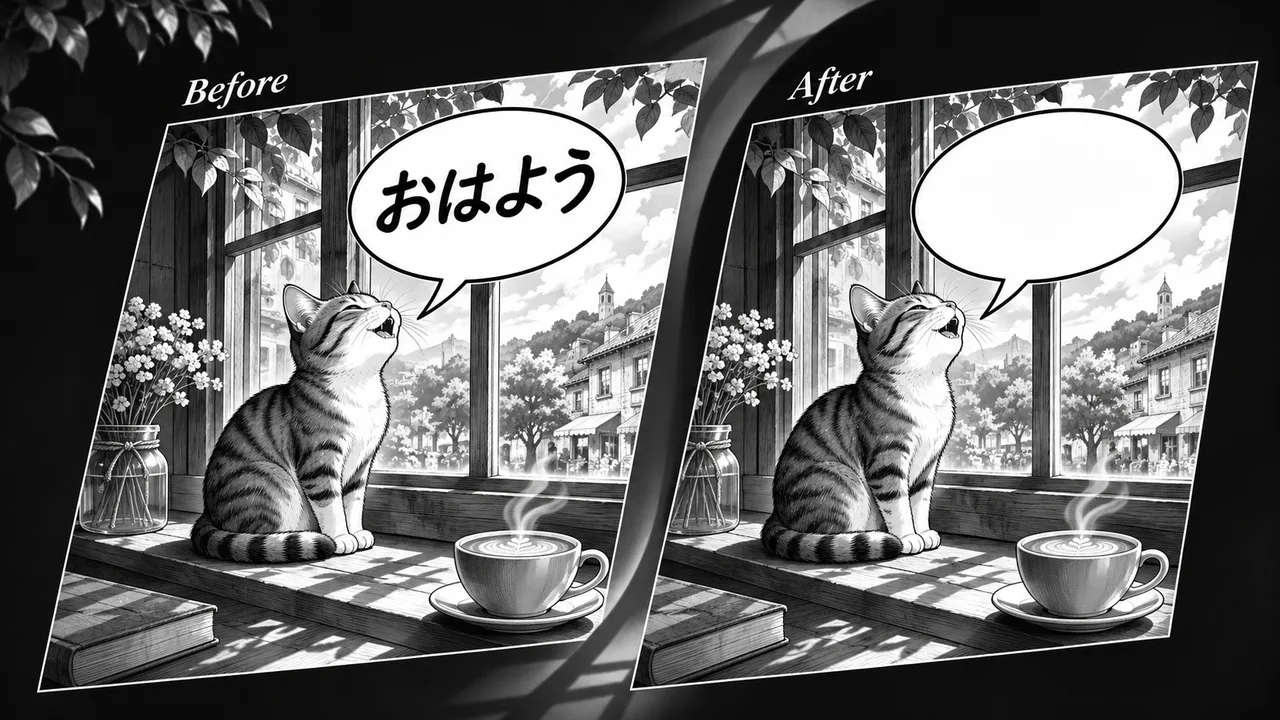
Manga Cleaner
Remove dialogue, narration and sound effects from manga pages, then use AI to fill in the artwork underneath. Useful for preparing pages for translation.
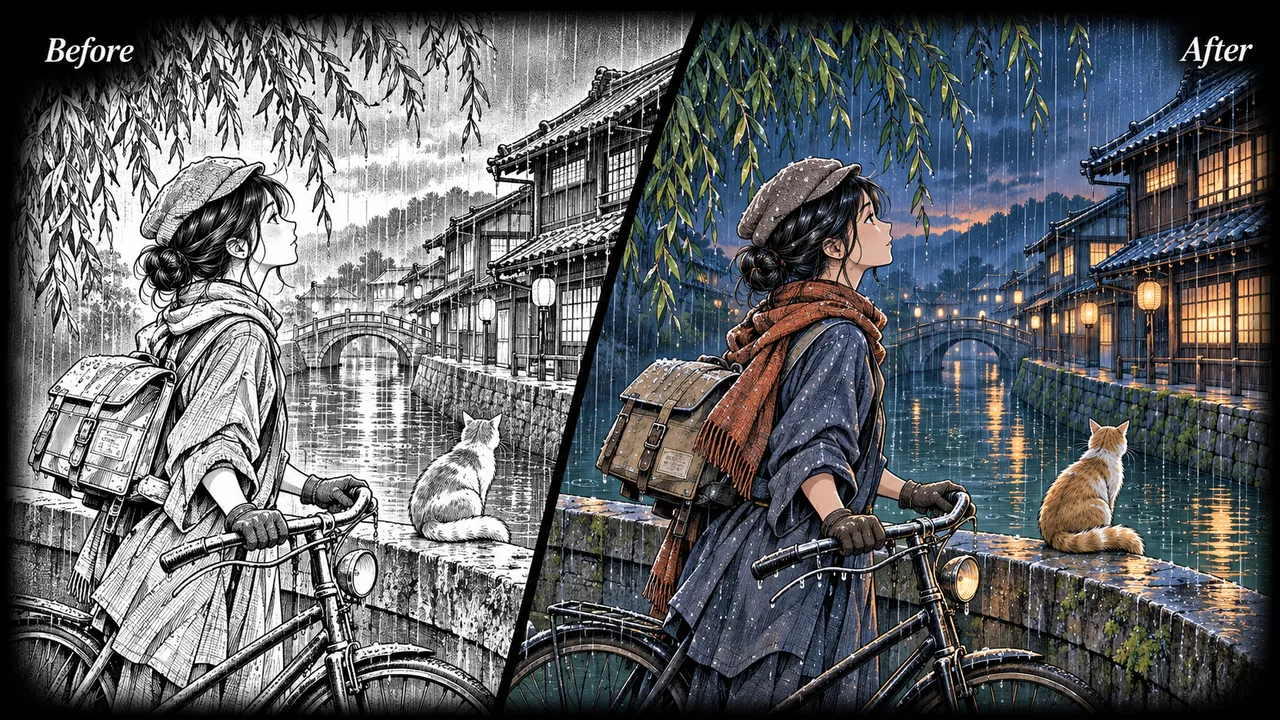
Manga Colorizer
Add colour to black-and-white manga, comics and line art while aiming to preserve the original lines.
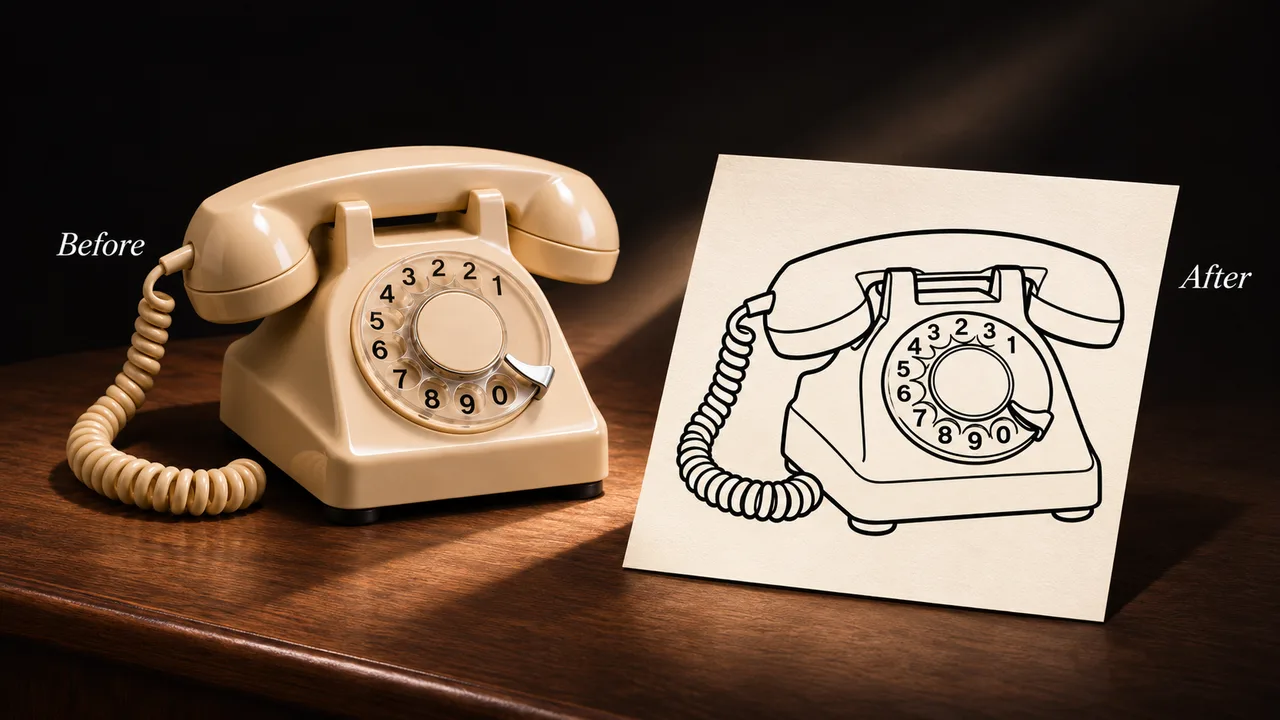
Image to Lineart
Create clean line art from a photo, with adjustable line weight and style.
AI Manga Translator
Upload a legible manga page and choose the target language to place translated text back in the bubbles. Check reading order, meaning and line breaks for vertical dialogue, sound effects and longer lines.