
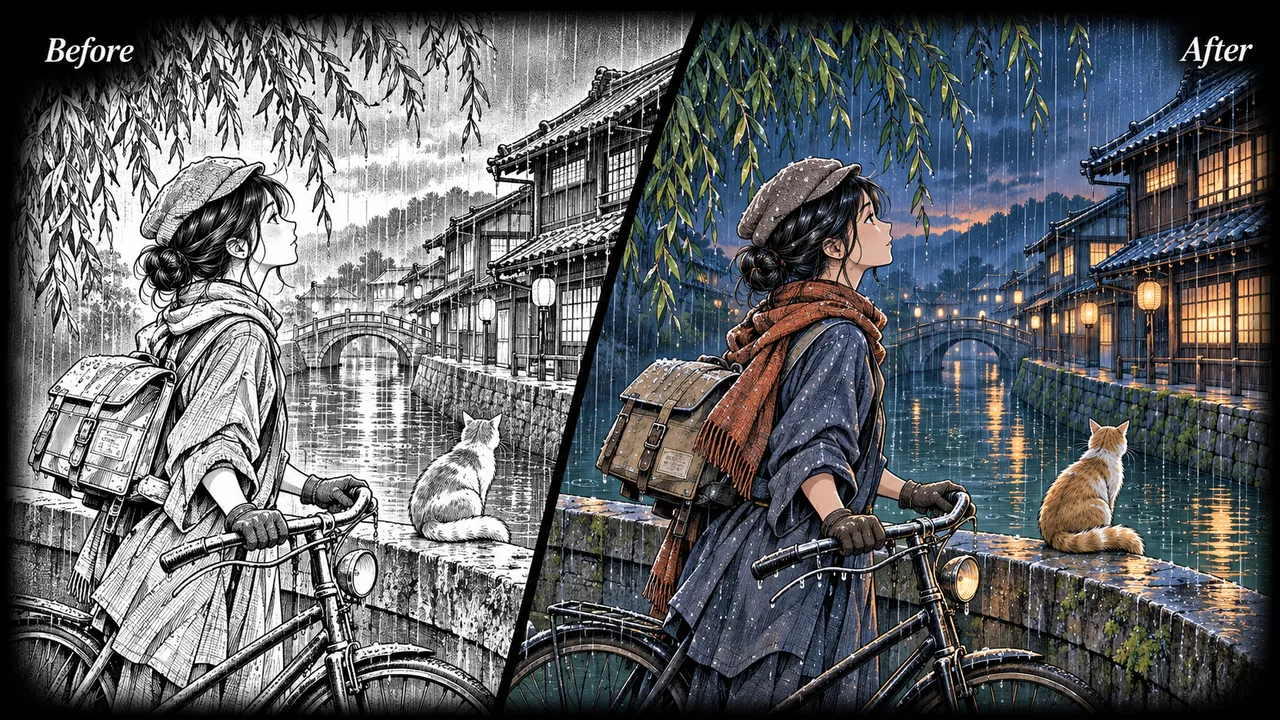
AI Manga Colouriser
AI Manga Colouriser
Try a palette on a black-and-white manga page or line drawing. Start from a preset or describe clothing colours, scene lighting and key hues. Zoom in on ink lines, screentones and speech bubbles before saving.
- Add color without losing the ink
- Set the mood with a sunset palette
- Give underwater scenes depth through color

Compare manga line art with the colour version
Drag the sliders to see how colour changes the rainy scene, sunset and underwater panel.


What you can do
Illustrative comparisons
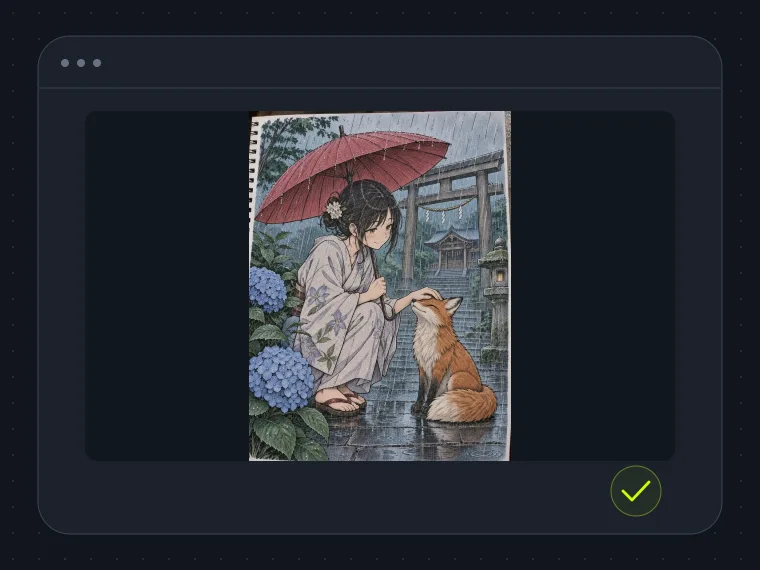
Add color without losing the ink
The rainy shrine gains blue hydrangeas and a red umbrella while the hatching on the fox stays visible.
Start with crisp line detail and name the colors of the umbrella and flowers in your prompt. Zoom in afterward to see whether the fine strokes in the fox’s fur and the folds of the kimono still read clearly.
Colourise manga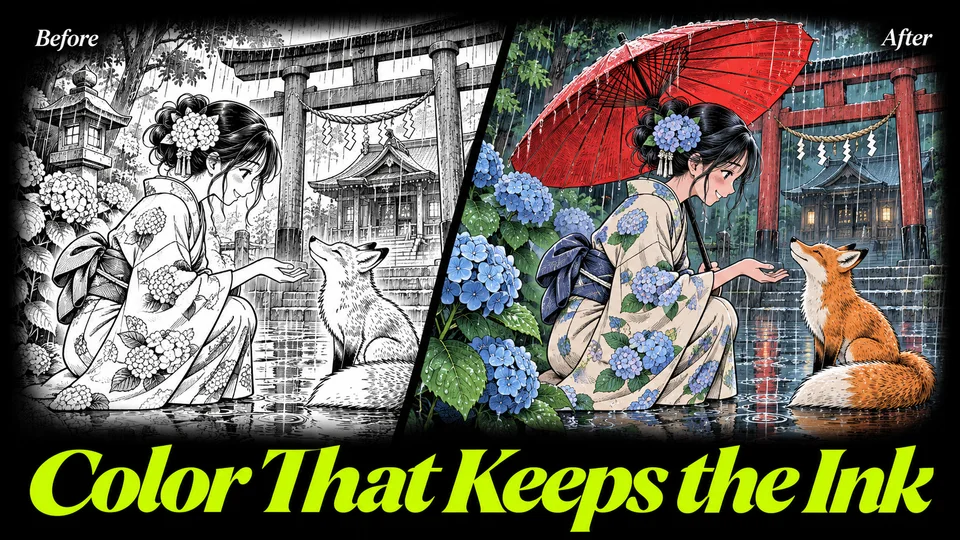
Set the mood with a sunset palette
Warm light brings out the rooftops and stone wall while the cyclist’s silhouette remains clear.
Name both the light and the shadows in your prompt. Try warm orange light on the rooftops and cooler violet shadows on the stone wall, then check whether the figure still stands out against the sky.
Colourise manga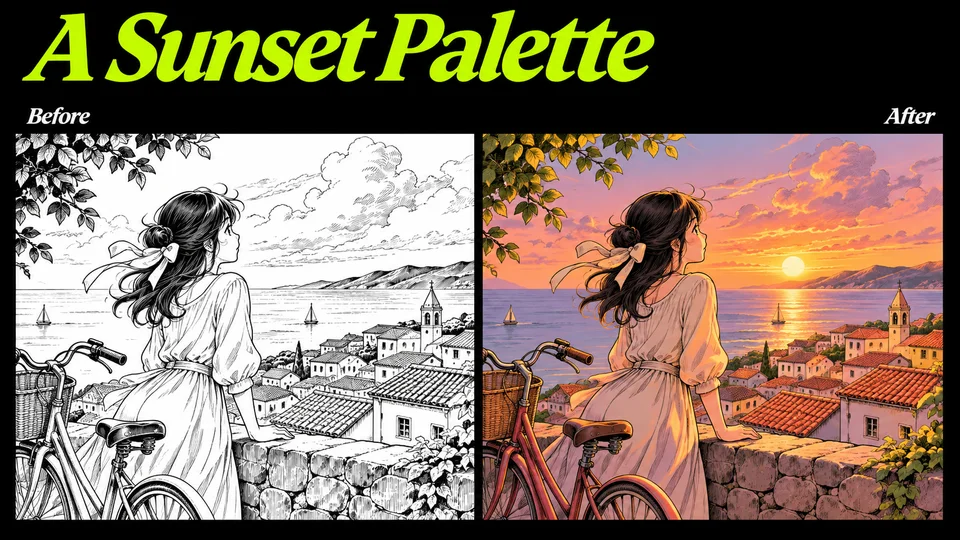
Give underwater scenes depth through color
Cool blues separate the diver and sea turtle from the coral while keeping their drawn outlines visible.
Ask for deeper blues in the distance and warmer accents on the nearby coral. Compare the turtle’s shell pattern and the diver’s gear with the original to catch any detail that changed during coloring.
Colourise manga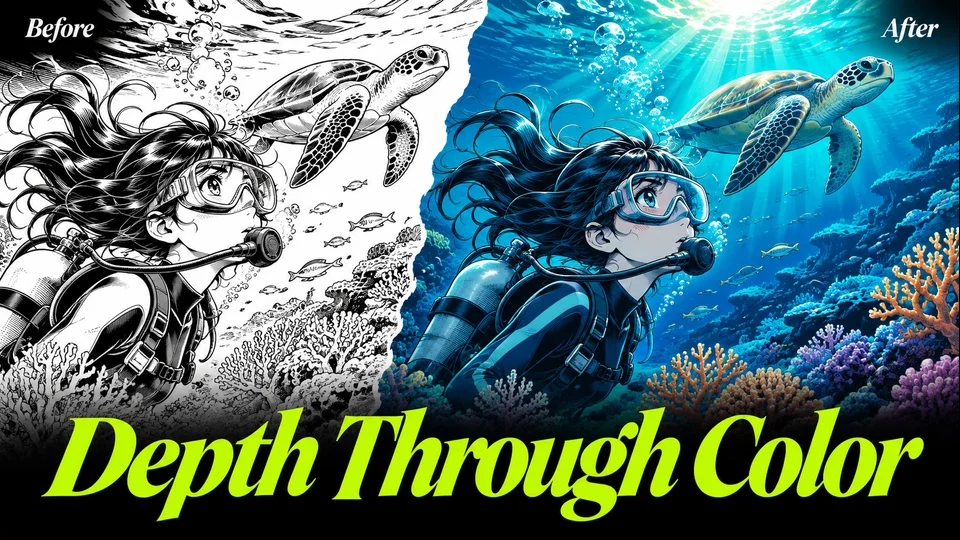
Color a character close-up
Amber goggles and a dark teal jacket give the pilot a clear palette while the ink hatching on her cheek remains visible.
Specify colors for the accessories and clothing separately, and ask to keep the character’s facial features and expression. Compare the eyes, cheek shading and goggle rims at full size.
Colourise manga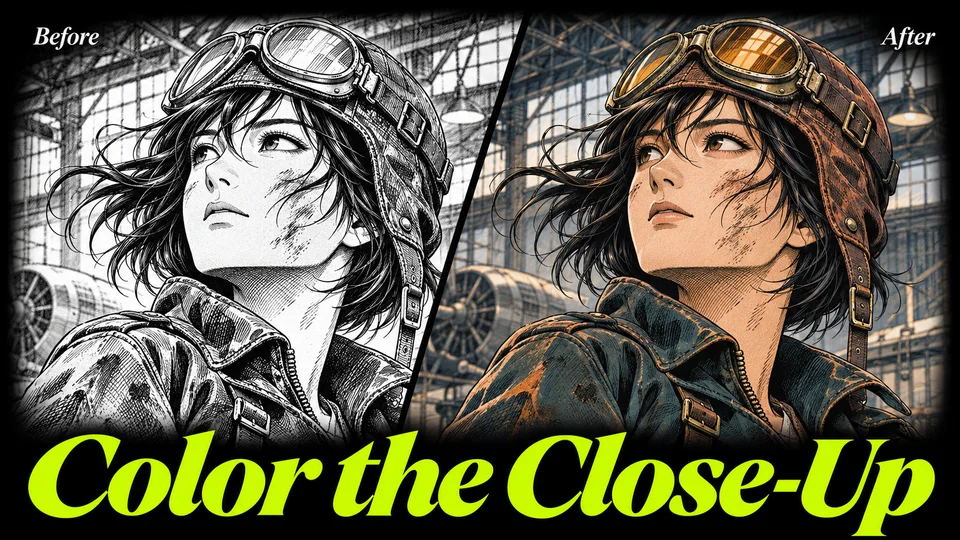
Color a night scene with screentones
Indigo rain and amber reflections give the station a night palette while the printed dot texture stays visible.
Try the print-style line setting. Describe cool rain and warm platform lights, then zoom in on the darkest areas to check whether you can still distinguish the dots and fine rain lines.
Colourise manga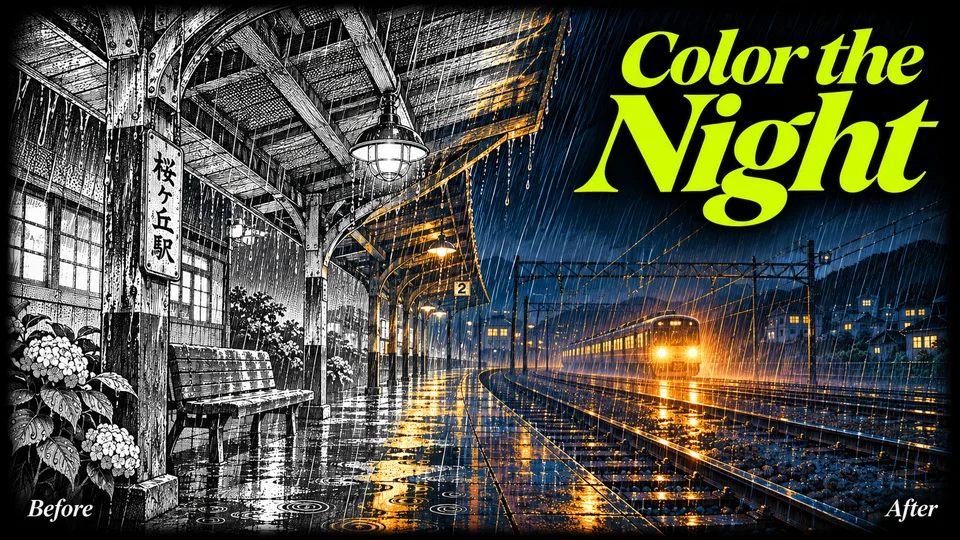
Colour manga in three steps
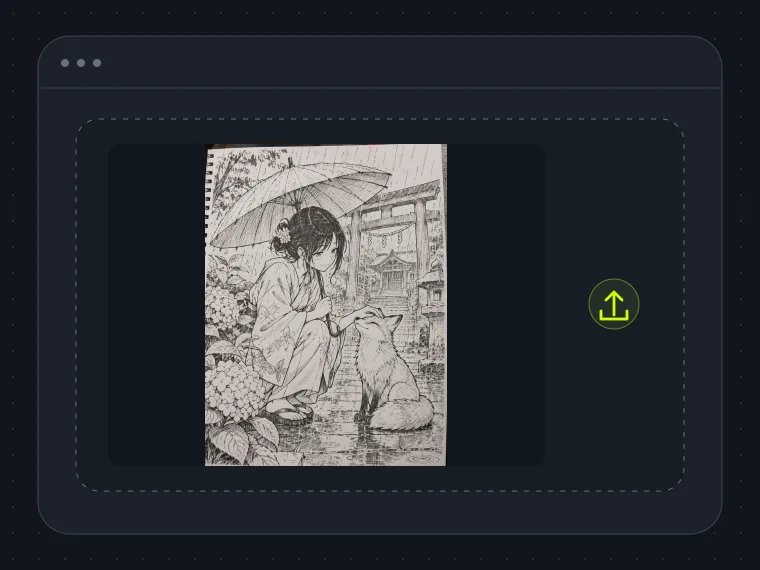
Upload black-and-white art
Choose a panel with clear outlines and shading.
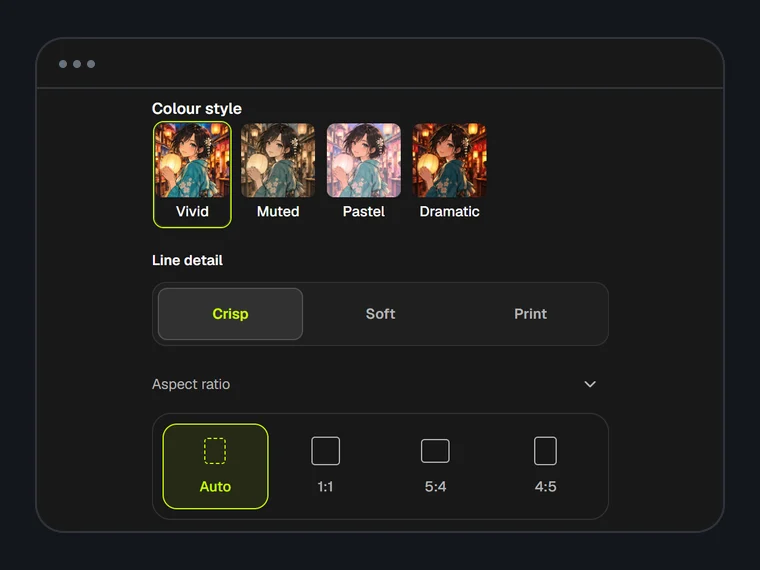
Choose a colour style
Choose a colour style and adjust the line detail.
Check the ink and colours
Zoom in on outlines, shading and screentones before saving.
Manual manga coloring vs. HHGen
Manual manga coloring
- Choose colors for the characters and scene
- Fill areas and paint shadows by hand
- Control how line art and screentones are kept using layers
- Apply a consistent palette across the chapter by hand
 HHGen Manga Colorizer
- Upload a black-and-white page or line drawing
- Choose a color preset and optionally describe the palette
- Compare ink lines, screentones and lettering with the original
- Test the palette on one page before processing another
Privacy for uploads and generated images
See whether your images appear publicly and how to manage or delete them.
No automatic gallery listing
Uploads and generated images don’t automatically appear in the public gallery. Keep image URLs and share links private, as someone with a working link may be able to view the image.
Delete your uploads at any time
Uploads are stored in your assets. Sign in and open Assets → My uploads to delete them at any time.
Manage your generated images
Sign in to delete results from your assets. You can restore them from Recently Deleted while the files remain available.
FAQ
Frequently asked questions
Related AI tools
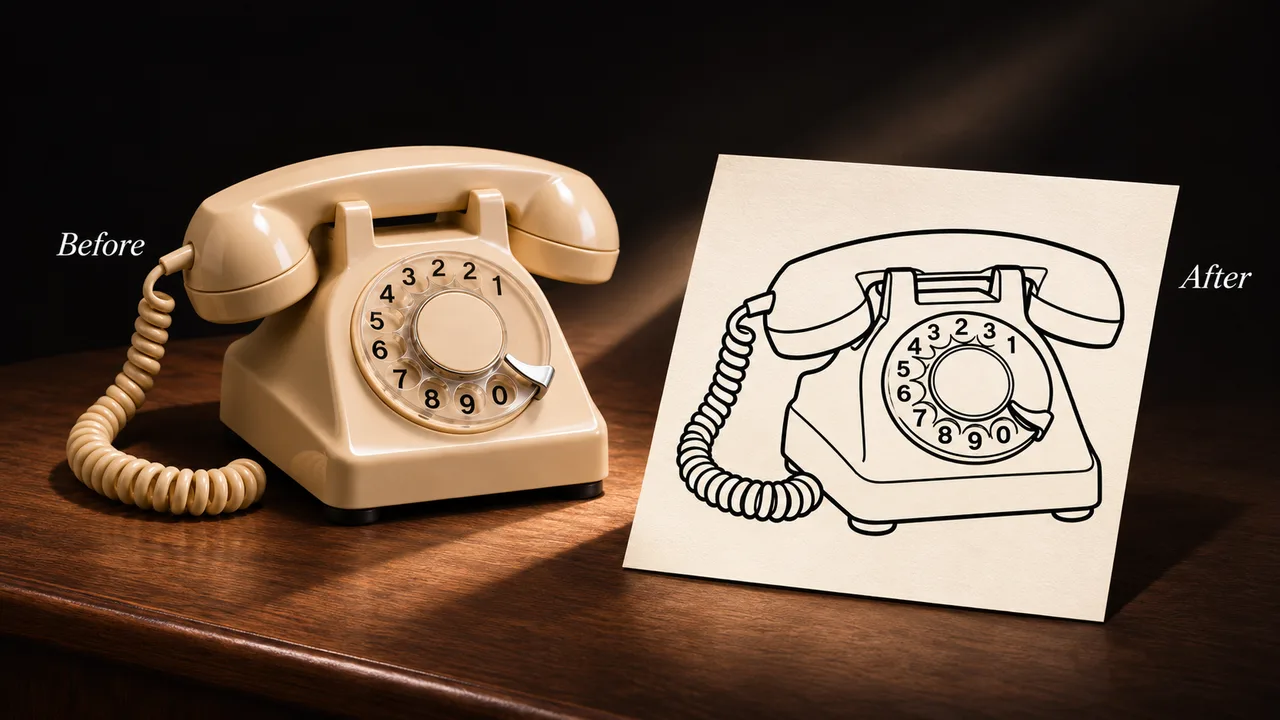
Image to Lineart
Create clean line art from a photo, with adjustable line weight and style.
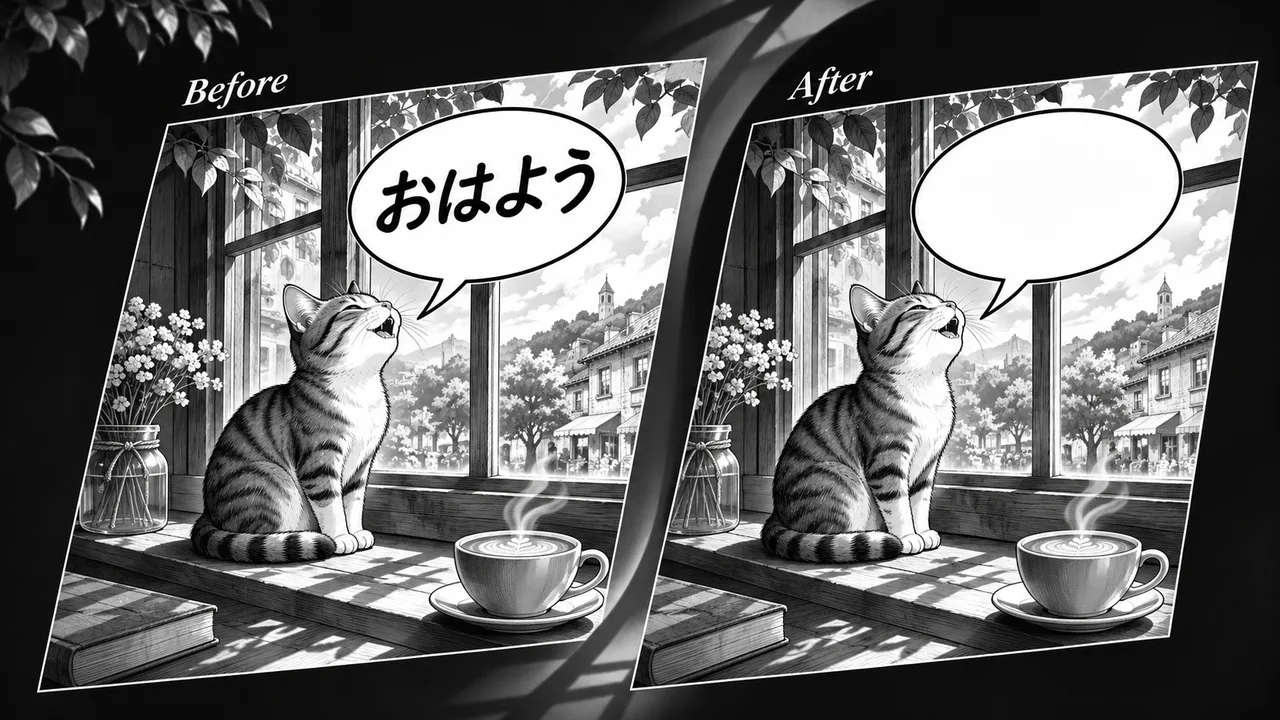
Manga Cleaner
Remove dialogue, narration and sound effects from manga pages, then use AI to fill in the artwork underneath. Useful for preparing pages for translation.
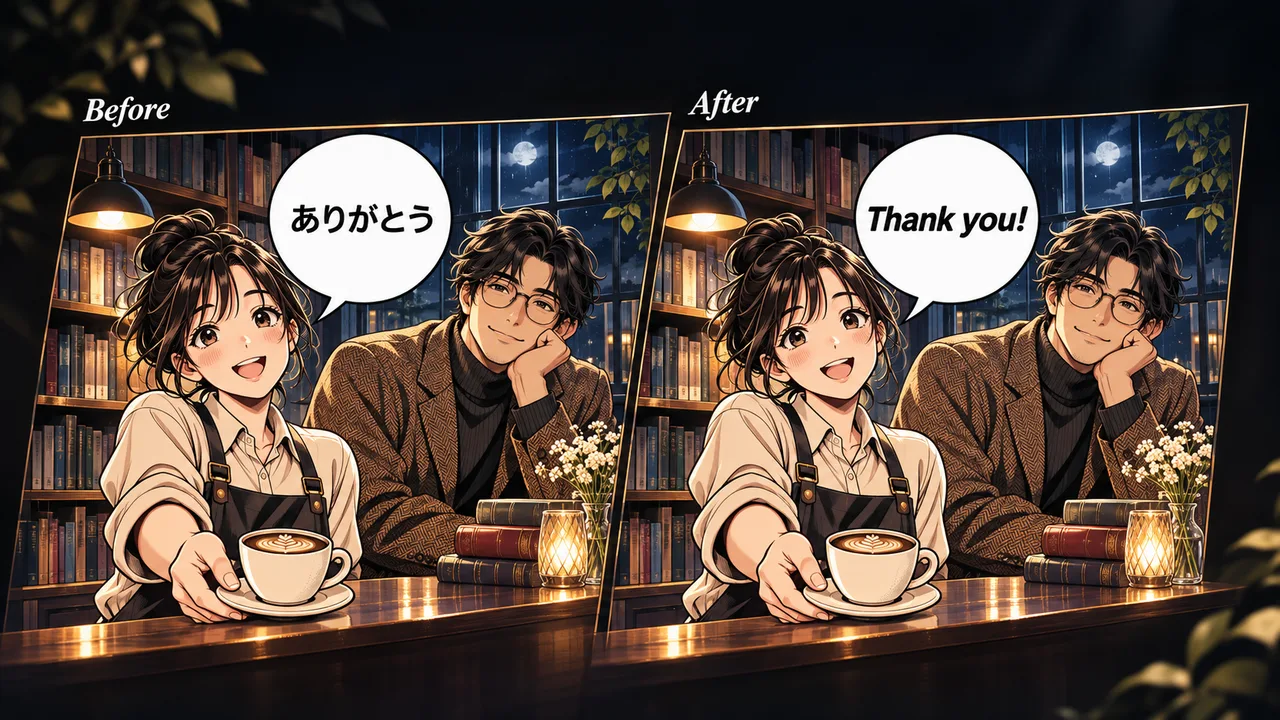
Manga Translator
Translate manga by detecting speech bubbles, translating their text and re-rendering it in a similar style.
AI Manga Colouriser
Try a palette on a black-and-white manga page or line drawing. Start from a preset or describe clothing colours, scene lighting and key hues. Zoom in on ink lines, screentones and speech bubbles before saving.