
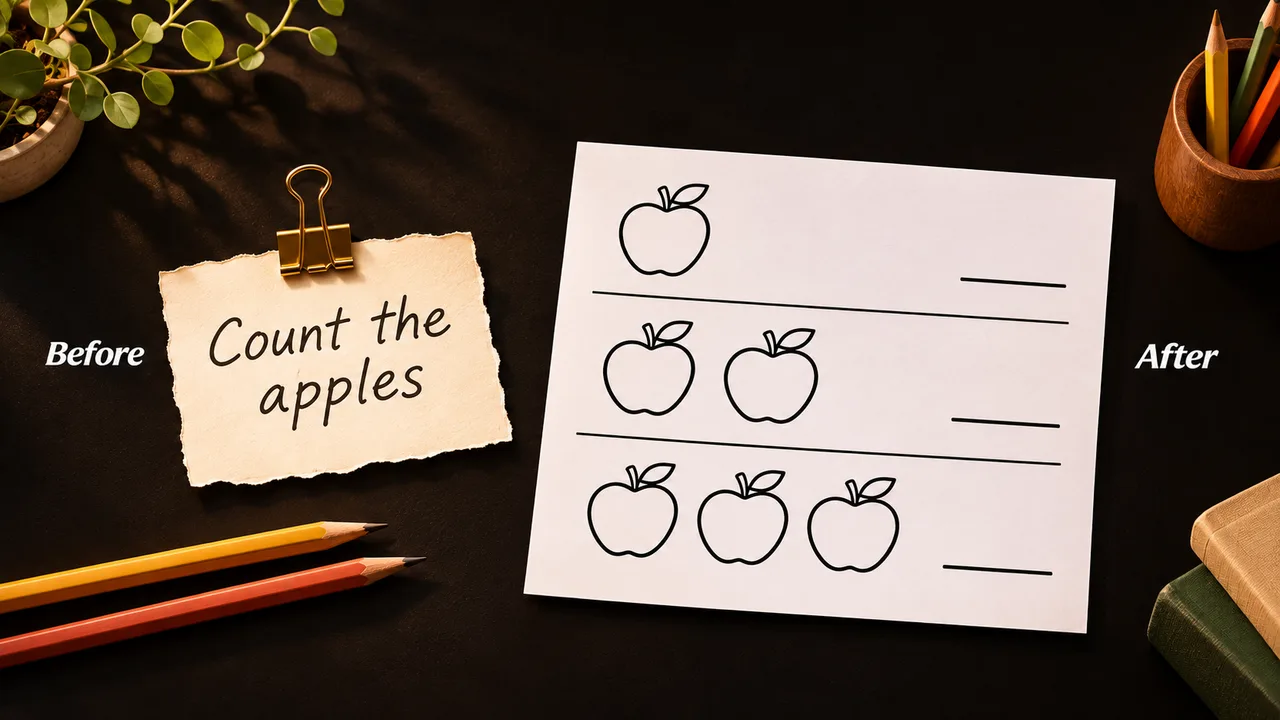
AI Kids’ Worksheet Generator
AI Kids’ Worksheet Generator
Enter a topic, grade and number of exercises to draft a printable worksheet. Try maths, tracing, phonics or reading, then check the answers, instructions and text size before printing.
- Turn a counting idea into a worksheet
- Build varied tracing practice
- Make an animal matching activity

See what changes
Drag the divider in each example to compare the original and the result.


What you can do
Illustrative comparisons
Turn a counting idea into a worksheet
“Count the stars” becomes three groups of outlined stars with a blank answer box beside each group.
Generate worksheet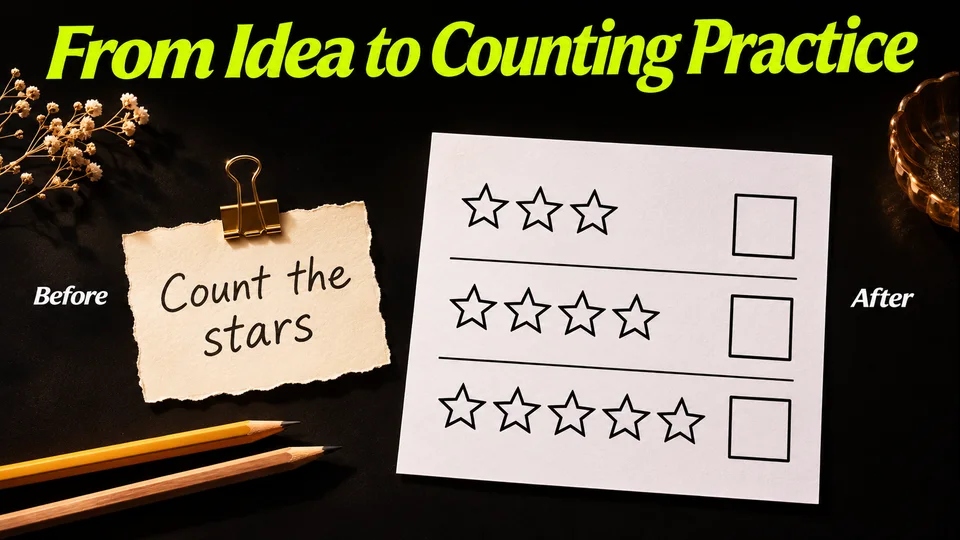
Build varied tracing practice
Dotted routes guide children from rockets to planets using waves, turns and arcs.
Generate worksheet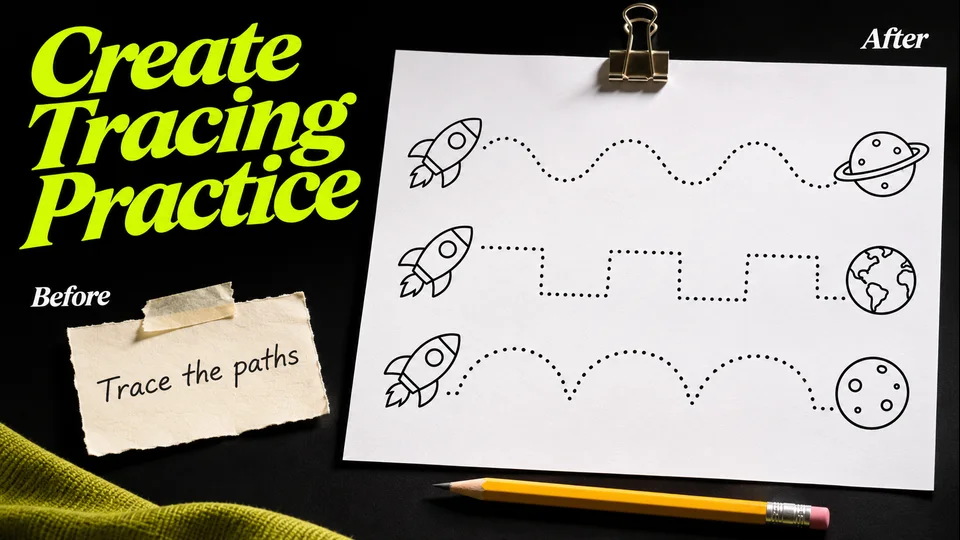
Make an animal matching activity
Children pair a rabbit, turtle and fish with the corresponding silhouettes in a different order.
Generate worksheet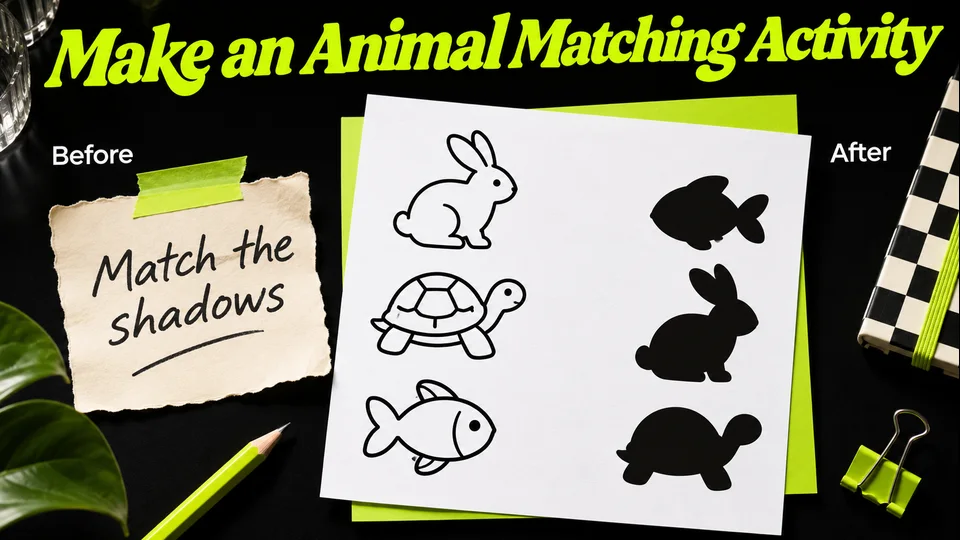
Make a maze from an idea
Turn a short bee-themed prompt into a printable activity sheet where children trace a path to a flower.
Generate worksheet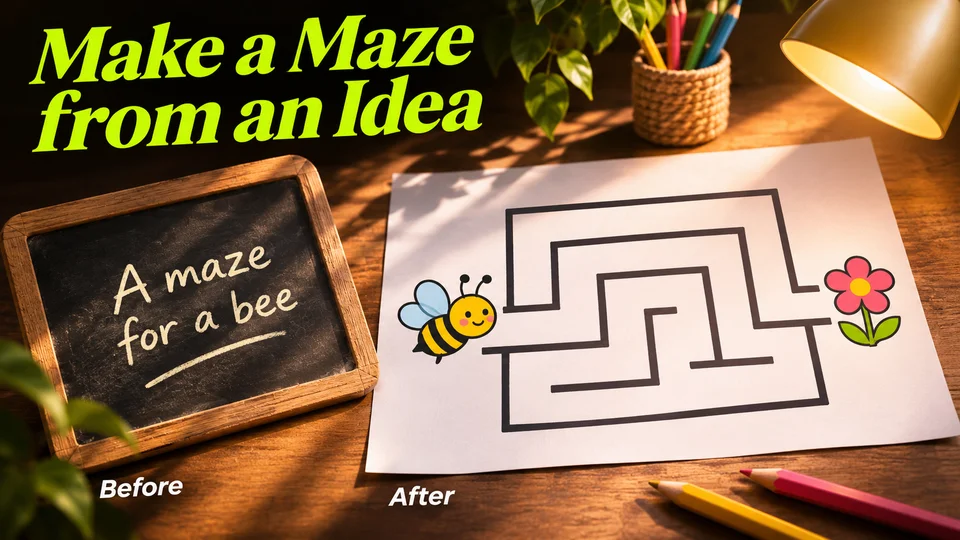
Practice beginning sounds
Make a phonics worksheet that prompts children to identify the first sound in words for a ball, boat and bee.
Generate worksheet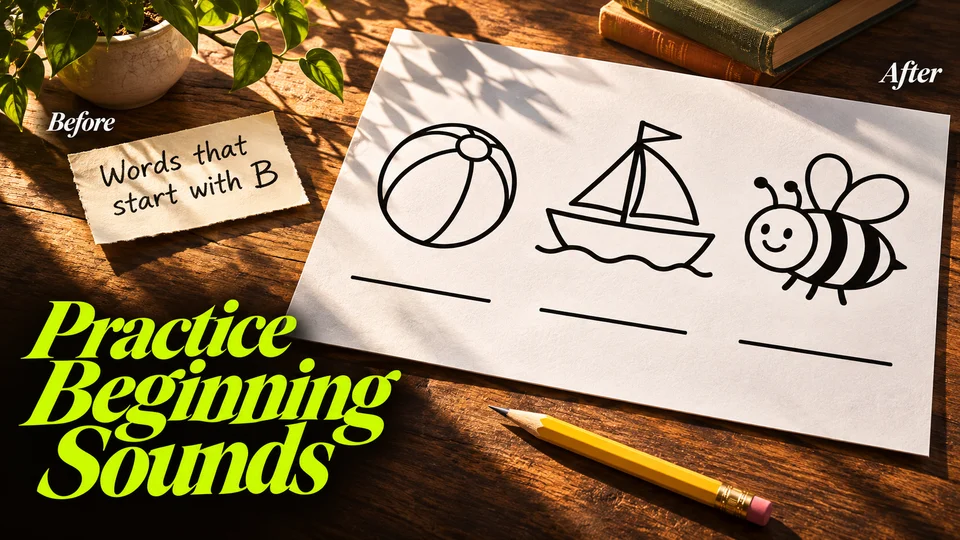
Turn a story into reading practice
Use a lost-cat prompt to create a short reading passage with a comprehension question and room for an answer.
Generate worksheet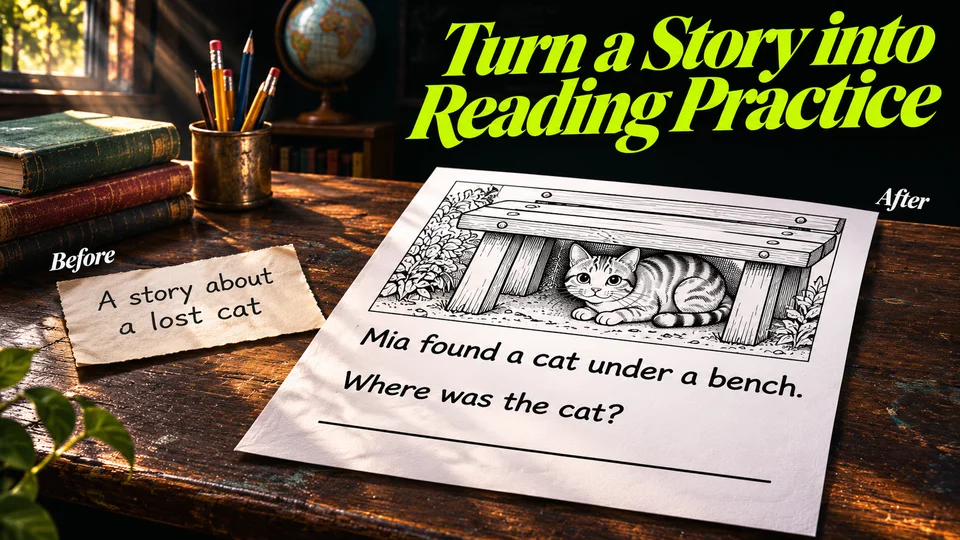
Make a printable worksheet
Choose a topic and level
Describe the subject, grade or age group, and the type of exercise you want.
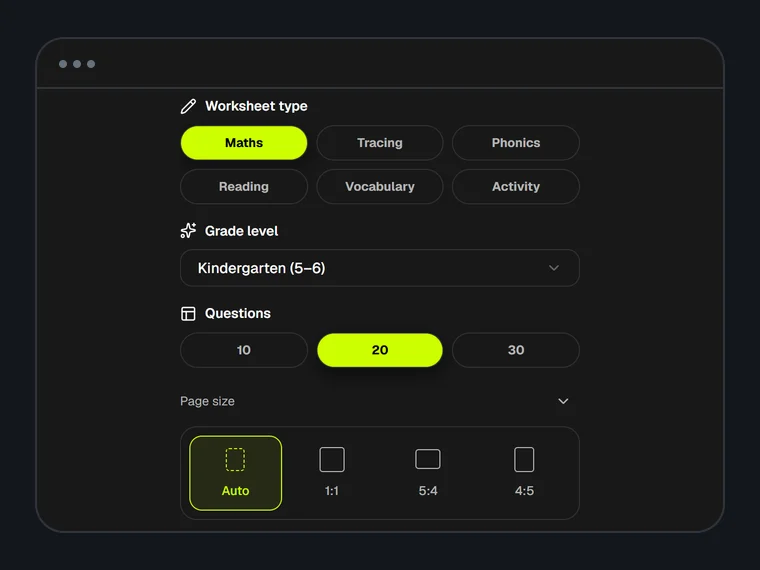
Check the layout
Choose the exercise type, grade level, question count, and page size.
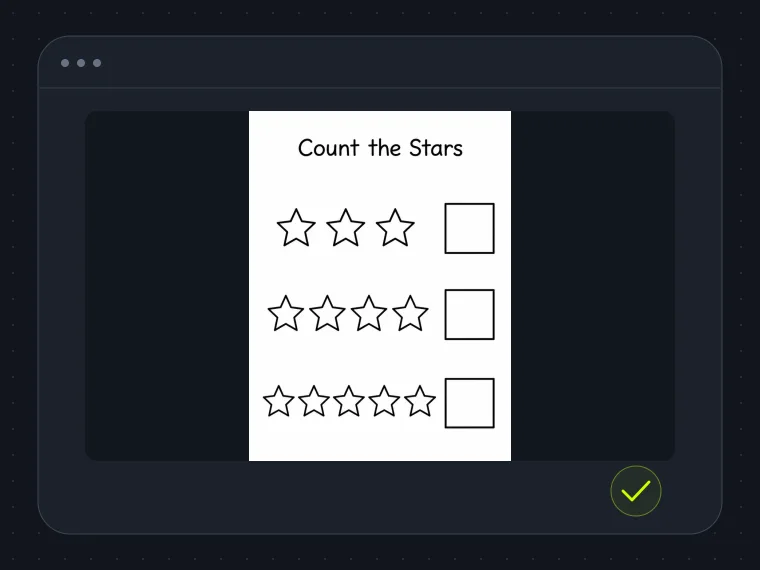
Review before printing
Check questions, answers and legibility before downloading or printing.
Making a worksheet from a template vs. HHGen
Making a worksheet from a template
- Find a template that fits the lesson
- Write or replace the questions and lay them out by hand
- Keep an editable copy for later revisions
- Replace one question and rearrange the layout directly
 HHGen Worksheet Generator
- Enter the topic and grade or age, then choose an exercise type
- Generate a downloadable worksheet image
- Check questions, answers and legibility before printing
- Generate again with a new prompt when the topic changes
FAQ
Frequently asked questions
Latest AI tools
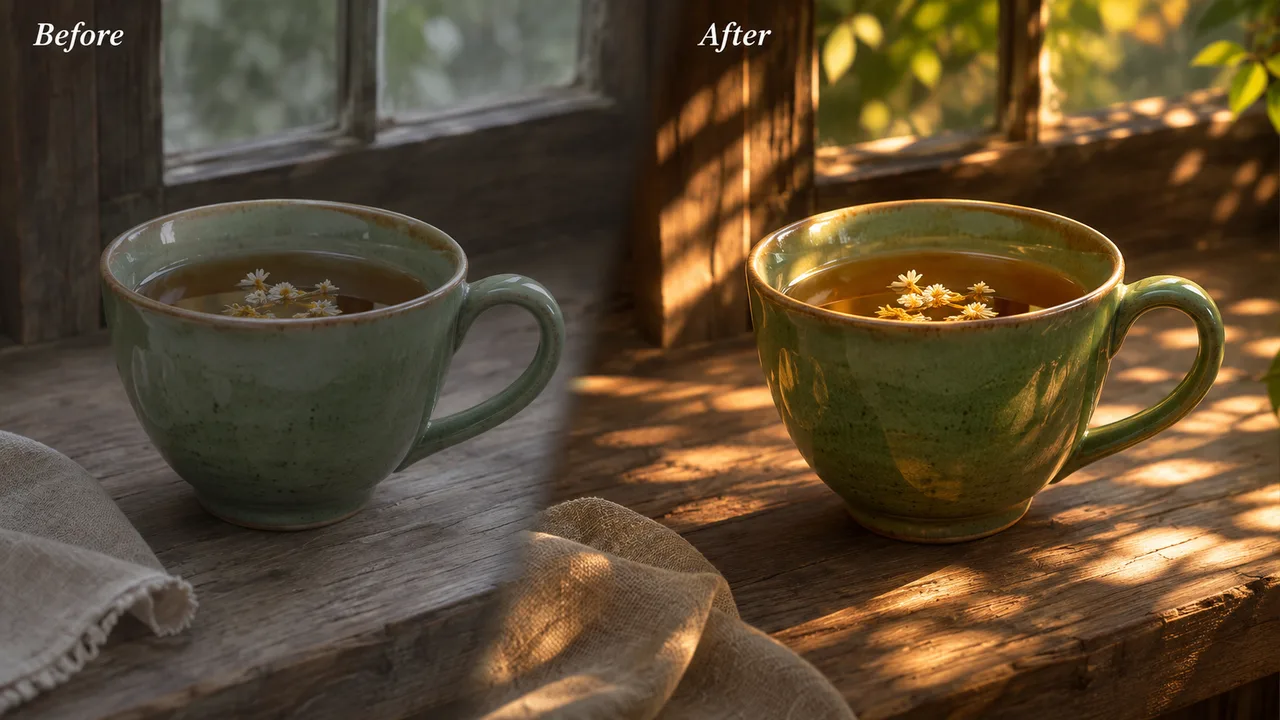
AI Photo Editor
Upload a photo and describe what to edit and what to keep. Download the result at its generated resolution.

Thumbnail Maker
Upload a reference photo, include your headline in the prompt, and select a 16:9 output when available.
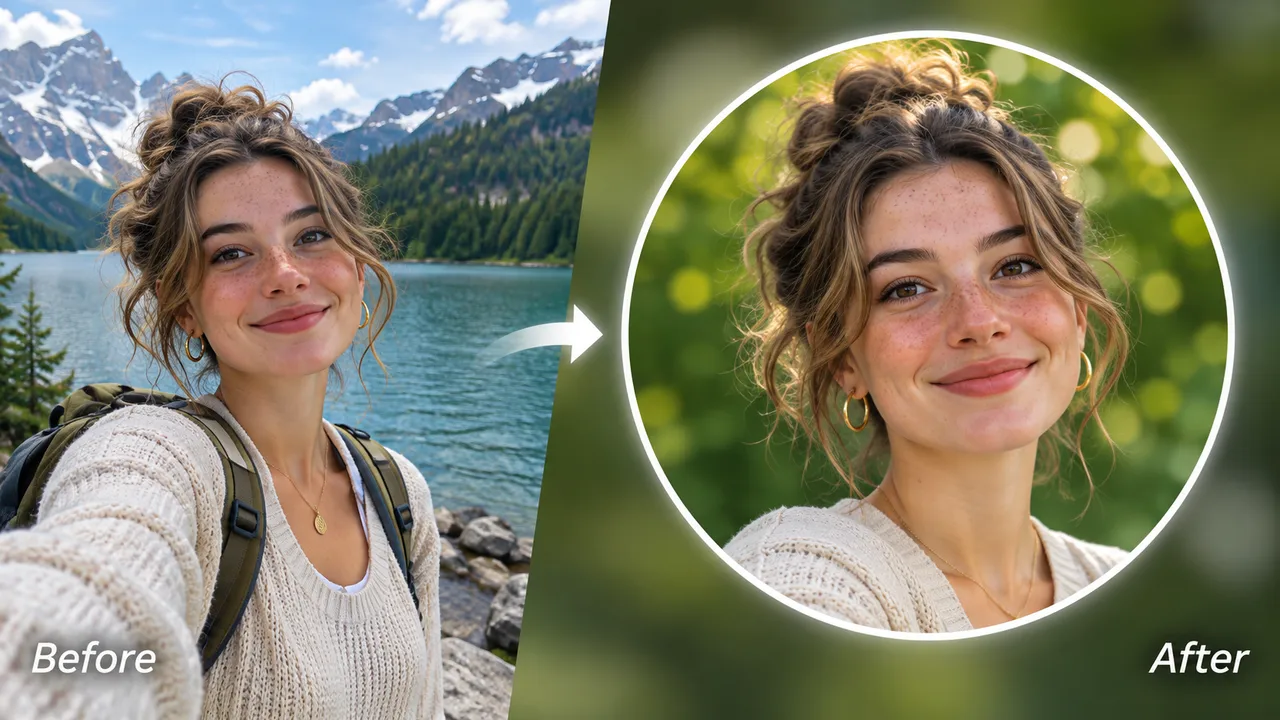
Profile Picture Maker
Upload a portrait, describe the look you want, and choose a square output for a profile picture.
Banner Maker
Upload a reference image, describe the banner and any wording, then choose a wide output ratio.
AI Kids’ Worksheet Generator
Enter a topic, grade and number of exercises to draft a printable worksheet. Try maths, tracing, phonics or reading, then check the answers, instructions and text size before printing.