
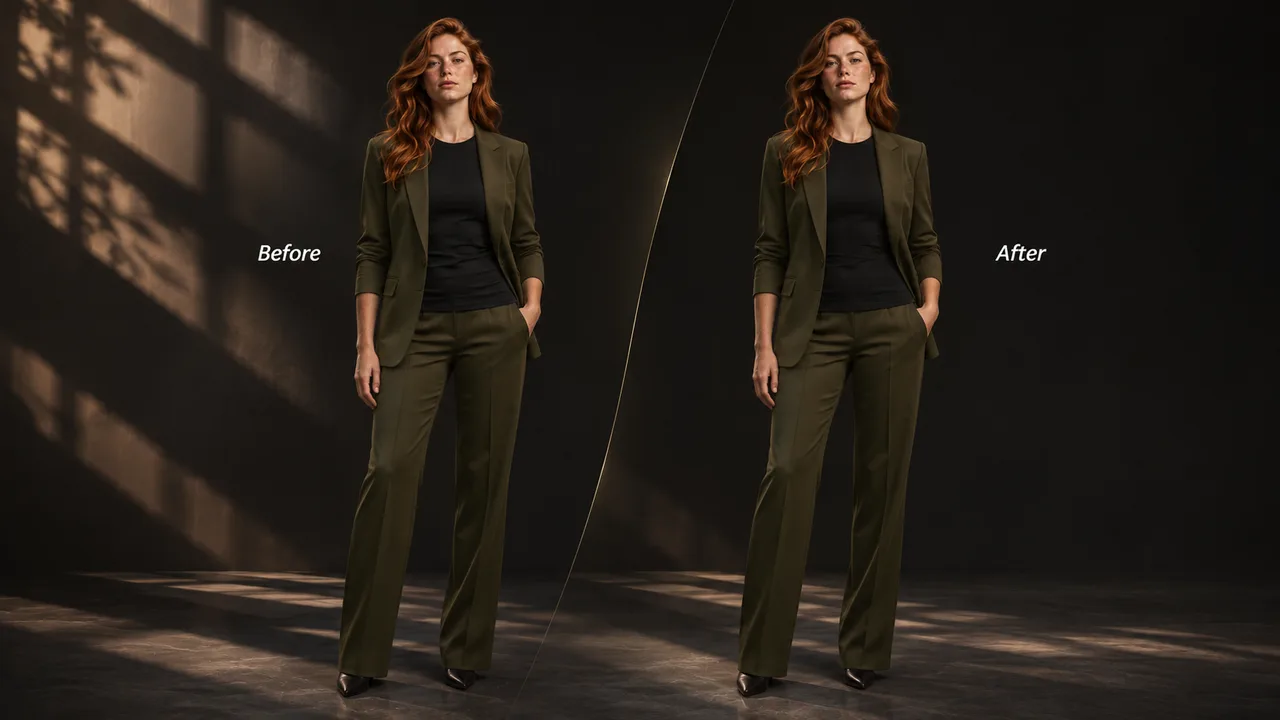
AI Body Editor
AI Body Editor
Choose a body adjustment or fine tune individual areas, then check clothing seams and background lines.
- See how a fitted outfit reads
- Explore the line of a suit jacket
- Test proportions in a full-length fashion shot

See what changes
Drag the divider in each example to compare the original and the result.


What you can do
Illustrative comparisons
See how a fitted outfit reads
Compare a subtle waist adjustment in a fitted dark outfit using the same pose and framing.
Reshape Body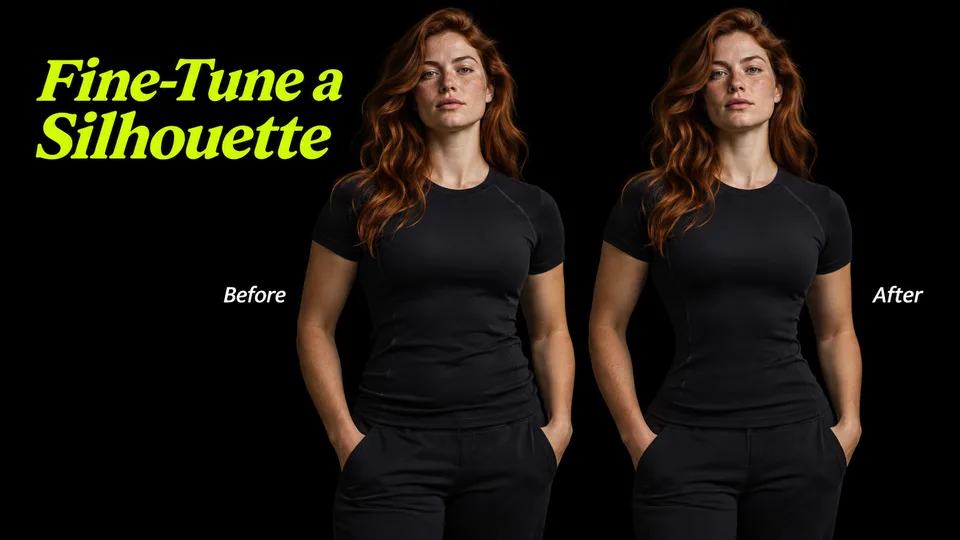
Explore the line of a suit jacket
Preview a modest change in shoulder width on a tailored suit and compare the jacket’s silhouette.
Reshape Body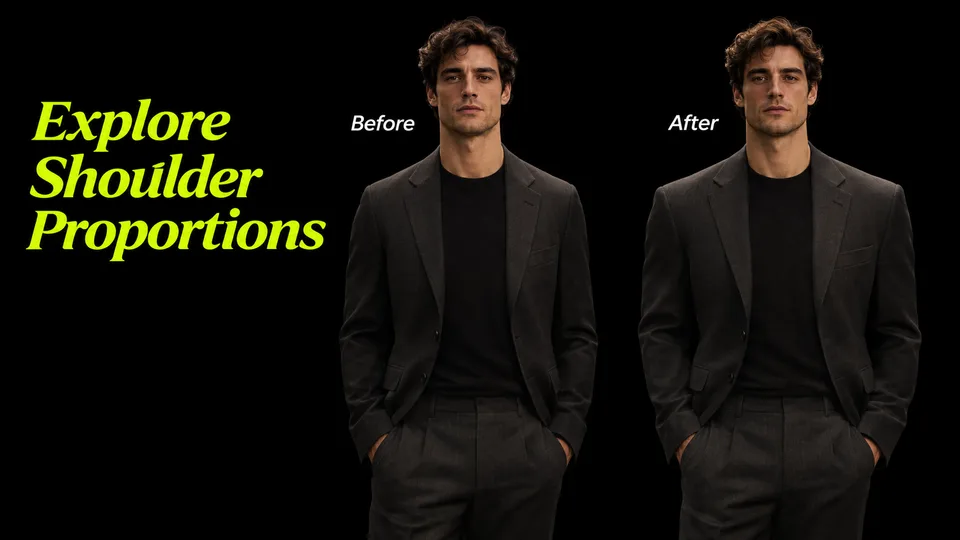
Test proportions in a full-length fashion shot
Use a head-to-toe comparison to see how a small change in leg length reads with straight-leg trousers.
Reshape Body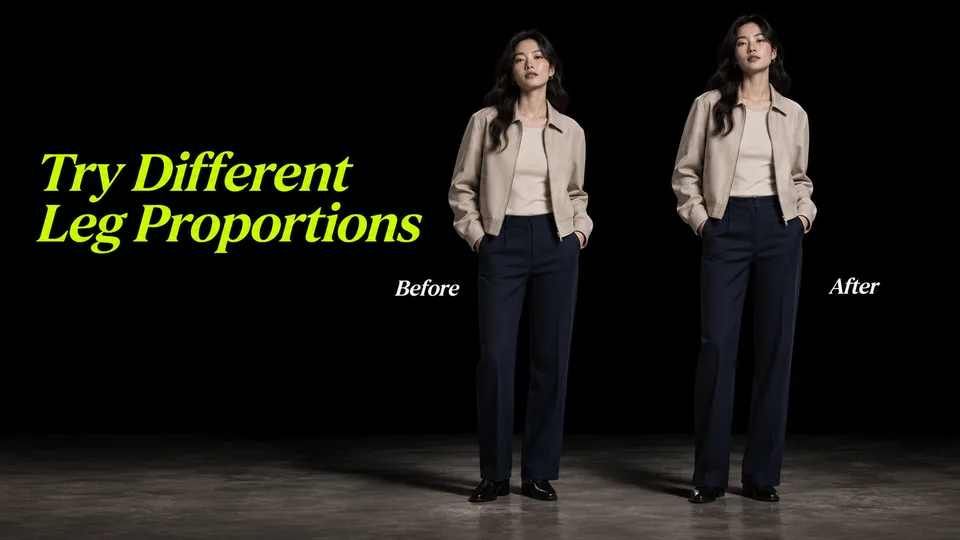
Fine-tune proportions in an action shot
Make a subtle torso adjustment in a running photo while keeping the pose and clothing seams recognizable.
Reshape Body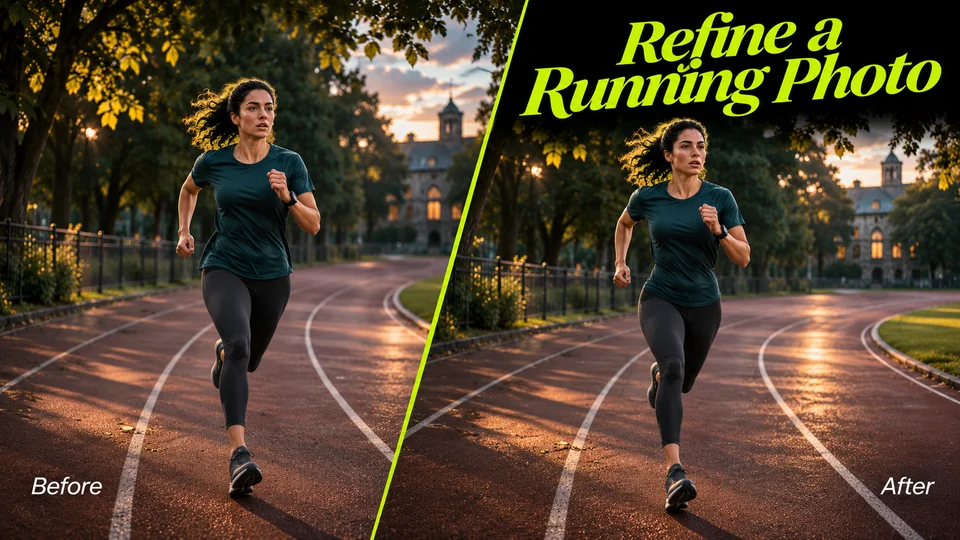
How to use this tool
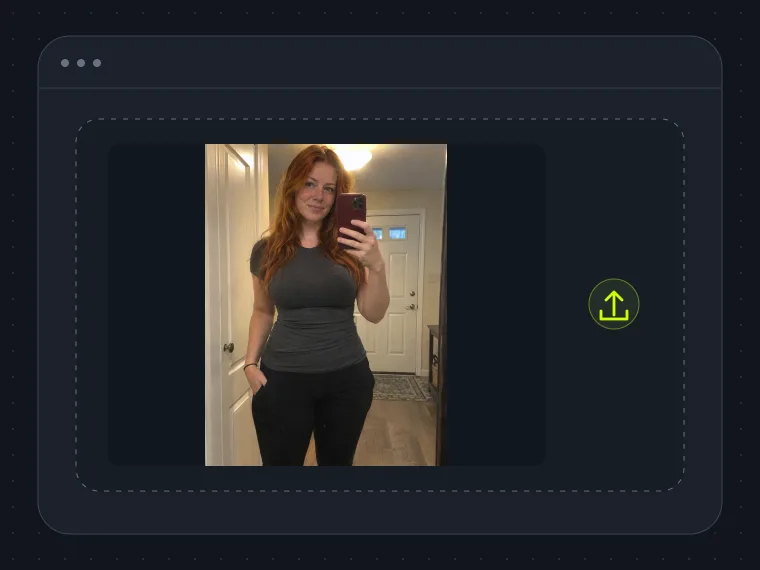
Start with an image
Choose a clear source image. Use a sample in the editor if one is available.
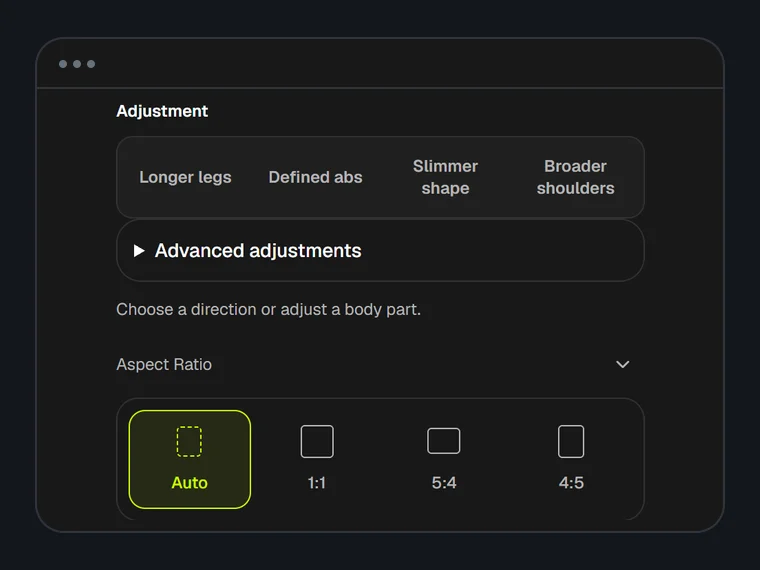
Review the settings
Pick an adjustment or fine-tune a body part in Advanced adjustments.
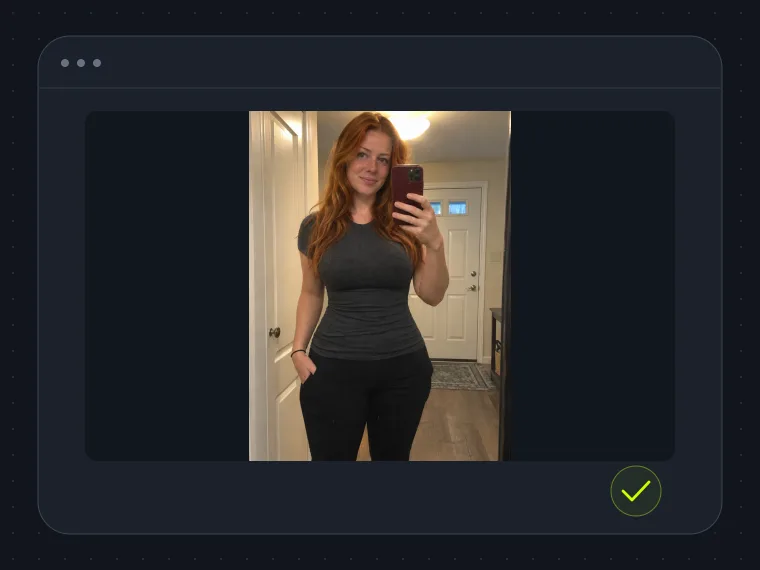
Generate and inspect
Review the result, refine your input if needed, then download your image.
Manual liquify retouching vs. HHGen
Manual liquify retouching
- Adjust the outline with a warp brush
- Check straight lines in the background
- Control the affected area by hand
- Mask the areas you want to protect
 HHGen Body Editor
- Explore portrait proportions using your own photo
- Choose from the available adjustments and generate
- Check garment edges and straight background lines
- Try a subtle adjustment and check the pose and joints
Privacy for uploads and generated images
See whether your images appear publicly and how to manage or delete them.
No automatic gallery listing
Uploads and generated images don’t automatically appear in the public gallery. Keep image URLs and share links private, as someone with a working link may be able to view the image.
Delete your uploads at any time
Uploads are stored in your assets. Sign in and open Assets → My uploads to delete them at any time.
Manage your generated images
Sign in to delete results from your assets. You can restore them from Recently Deleted while the files remain available.
FAQ
FAQ
Latest AI tools
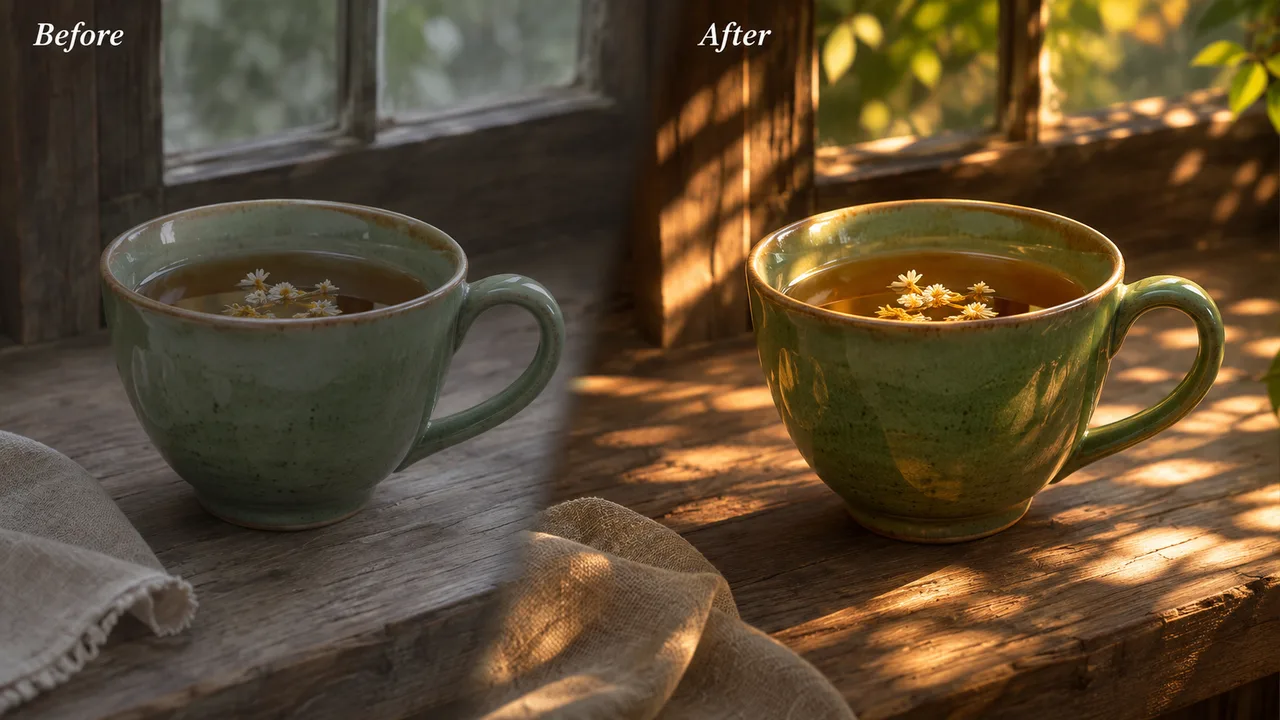
AI Photo Editor
Upload a photo and describe what to edit and what to keep. Download the result at its generated resolution.
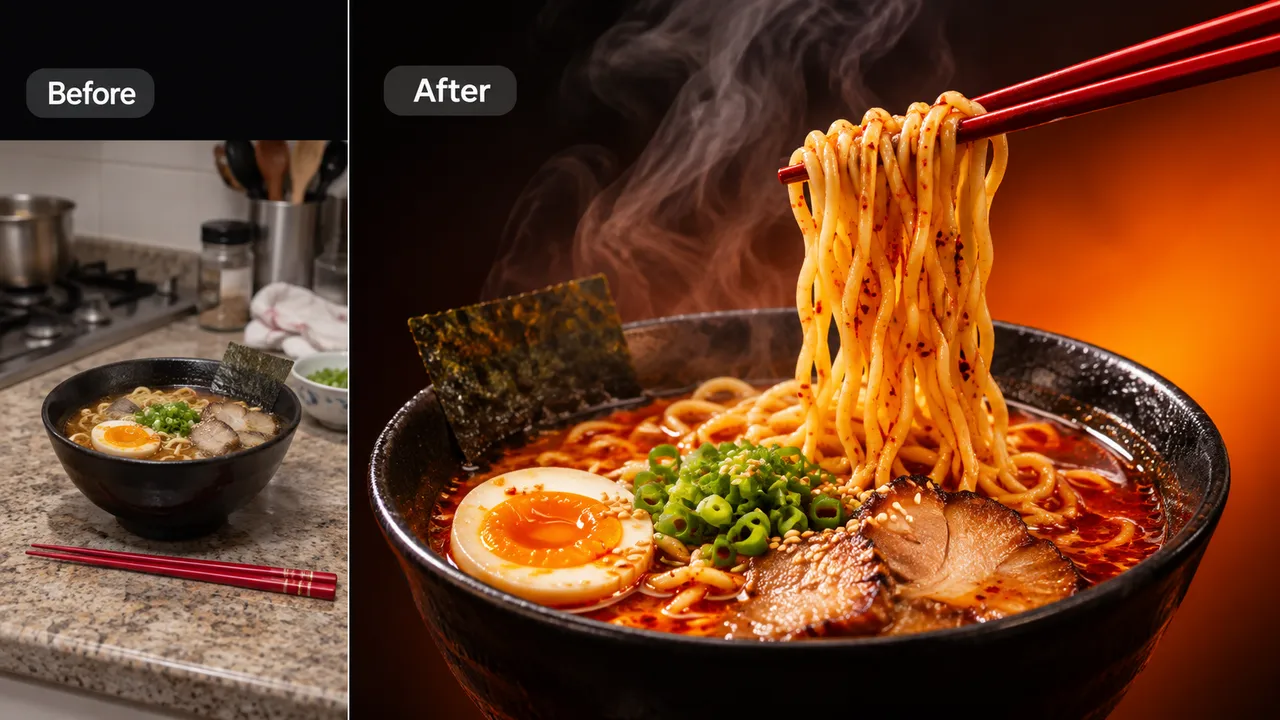
Thumbnail Maker
Upload a reference photo, include your headline in the prompt, and select a 16:9 output when available.
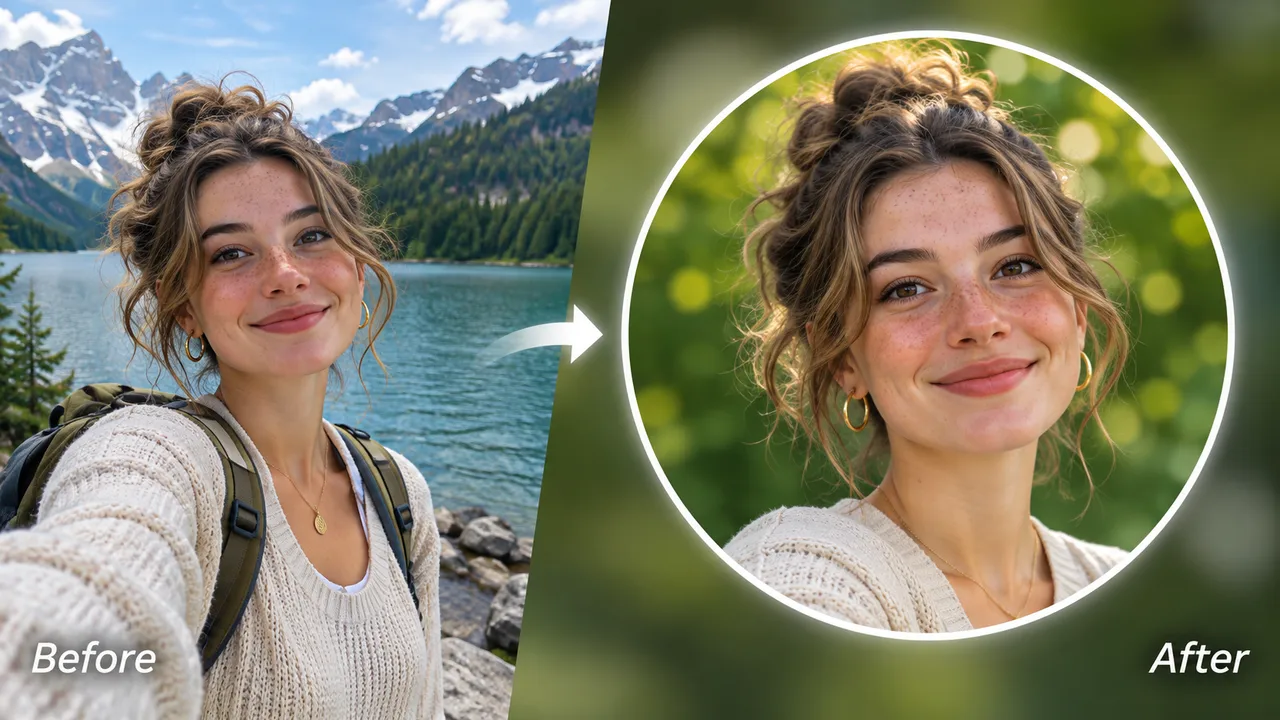
Profile Picture Maker
Upload a portrait, describe the look you want, and choose a square output for a profile picture.
Banner Maker
Upload a reference image, describe the banner and any wording, then choose a wide output ratio.
AI Body Editor
Choose a body adjustment or fine tune individual areas, then check clothing seams and background lines.