
Generate SVG from Text with AI
Describe an icon, badge, or simple illustration. Generate an editable SVG vector from text for free with AI and download the vector file.
- Puffin icon
- Mountain badge
- Coffee cup symbol
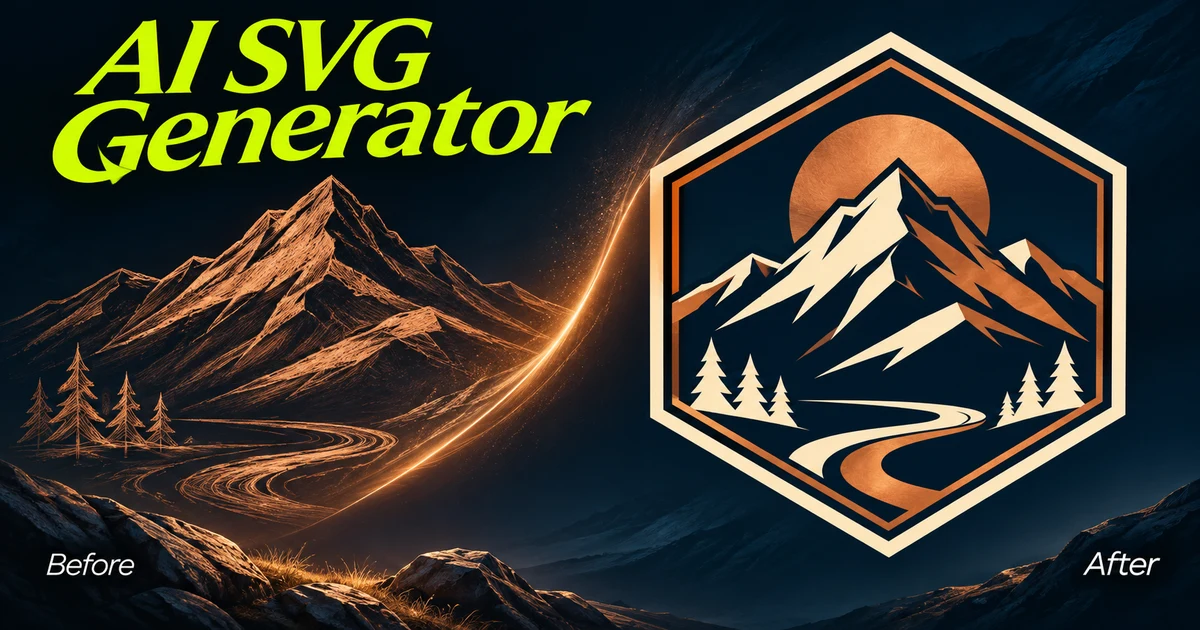
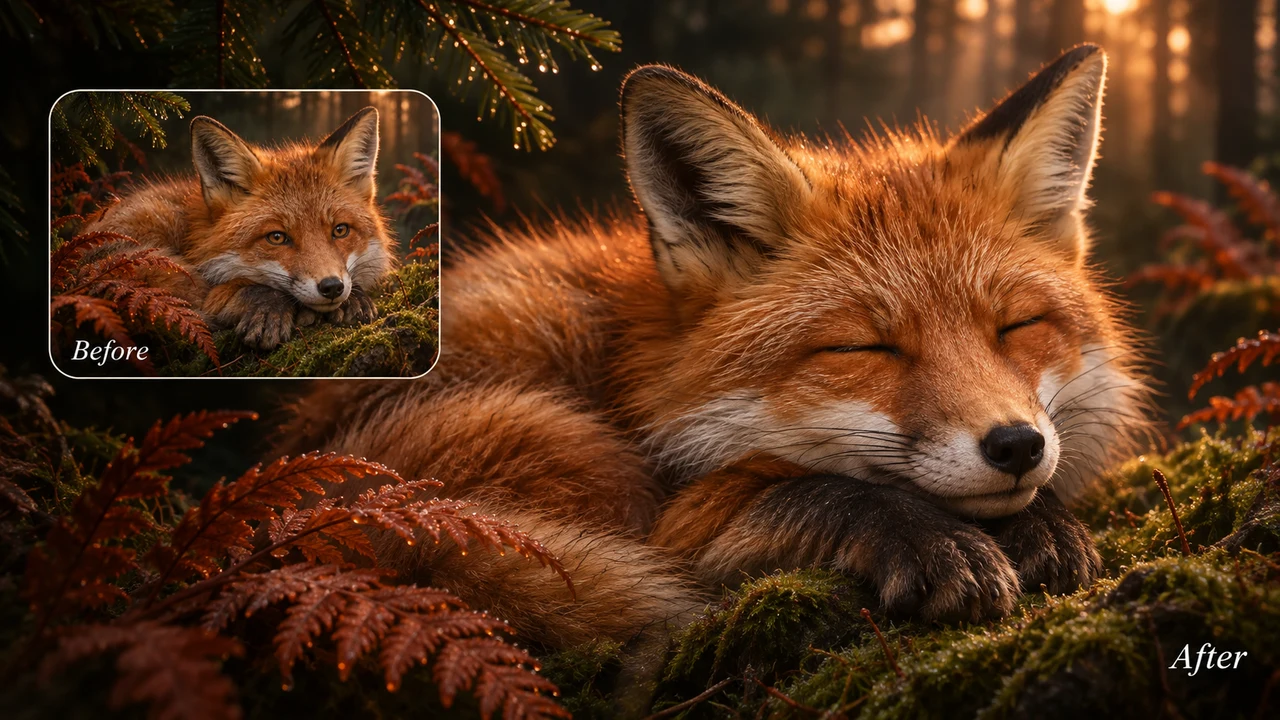
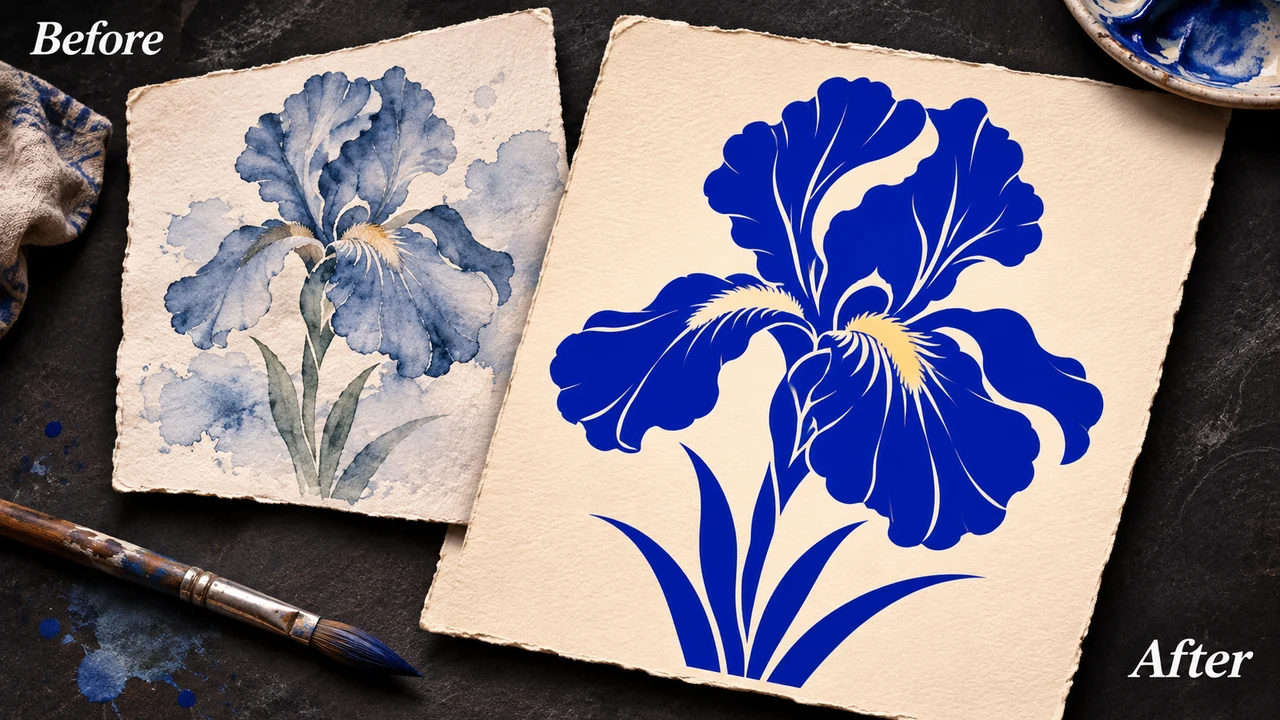
See what changes
Example stills show the intended effect.



What you can do
Illustrative comparisons
Draft a vector mark from a description
Sketch an icon or badge by describing its shapes and palette.
Open workspace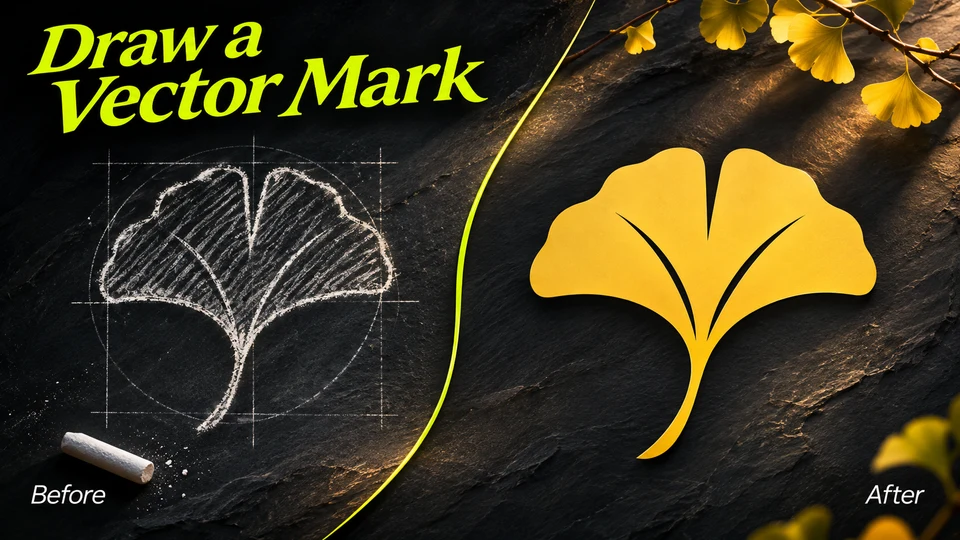
Create clear silhouettes for icons
Solid fills and a few distinct shapes make icons easier to read at small sizes.
Open workspace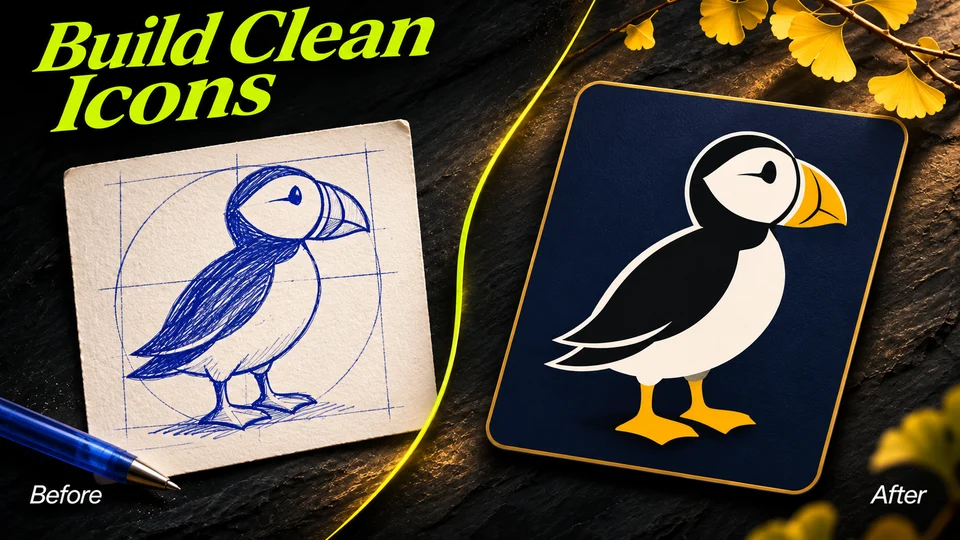
Edit individual shapes after export
Open the exported SVG in a vector editor to adjust shapes and fills.
Open workspace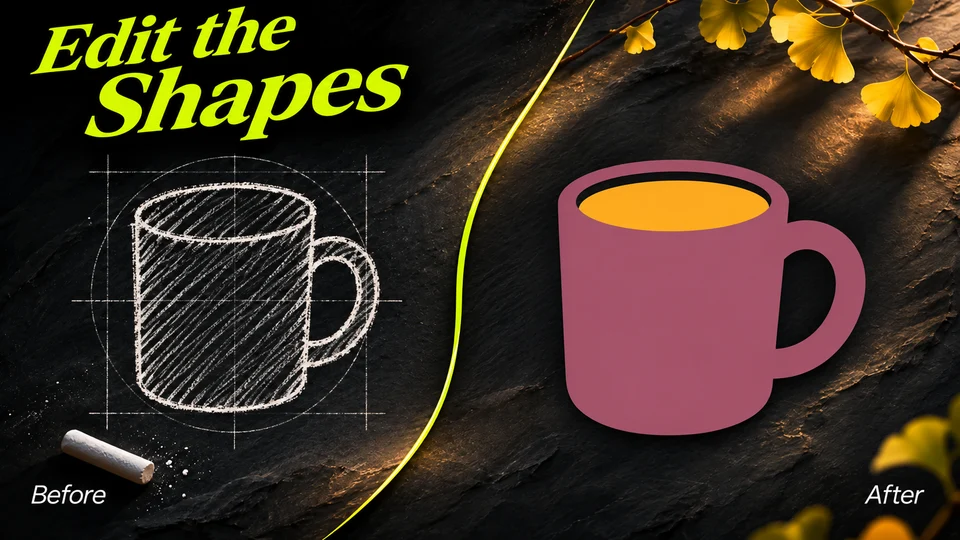
How to use this tool
Describe what you want to make
Describe the shapes, colors and intended use.
Review the prompt and settings
Choose a model and generate the vector artwork.
Preview and save
Preview and download the editable SVG paths.
Manual workflow vs. HHGen
Manual workflow
- Prepare the source material or write a brief
- Build and refine the result in an editor
- Check the final version and export it
 HHGen · AI SVG Generator
- Describe the shapes, colors and intended use.
- Choose a model and generate the vector artwork.
- Preview and download the editable SVG paths.
Privacy for uploads and generated images
See whether your images appear publicly and how to manage or delete them.
No automatic gallery listing
Uploads and generated images don’t automatically appear in the public gallery. Keep image URLs and share links private, as someone with a working link may be able to view the image.
Delete your uploads at any time
Uploads are stored in your assets. Sign in and open Assets → My uploads to delete them at any time.
Manage your generated images
Sign in to delete results from your assets. You can restore them from Recently Deleted while the files remain available.
FAQ
Frequently asked questions

AI SVG Generator
Describe a simple illustration or icon. Generate and download an editable SVG file.