
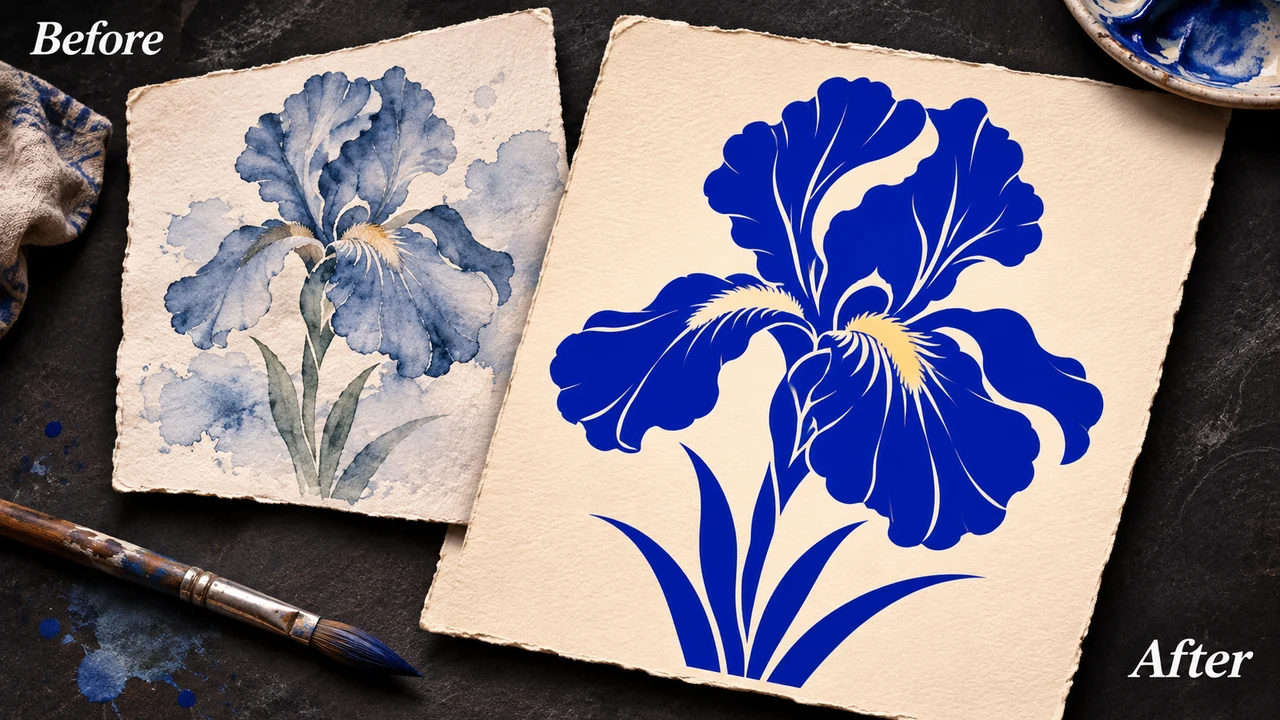
Convert an Image to SVG
Convert JPG, PNG, or WebP into editable SVG paths for free in your browser. Choose trace colors and download the clean vector file.
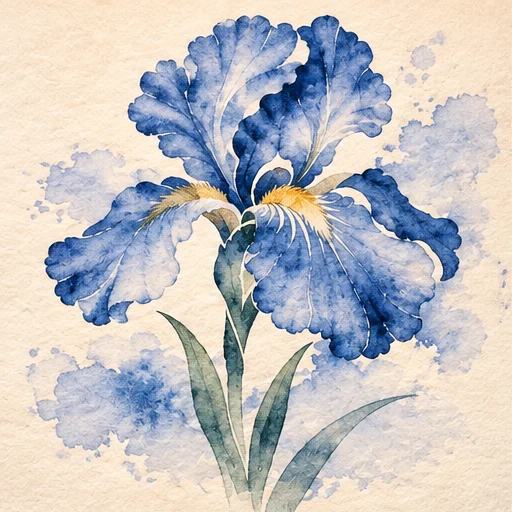
- Watercolor iris
- Ink fern
- Pinecone sketch

See what changes
Example stills show the intended effect.


What you can do
Illustrative comparisons
Trace artwork into editable paths
Turn a drawing into shapes you can select and edit individually.
Open workspace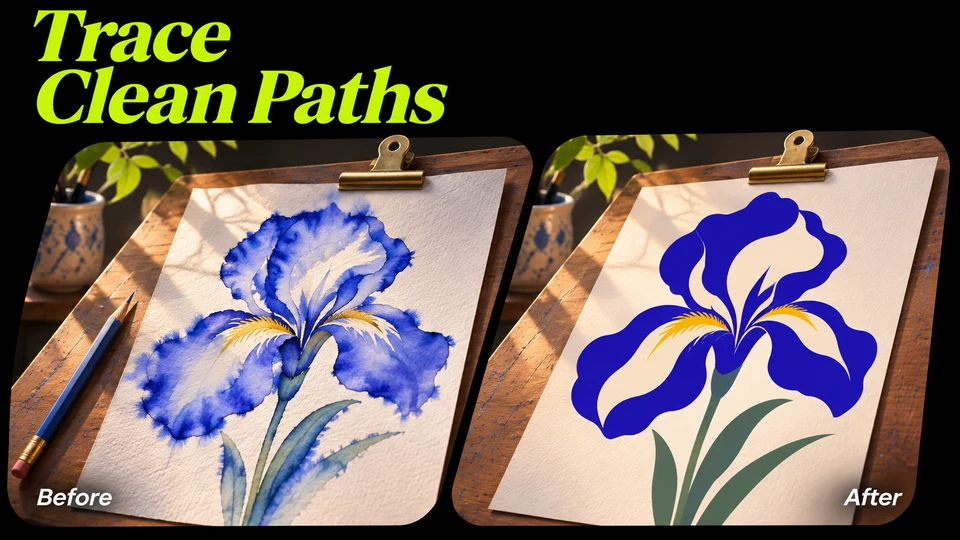
Simplify edges for cleaner outlines
Use a sharp source with well-defined edges and little background texture.
Open workspace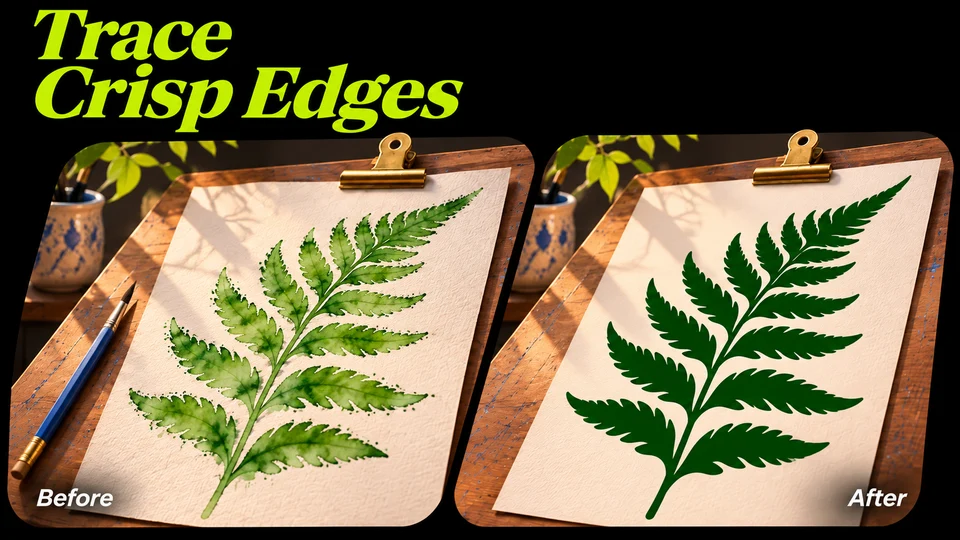
Reduce the number of colors
Fewer colors simplify the output. More colors retain more of the original palette.
Open workspace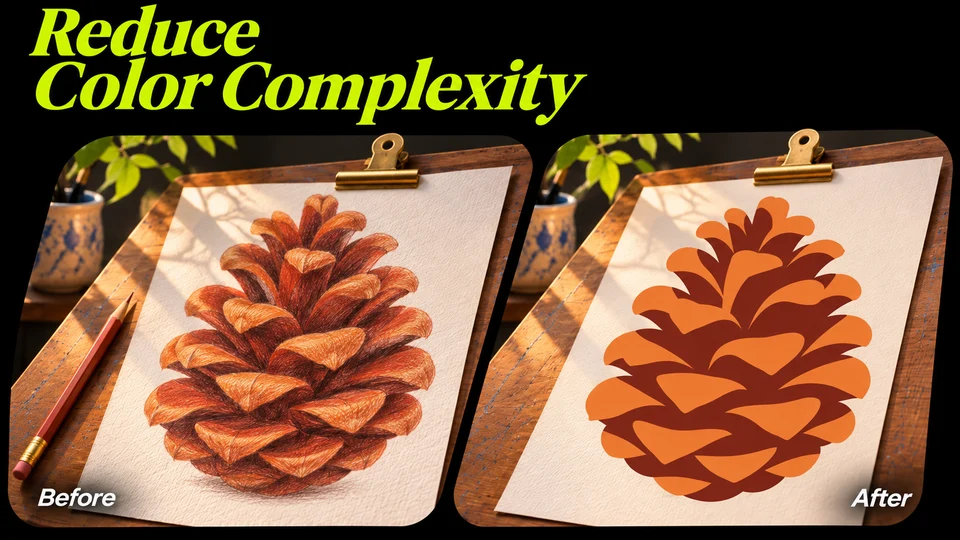
How to use this tool
Add a reference image
Upload a JPG, PNG or WebP or select a sample.
Review the prompt and settings
Choose the number of colors and trace in your browser.
Preview and save
Inspect the shapes and download the SVG.

Manual workflow vs. HHGen
Manual workflow
- Prepare the source material or write a brief
- Build and refine the result in an editor
- Check the final version and export it
 HHGen · Image to SVG
- Upload a JPG, PNG or WebP or select a sample.
- Choose the number of colors and trace in your browser.
- Inspect the shapes and download the SVG.
FAQ
Frequently asked questions



Image to SVG
Trace a JPG, PNG or WebP into editable vector paths in your browser. Flat graphics work best.