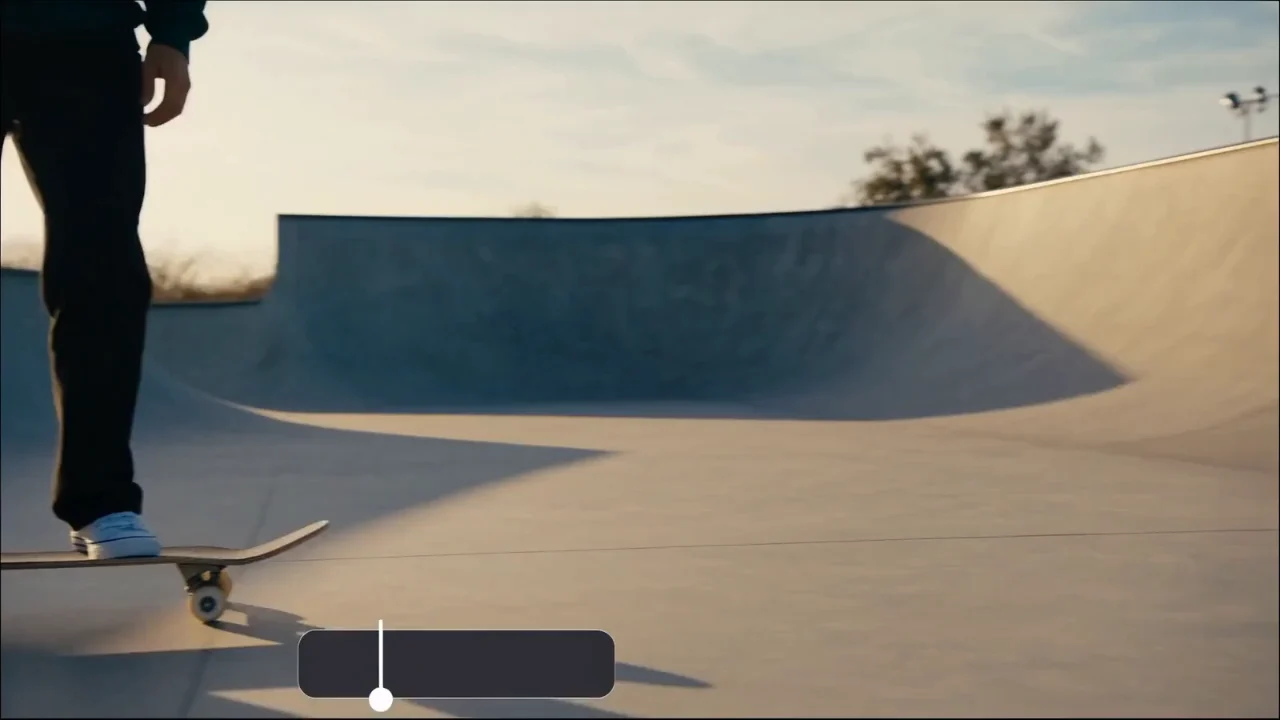
Change how a person looks
Describe a different apparent age, hairstyle, or outfit for someone in the clip. Say which details, such as their pose or the setting, should stay the same.
Open the toolEdit existing videos with a text prompt online for free. Change objects, backgrounds or lighting and preview the edited shot before downloading.
Illustration · The two views show a brown bag changed to green. When you edit your own footage, check that the clasp, shadows and camera motion still match the source.


Upload the original clip, choose a generated video from your library, or paste a direct video link.
Trim to one shot where the target is visible. If color or shape matters, choose a JPG or PNG with a clear view of that detail.
Choose a template and replace the example wording. Name the target, its location and what should stay. Use Auto for source timing or set seconds to fit a cut.
Play both clips through. Check the target before and after occlusion, then compare faces, logos and camera movement before downloading.
Illustrative comparisons
Describe a different apparent age, hairstyle, or outfit for someone in the clip. Say which details, such as their pose or the setting, should stay the same.
Open the toolAsk to see the same scene from the side or from higher up. Name the subject to keep in frame and describe what the new view should reveal.
Open the toolPoint out the object by its color and location, such as the red headphones beside the mug. Specify which nearby objects should stay.
Open the toolDescribe the background you want behind the subject. For a moving subject, review the edges and shadows as the scene plays.
Open the tool