
Replace Video Background
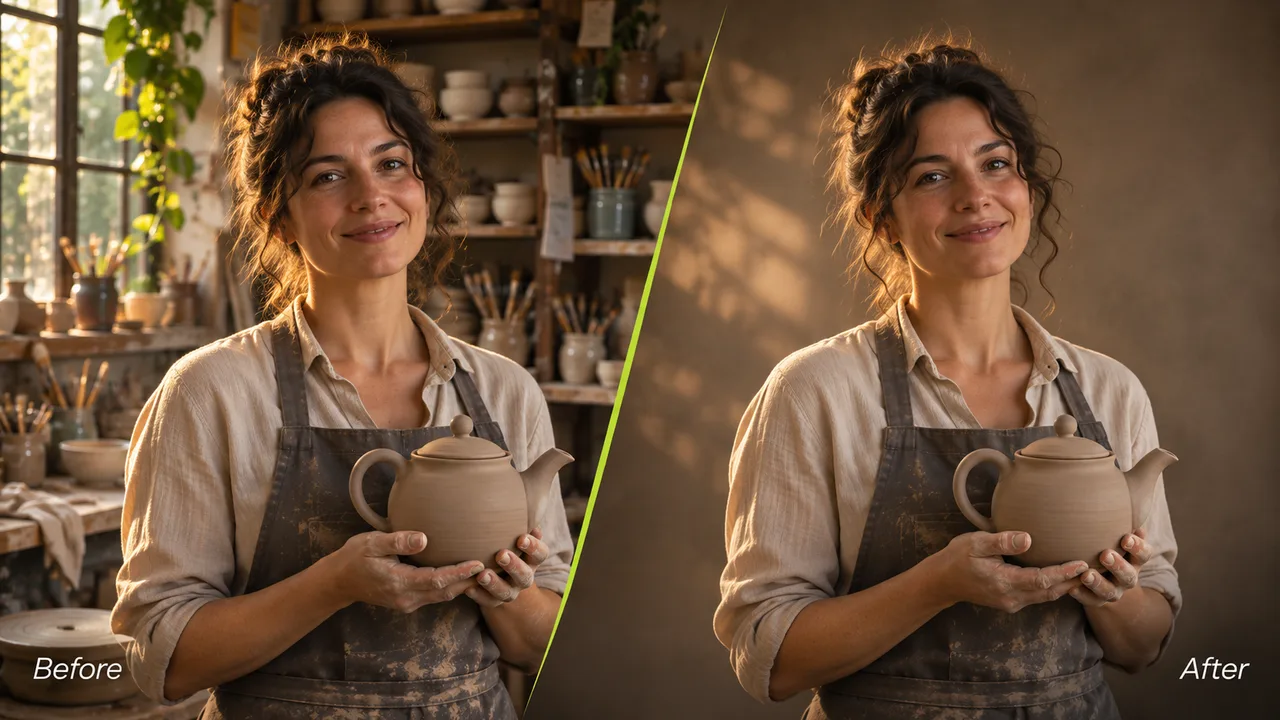
Replace a video background online with AI using a scene preset or reference image while keeping your foreground subject moving naturally.
See what changes
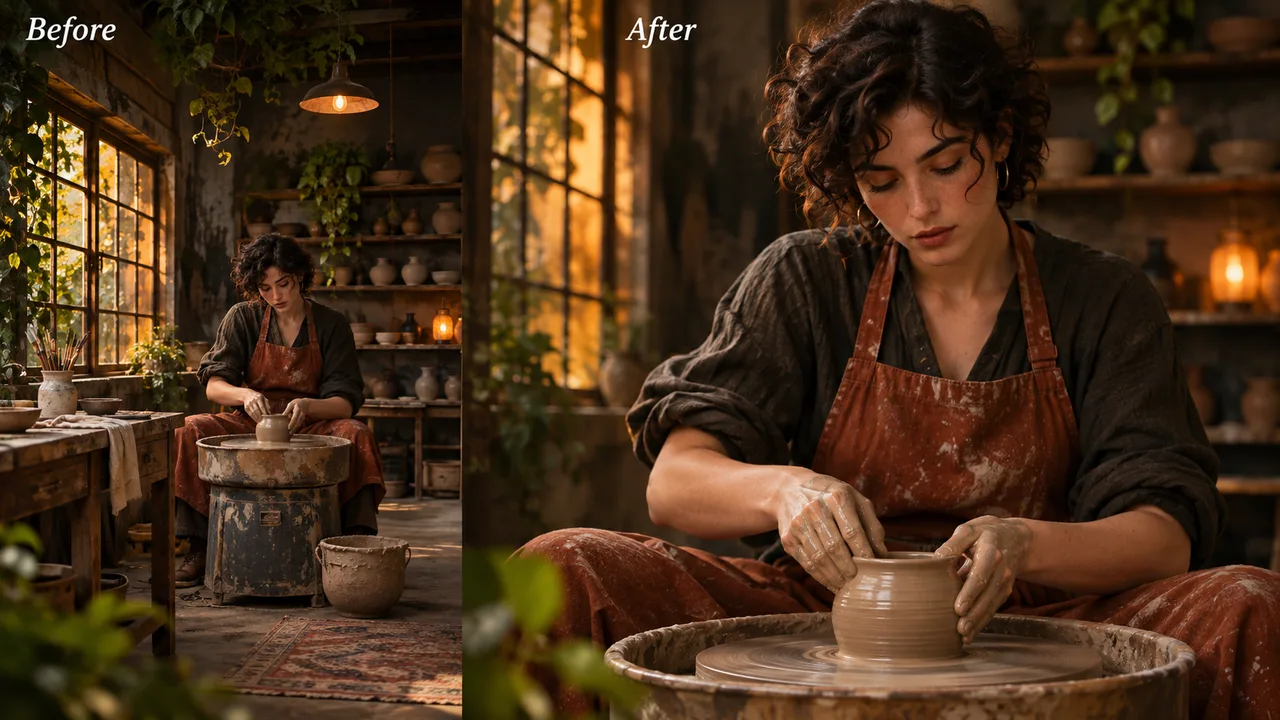
Illustrative video frame · Drag the divider in each example to compare the original and the result.


How to use this tool
Add your source video
Upload a 3–20 second MP4 or MOV with the subject clearly visible.
Review the prompt and settings
Use the suggested prompt as a starting point. Specify the change you want and the details to keep.
Preview and save
Check that the result fits your brief. Refine the prompt if needed, then download the version you want to keep.
Core features
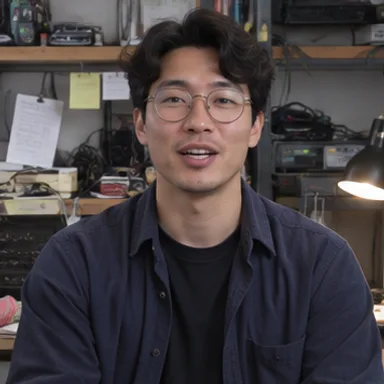
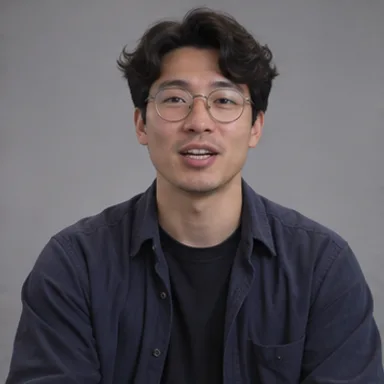
Illustrative video frame
What you can change
Choose a background scene or upload a reference image to change the setting around your subject.
Open workspace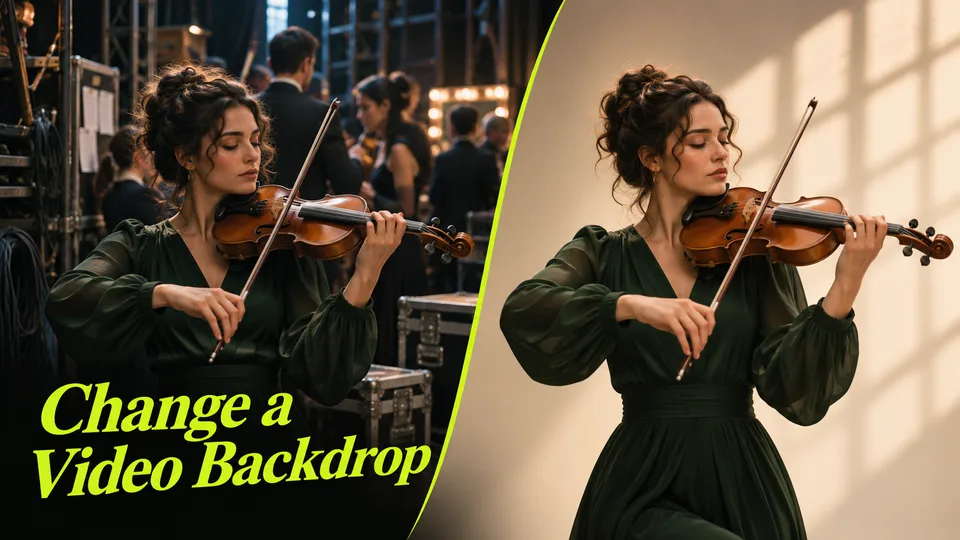
Where to use it
Move a presenter into a studio setting · Warm studio behind a creator · Blue set behind a fitness coach
Open workspace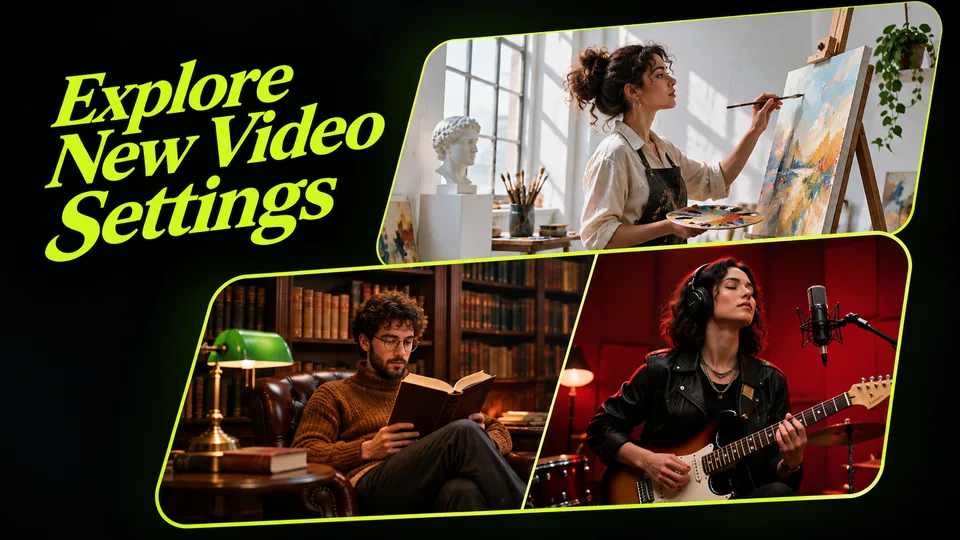
Inputs and output settings
Upload a 3–20 second MP4 or MOV with the subject clearly visible. Use the settings in the workspace. Available aspect ratios, formats and other options depend on the current model and workflow.
Open workspace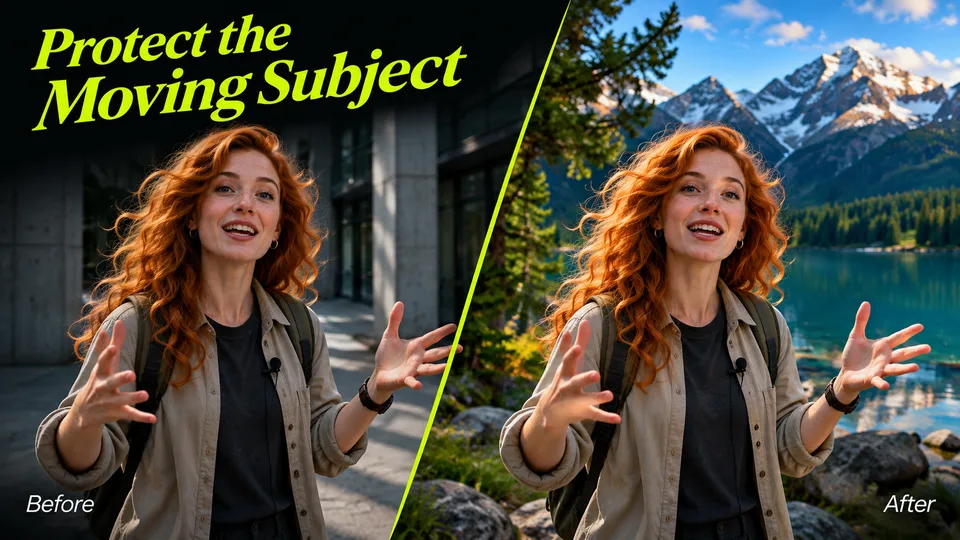
Manual workflow vs. HHGen
Manual workflow
- Prepare the source material or write a brief
- Build and refine the result in an editor
- Check the final version and export it
 HHGen · Replace Video Background
- Add your source video
- Review the prompt and settings
- Preview and save
FAQ
Frequently asked questions
Related tools
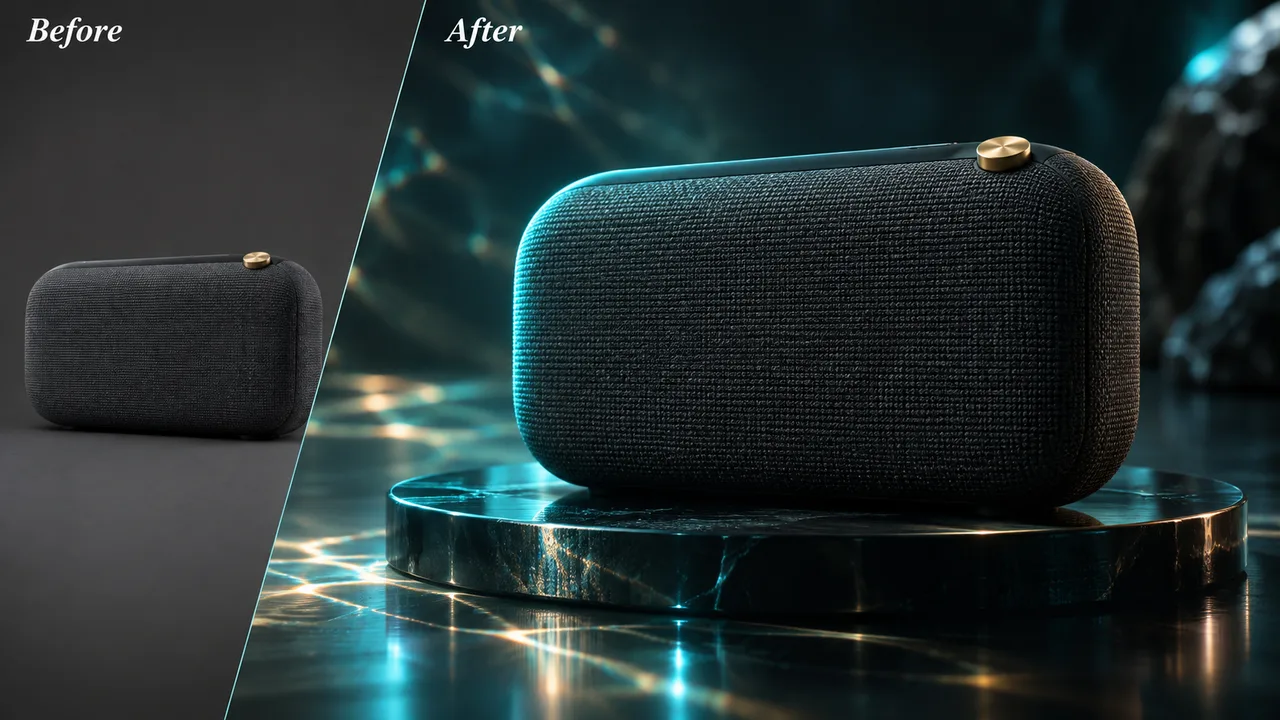
Product Video Maker
Turn the uploaded product photo into a short studio shot with a slow camera move. Keep the shape, packaging and branding recognizable.
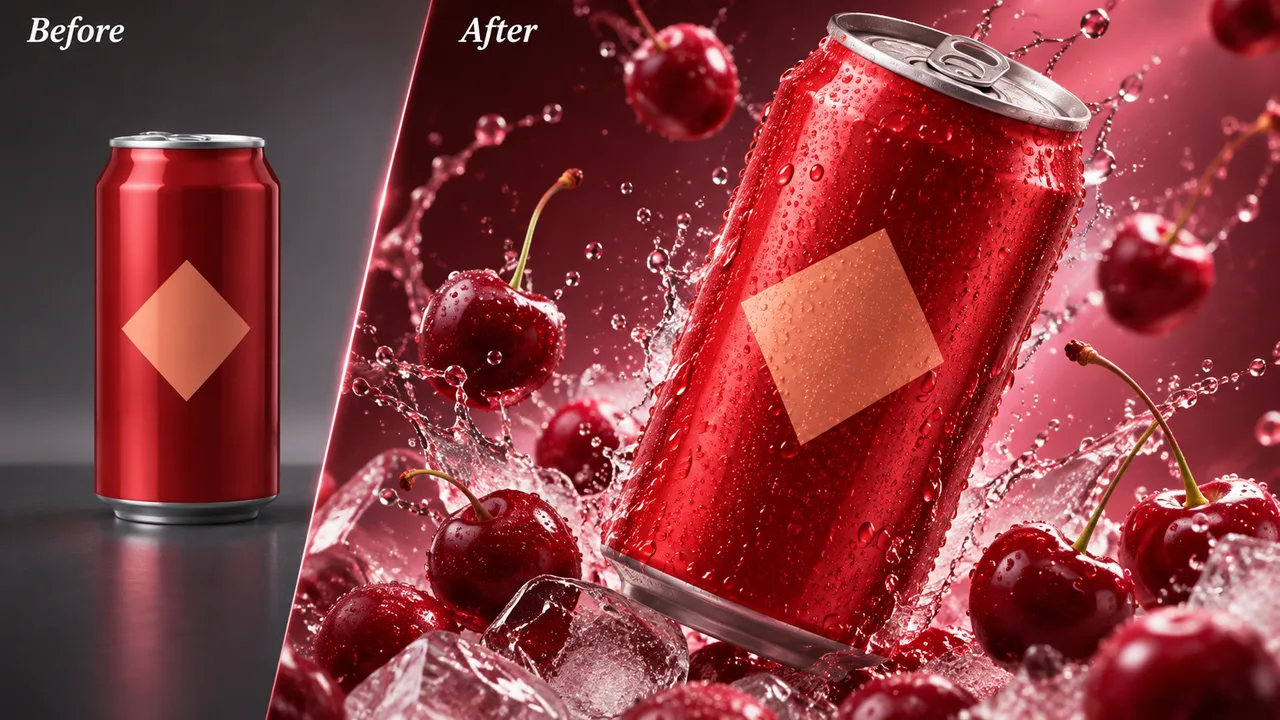
Promotional Video Maker
Use the product photo as the first frame of a short promotion. Show the product clearly and leave room for your offer.
Vertical Video Maker
Create a vertical short with an opening close-up, one clear visual action and a clean ending. Describe your subject and desired motion.
Replace Video Background
Choose a background scene or upload a reference image to change the setting around your subject.