
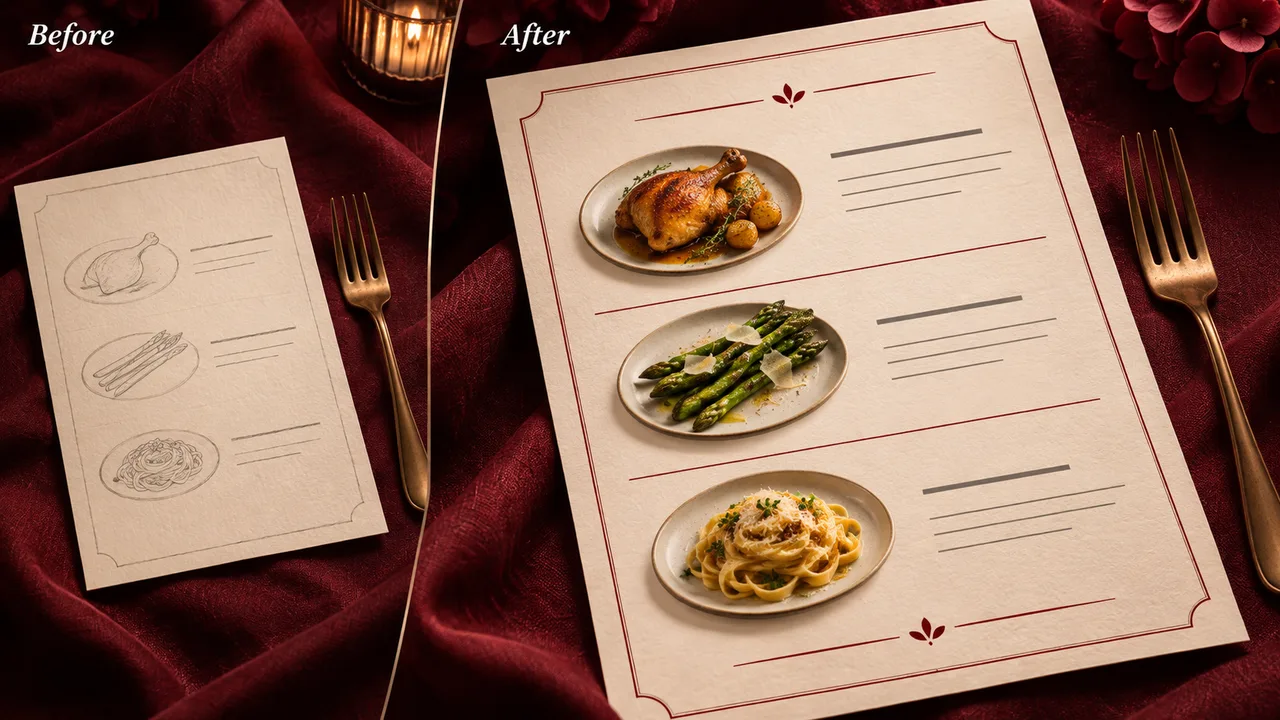
AI Menu Maker
Design readable restaurant and cafe menus online with AI. Organize categories, item names and aligned prices into a clean layout draft.
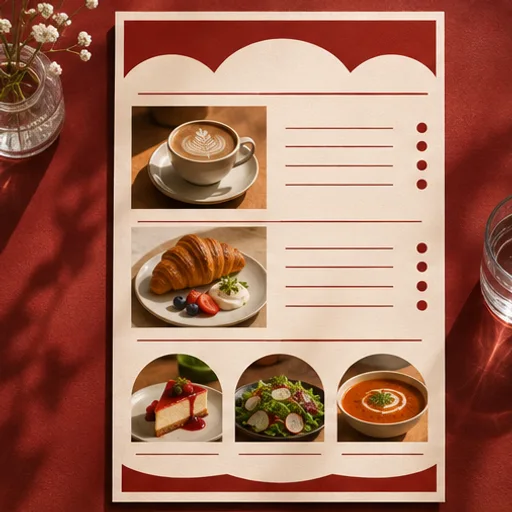
- Arrange a café menu around dish photos
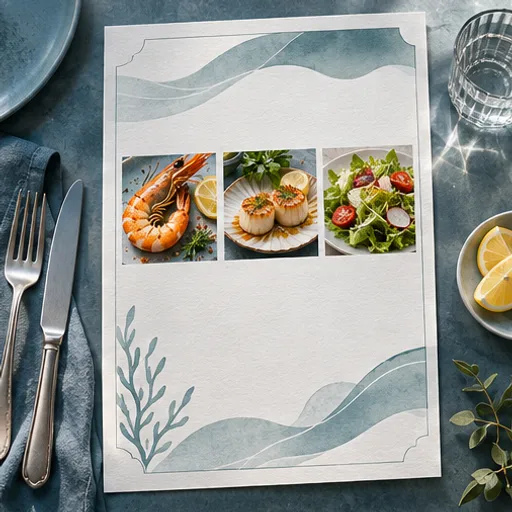
- Seafood menu layout
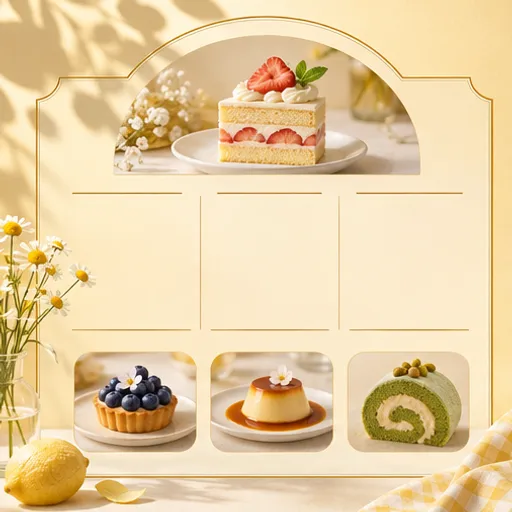
- Dessert menu with photo columns
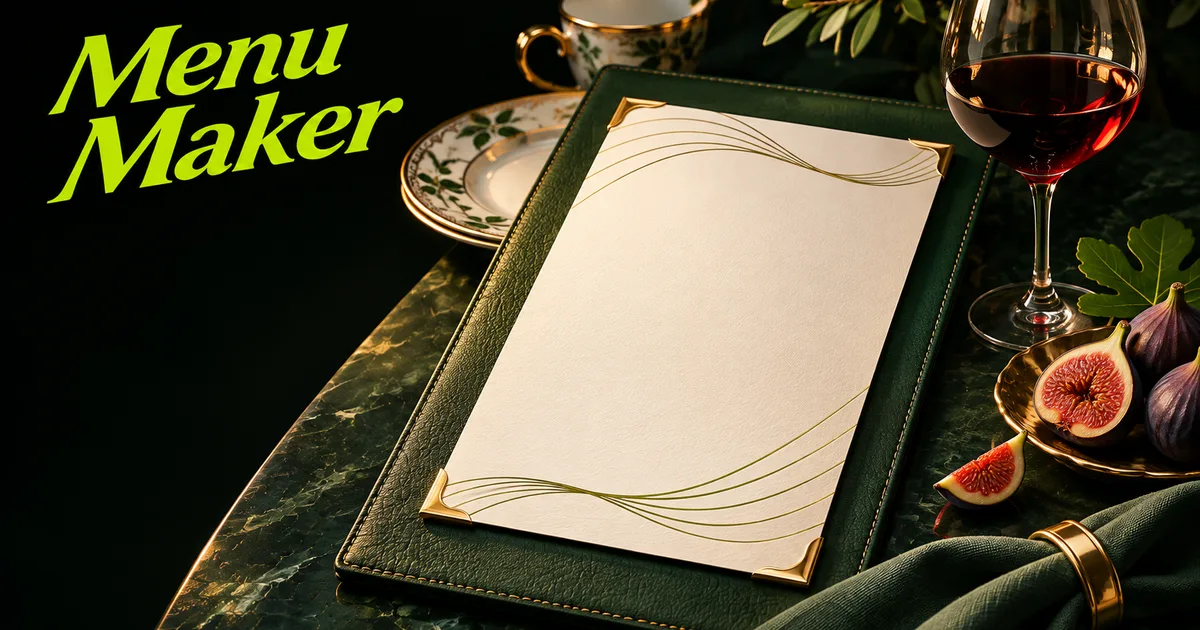
Example projects
What you can do
Illustrative comparisons
What you can change
Design a menu draft with clear groups, readable item names and aligned prices. Provide the actual items and prices.
Open workspace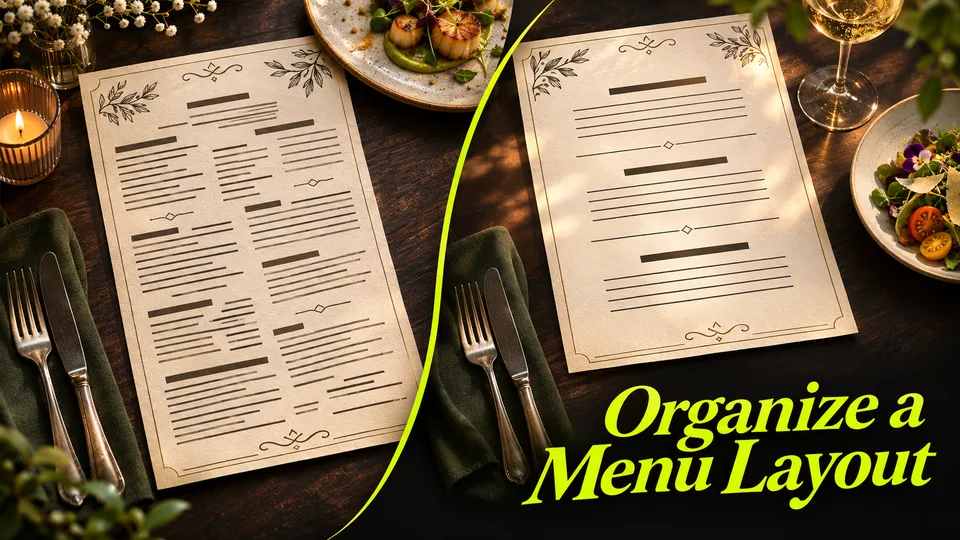
Where to use it
Arrange a café menu around dish photos · Seafood menu layout · Dessert menu with photo columns
Open workspace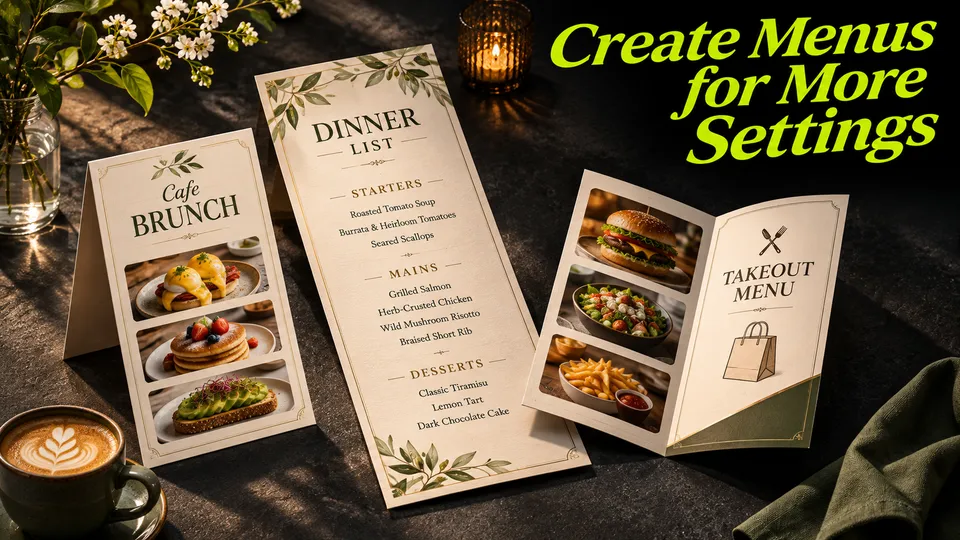
Inputs and output settings
Start with the subject, its purpose, and the composition or style you want. Use the settings in the workspace. Available aspect ratios, formats and other options depend on the current model and workflow.
Open workspace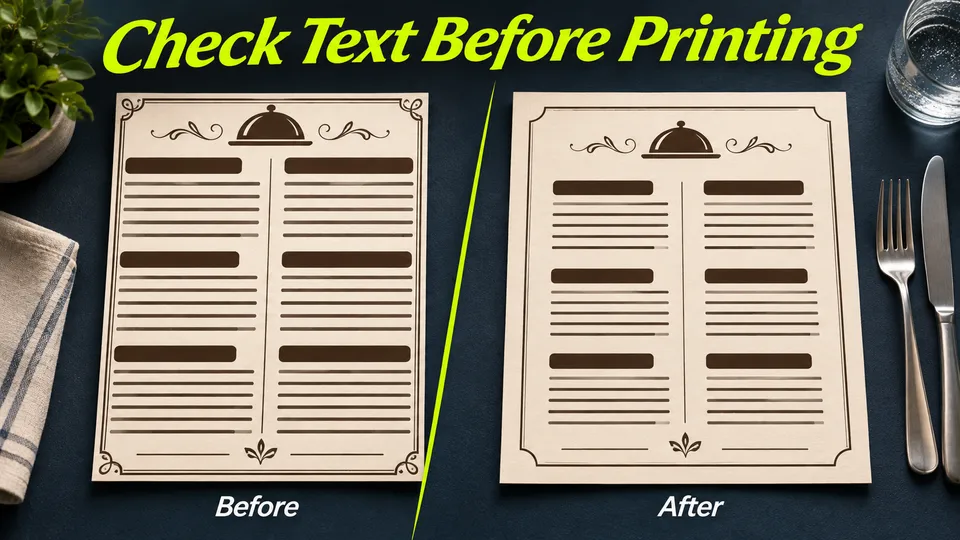
How to use this tool
Describe what you want to make
Start with the subject, its purpose, and the composition or style you want.
Review the prompt and settings
Use the suggested prompt as a starting point. Specify the change you want and the details to keep.
Preview and save
Check that the result fits your brief. Refine the prompt if needed, then download the version you want to keep.
Manual workflow vs. HHGen
Manual workflow
- Prepare the source material or write a brief
- Build and refine the result in an editor
- Check the final version and export it
 HHGen · Menu Maker
- Describe what you want to make
- Review the prompt and settings
- Preview and save
Privacy for uploads and generated images
See whether your images appear publicly and how to manage or delete them.
No automatic gallery listing
Uploads and generated images don’t automatically appear in the public gallery. Keep image URLs and share links private, as someone with a working link may be able to view the image.
Delete your uploads at any time
Uploads are stored in your assets. Sign in and open Assets → My uploads to delete them at any time.
Manage your generated images
Sign in to delete results from your assets. You can restore them from Recently Deleted while the files remain available.
FAQ
Frequently asked questions
Related tools
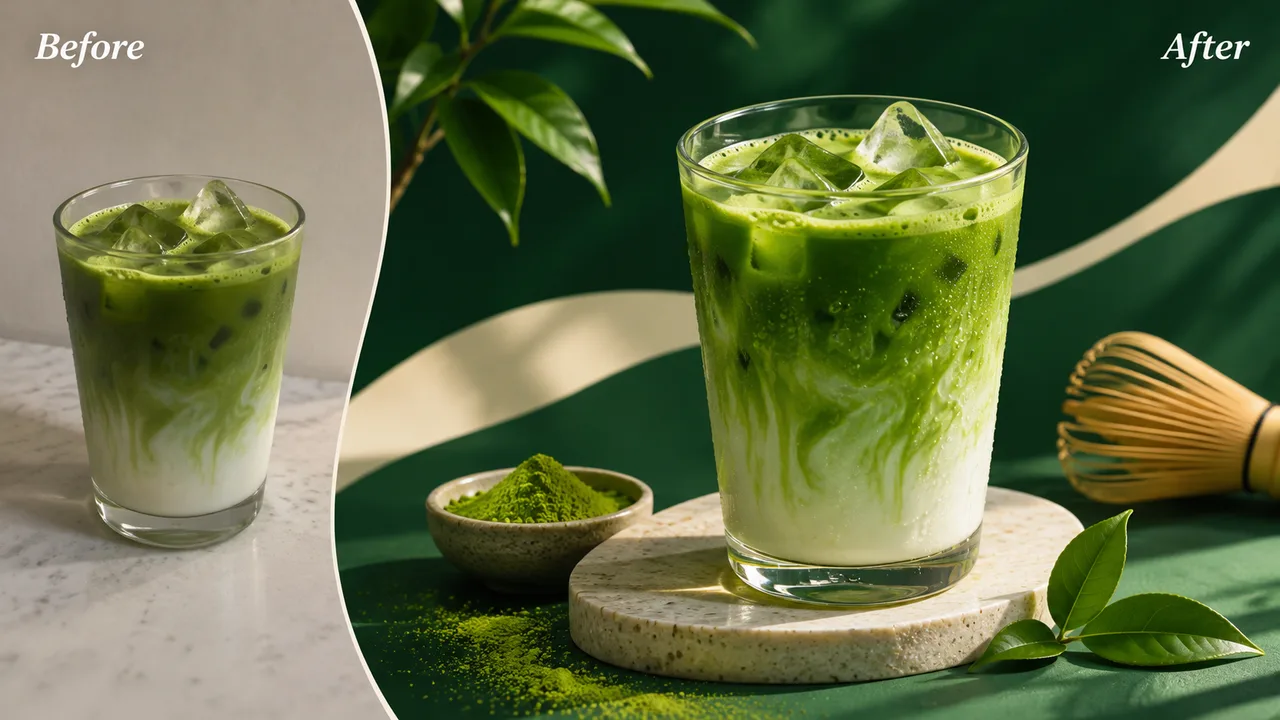
Social Post Maker
Design a square social post with one main message, a clear focal point and comfortable margins. Add your offer and brand colors.

AI Logo Generator
Draft a simple, recognizable logo concept. Supply the brand name, its field and the style you want to explore.
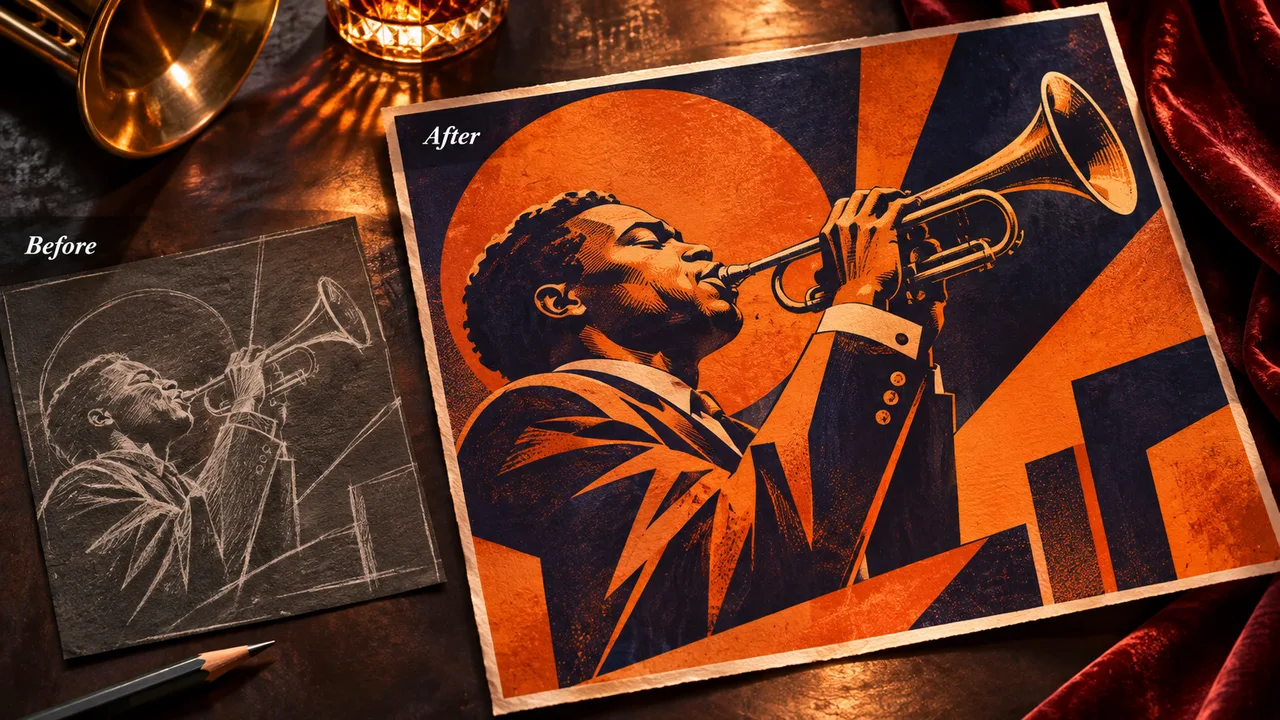
Flyer Maker
Design a single-page flyer with a clear event title, date, location and call to action. Provide the final wording.
Menu Maker
Design a menu draft with clear groups, readable item names and aligned prices. Provide the actual items and prices.